
Live orders tabs that line up on phones, one tap to call or message a guest
Live orders tabs that line up on phones
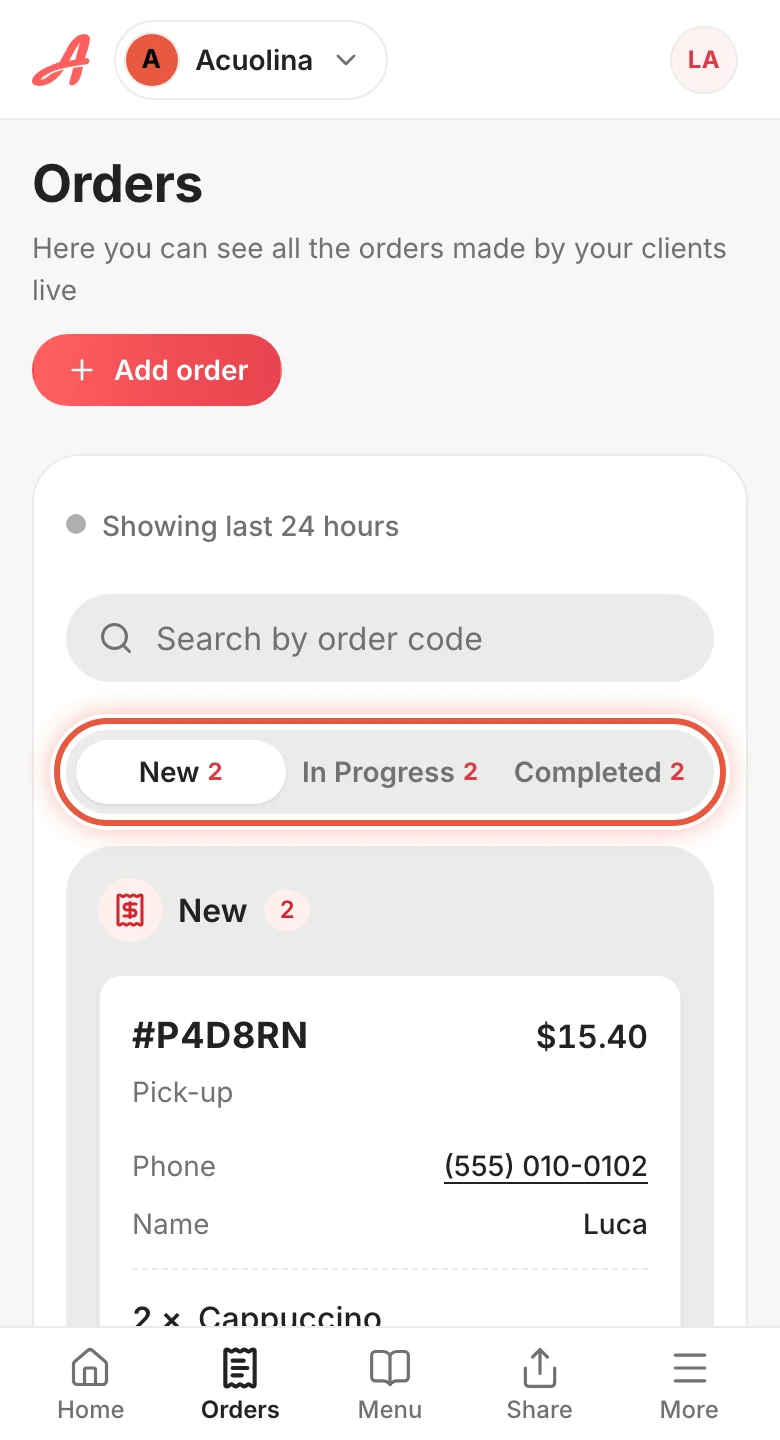
On Live, the highlight now stays on the tab you picked among New, In Progress and Completed, even on a narrow phone where a long label and its count need more room. The tabs are also a little tighter on phones, so they fit better beside each other.
Call or message a guest from the order
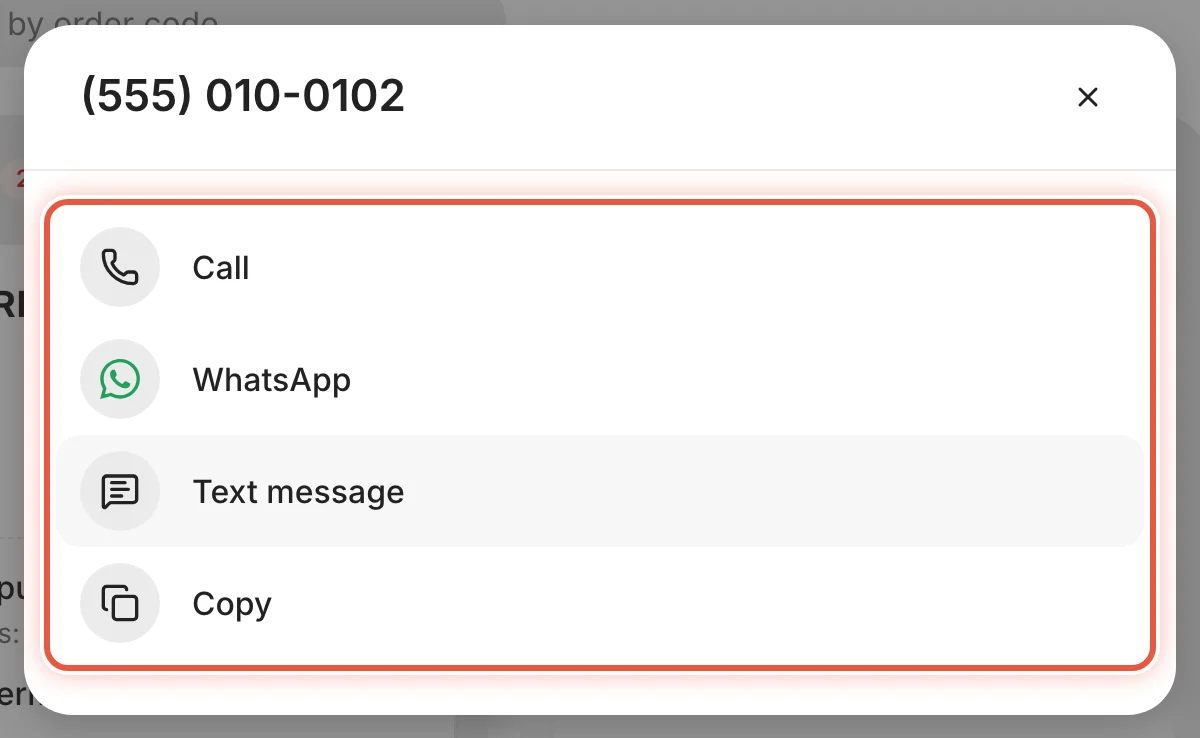
A guest's phone number and email, on the order card and in the order details, are now one underlined line. Tap the number to choose Call, WhatsApp, Text message or Copy, or the email to choose Write email or Copy, and your phone opens the right app with it filled in. For orders that came in on WhatsApp, WhatsApp comes first. Handy when an item is out and you want to check with the guest before you start.
Also new
- New stores that start from the Café & restaurant or Bar & drinks sample menu get fresh photos for their items, and two Shop items have new ones too.
Your first direct order, tonight.
Create your menu in minutes and get every Chef feature free for 14 days. Then stay on Basic for free, or upgrade.