
Here's how to claim the demo menu we built for your store: open your claim link, create a free account or sign in, and the menu is yours to edit.
Open your claim link
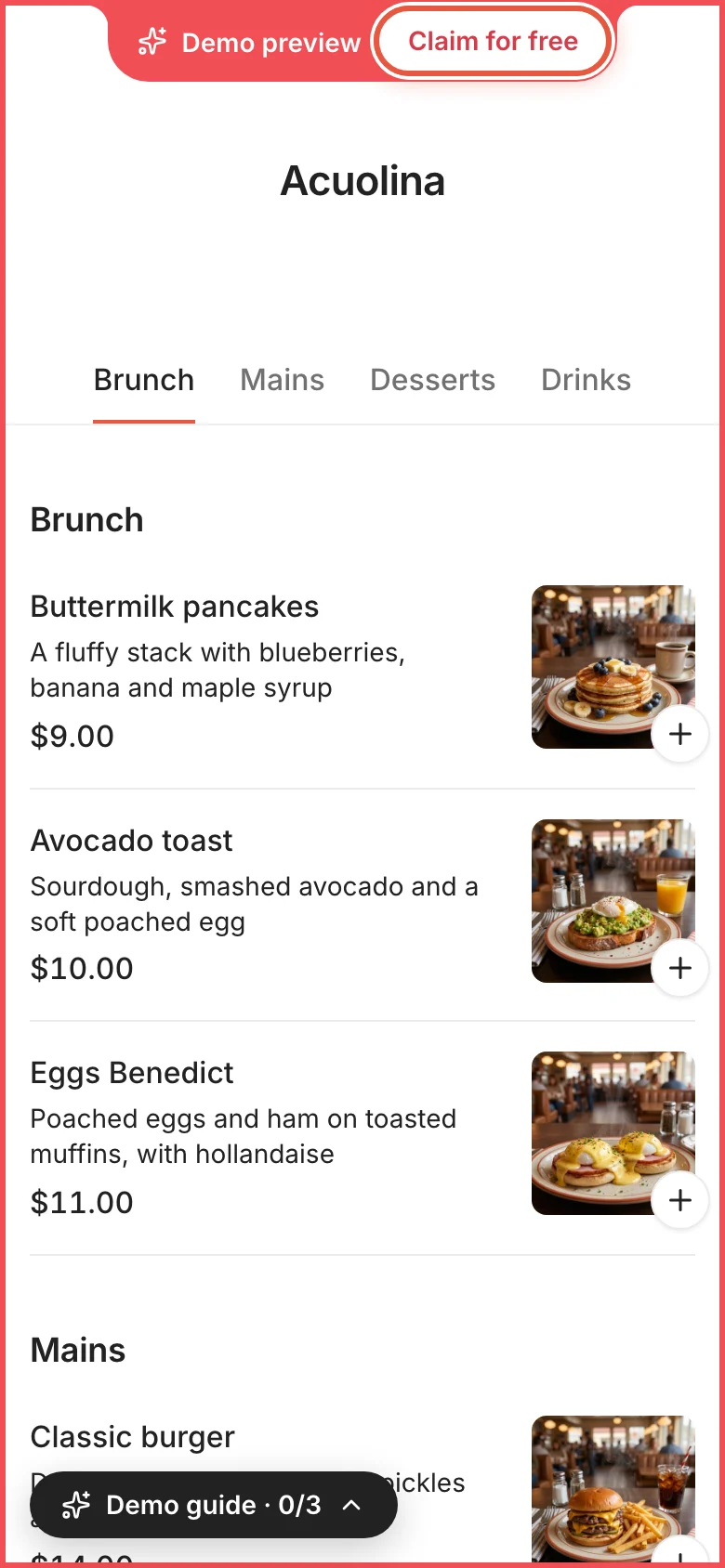
- Open the claim link in the email we sent you. It shows your free menu built for you, with its items, prices and photos.
- Select Claim for free.
Claim the demo menu
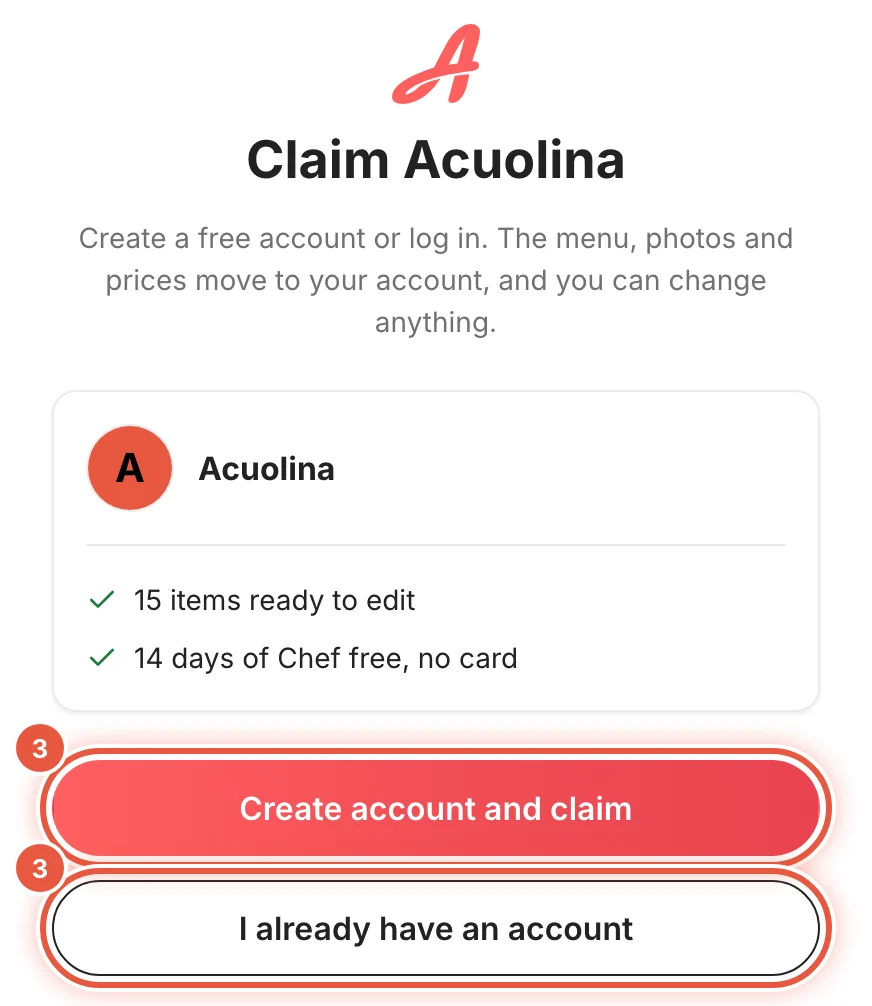
- Check the card: your store, the items ready to edit and the free days of Chef.
- Select Create account and claim, or I already have an account to sign in.
- Once signed in, select Claim this menu. Your dashboard opens with the menu in it.
Claiming starts 14 days of Chef for free, with no card. Your QR code menu keeps the same link, so codes you've already shared still work.
No claim link?
Open your menu: at the bottom, under Is this your menu?, select Claim this menu. Without the link, once you're signed in the page asks for Your phone and Send request: we check that you run the store and email you.