
Digital Menu for Restaurants: The 2026 Guide
What a digital menu is, what it costs, how it differs from menu screens, and how to set one up with QR codes and commission-free ordering.
In this article
- What should a good digital menu do?
- Digital menu, QR menu, menu board: what's the difference?
- How much does a digital menu cost?
- How do you set up a digital menu?
- Can guests order from a digital menu?
- How do you place dishes so the best ones sell more?
- Do guests actually like digital menus?
- What makes a digital menu fail?
- Your next step
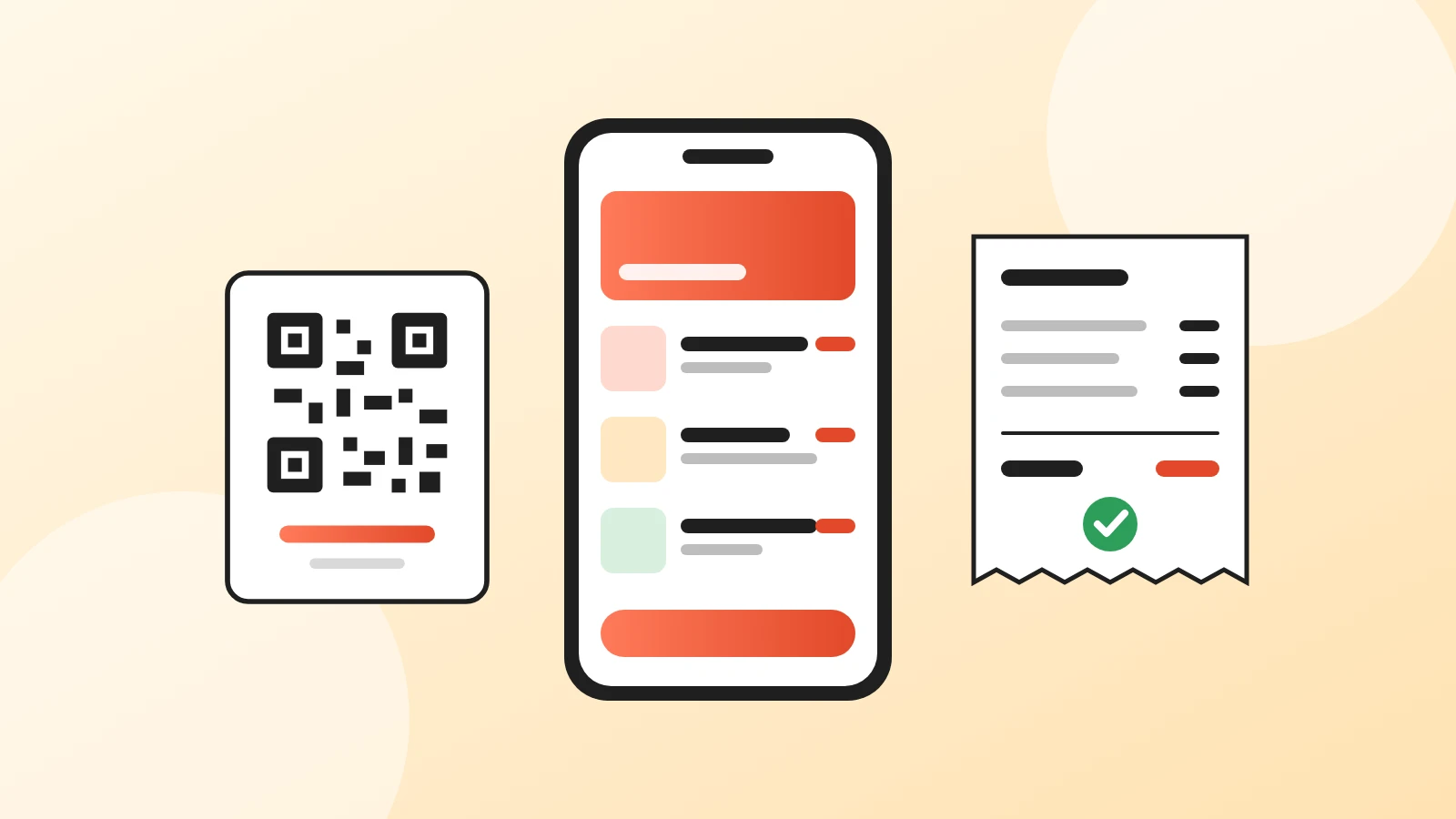
A digital menu is your restaurant's menu as a web page that guests open on their own phone, usually by scanning a QR code on the table. You can change prices and dishes in seconds, show photos, and, with the right tool, let guests order straight from it.
It is not the same as a digital menu board, the TV screen above a counter. This guide is about the menu on the guest's phone: what it is, what it costs, and how to set one up this week.
What should a good digital menu do?
If you only read one part, read this list. A digital menu is worth having when it:
- Opens in seconds on mobile data, without an app or a login.
- Fits the phone screen: sections, dish names, prices and photos, no pinching or sideways scrolling.
- Updates the moment you edit it, so the QR codes you printed never change.
- Lets guests order at the table, for pickup or for delivery, if you want it to.
- Stays clean, because guests use their own phone. Unlike a shared iPad or tablet passed from table to table, it never gets grimy.
- Costs you nothing per order. A menu tool that takes a cut of every order is a delivery app in disguise.
Everything else (themes, animations, AI descriptions) is secondary.
Digital menu, QR menu, menu board: what's the difference?
People use these words for different things, and the search results mix them up. Here is how they compare:
| Phone menu (QR) | Digital menu board | PDF behind a QR code | |
|---|---|---|---|
| Where guests see it | On their own phone | On a screen in the restaurant | On their own phone |
| Hardware | None, just printed codes | Screens, players, mounts | None |
| Update a price | Edit and save | Edit in the board software | Edit, export, re-upload |
| Readable on a phone | Yes | Not applicable | Needs zooming |
| Guests can order | Yes, with the right tool | No | No |
| Typical cost | Free to about 20 a month | Screens plus a monthly licence | Free |
A QR code menu is simply a digital menu that guests reach by scanning a code. Our QR code menu guide shows how to make one, step by step.
How much does a digital menu cost?
Less than most owners expect. The code itself is free to generate, and table cards cost a few euros or dollars to print. The real cost is the menu tool, and many have a free plan:
- Free plans usually cover one menu, a QR code and sometimes ordering, with limits on orders, items or branding. We compare them in free QR code menu options.
- Paid plans typically run from about 10 to 20 a month for one restaurant and add reports, printing or a custom design.
- Commission is the cost to watch. Some ordering tools and all delivery marketplaces charge a percentage of every order; a menu tool doesn't have to. Read commission-free ordering vs delivery apps for the numbers.
On Acuolina, the free plan includes unlimited menus with photos and up to 50 orders a month by WhatsApp or SMS. Reports, order printing and your customer list are included. The Chef plan, at $19 a month, adds unlimited orders and discounts sent to your customers by email and SMS, and new restaurants can try it free for 14 days. Plans are on the pricing page.
How do you set up a digital menu?
It takes a few minutes: write the menu for a phone screen, add photos to your best sellers, publish the menu in your tool, generate the QR code, print and place it, and turn on ordering if you want it. The full step by step, with code size, placement and the mistakes to avoid, is in our QR code menu guide.
Can guests order from a digital menu?
Yes, and this is where a digital menu earns its keep. Once the menu has a cart, it works for three kinds of orders:
- At the table. Guests order when they're ready instead of waiting for a free waiter. See QR code table ordering for how it works in a busy dining room.
- Pickup. Guests order ahead from home and collect.
- Delivery. The same menu takes delivery orders, without a marketplace in the middle.
With Acuolina, the order arrives on WhatsApp, by SMS, by email or in the live orders dashboard, depending on what you turn on. There's no commission on any of them.
How do you place dishes so the best ones sell more?
Not every dish earns you the same. Say a pasta costs you $3 in ingredients and sells for $14, so it leaves you $11. A burger costs $8 and sells for $15, so it leaves you $7. Every guest who picks the pasta instead of the burger earns you $4 more, without changing a single price. A few simple choices on the menu help guests find the dishes that pay best:
- Find those dishes first. For each dish, take the price and subtract what the ingredients cost. The ones that leave you the most, and that guests already like, are the ones to push. The Best sellers list in your Acuolina reports shows what sells most.
- Put them at the top of each section. Guests often choose from the first dishes they see. On Acuolina, you drag dishes and sections to change the order guests see.
- Give them a photo and a short, tasty description. "Fresh egg pasta, slow-cooked beef ragù, aged parmesan" makes people hungrier than "Pasta of the day". Keep it to two lines, which is what the dish card shows. The full text opens when the guest taps the dish.
- Keep prices plain. No dotted lines leading to the price, no big bold dollar signs. Guests should read the dish first and the price after.
- Don't sort a section by price. A list from cheapest to most expensive makes guests compare prices instead of dishes. Mix them, with your best ones on top.
- Keep sections short. If a section gets long, split it, for example into "Classic pizzas" and "Special pizzas", so good dishes don't get lost at the bottom.
- Suggest something to go with it. End a description with a pairing, like "Great with our homemade lemonade, $4". You can also add options to a dish, such as a large size for $3 more or extra cheese for $2.
Do guests actually like digital menus?
Not all of them, and it's worth knowing who doesn't. A 2023 survey by William Blair, reported by Restaurant Dive, found 47% of consumers weren't comfortable using QR codes to view menus, order and pay, rising to 65% among people over 60. The National Restaurant Association's 2023 industry report, cited in the same article, found 73% of Gen Z adults interested in QR menus against 46% of baby boomers.
The practical answer is not to choose one or the other:
- Make the digital menu fast and readable, so it is the easy option.
- Keep a few paper menus for guests who ask.
- Let staff take orders in person for anyone who prefers it.
What makes a digital menu fail?
The same mistakes come up again and again:
- A PDF behind the code. It looks like the paper menu, shrunk to a phone.
- A link that expires, from a free generator that later asks you to pay to keep it working.
- Outdated prices. One wrong price and guests stop trusting the menu.
- No way to order, so guests read on the phone and then wait for a waiter anyway.
Your next step
Pick a tool, put the menu online and print one table card today. Compare the free options if budget is the question, browse more QR menu guides, or create your Acuolina menu for free. Everything else we write is on the Acuolina blog.
Frequently asked questions
What is a digital menu for a restaurant?
A digital menu is your menu published as a web page that guests open on their own phone, usually by scanning a QR code at the table. It replaces or sits next to the paper menu, and you can change it any time without reprinting.
Is a digital menu the same as a digital menu board?
No. A digital menu board is a TV screen behind the counter that shows the menu to everyone. A digital menu in the sense of this guide is a page on the guest's own phone. Boards need screens and software subscriptions; a phone menu needs only a QR code.
How much does a digital menu cost?
The QR code is free, and several tools have a free plan for the menu itself. Paid plans usually start between 10 and 20 dollars or euros a month. Acuolina's free plan includes unlimited menus and up to 50 orders a month; the Chef plan, with unlimited orders, is 19 a month.
Do guests need to download an app?
No. The phone's camera reads the QR code and the menu opens in the browser. Asking guests to install an app is the fastest way to make them ask for paper instead.
Can guests order from a digital menu?
Yes, if the tool supports ordering. With Acuolina, guests add dishes to a cart and send the order to you on WhatsApp, by SMS or to the orders dashboard, with no commission.
Where should the most profitable dishes go on a digital menu?
At the top of each section, with a photo and a short description. To find them, take each dish's price minus what its ingredients cost, and look at which ones guests already order. Don't sort sections by price, and keep them short so good dishes don't get lost.
Should I still keep paper menus?
Yes, a few. Some guests, especially older ones, prefer paper or don't have a phone with them. A digital menu works best as the default, with paper on request.
Can a digital menu show several languages?
Many tools can. Acuolina shows the menu interface in the guest's language, which helps in tourist areas; you still choose how dish names and descriptions are written.
Keep reading
QR menus
Free QR Code Menu: 5 Options Compared (2026)
What free QR code menu plans really include in 2026, from order caps to missing features and commissions, compared side by side with their sources.
QR menus
QR Code Table Ordering: How It Works and Costs
How QR code ordering at the table works, from scan to kitchen, what it costs compared with waiters and kiosks, and how to roll it out without losing guests.
QR menus
QR Code Menu: How to Make One in 6 Steps (2026)
How to make a QR code menu in 6 steps: what to put on it, where to place the code, the mistakes that send guests back to paper, and how to take orders.
Your first direct order, tonight.
Create your menu in minutes and get every Chef feature free for 14 days. Then stay on Basic for free, or upgrade.