
A Google review button on your menu, your WhatsApp number on Ordering, dates in Reports
A Google review button on your menu
Paste your store's Google review link under Social links on the Store page, and guests get a Leave a review button at the bottom of your menu, under your social links. Right after they order, they see it again with a short nudge: Enjoyed it? Tell others on Google. Happy guests are only one tap from a review, while the meal is still fresh in their mind.

Your WhatsApp or SMS number, right on Ordering
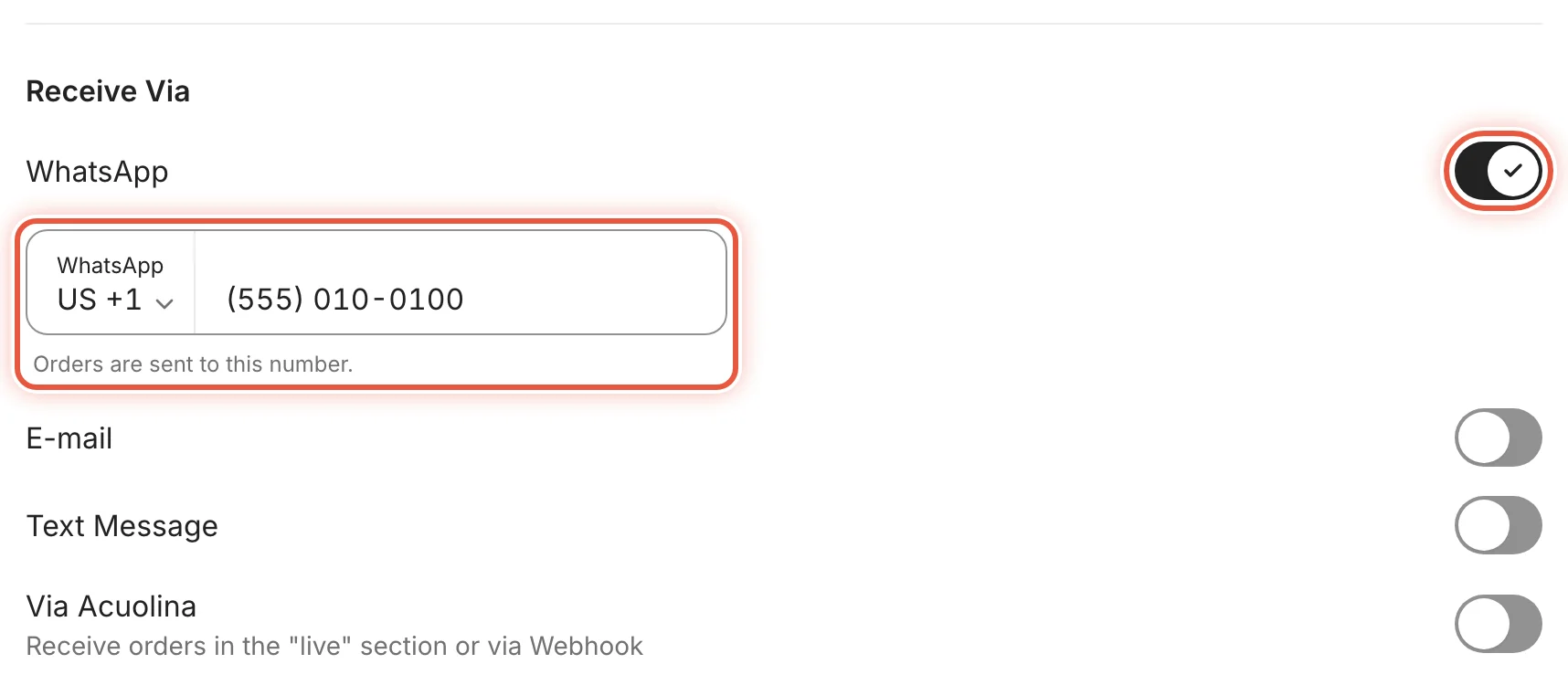
On Ordering, turning on WhatsApp or Text Message now shows the number orders are sent to, right under the switch, ready to change. The same number is used for every order type, and Save checks it's a real number before your orders depend on it. The email that receives orders is shown under its switch too. More on WhatsApp orders.
Any range of days in Reports
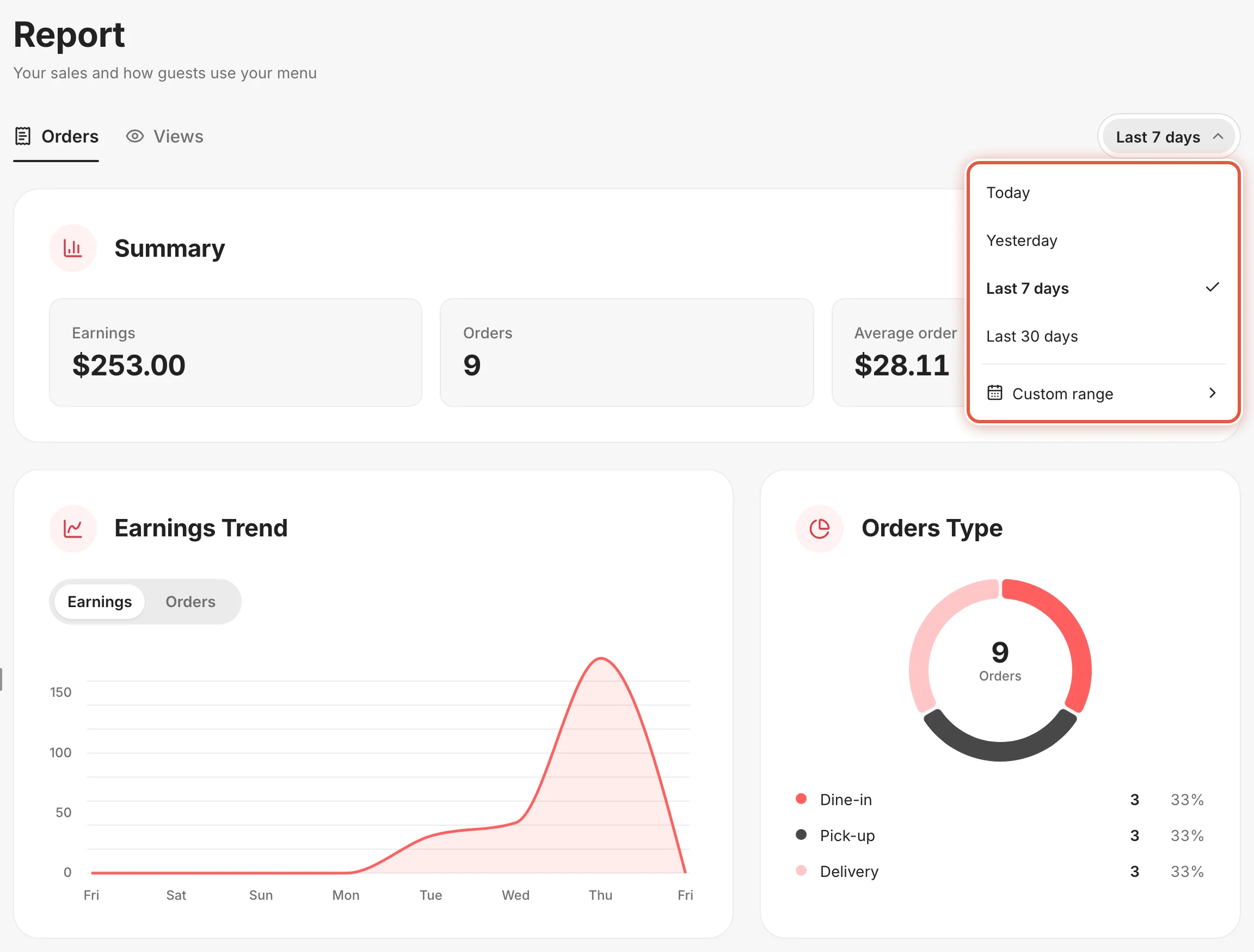
Report now opens on Last 7 days instead of a calendar week that ran into days still to come. Pick Today, Yesterday, Last 30 days or a Custom range of up to 31 days on a calendar, and every figure is compared with the same number of days just before. The Orders and Views tabs share the range you picked.
Also new
- The Store page opens each tab straight on its form, with Save ready once you change something, and asks before you leave with changes not saved.
- Your welcome and password emails, and the order summary guests get by email, have a new, simpler look that reads well on any phone.
- The setup wizard's first step only asks for your store's name. Your logo, phone and address come later, as steps of the guide on Home.
- On phones, the menu and item editors' Preview button floats above the Save bar.
- The free allergen chart maker turns your items and their allergens into a chart to print for your counter or menu.
- The dashboard shows its version next to Settings, and offers a refresh when a newer one is out.
- A menu without a logo no longer shows a tile with your store's first letter.
- The dashboard opens faster, above all for owners with several stores.
Your first direct order, tonight.
Create your menu in minutes and get every Chef feature free for 14 days. Then stay on Basic for free, or upgrade.