
A cleaner dashboard, item trends in Reports, sparklines on Home, order limit emails
A cleaner dashboard
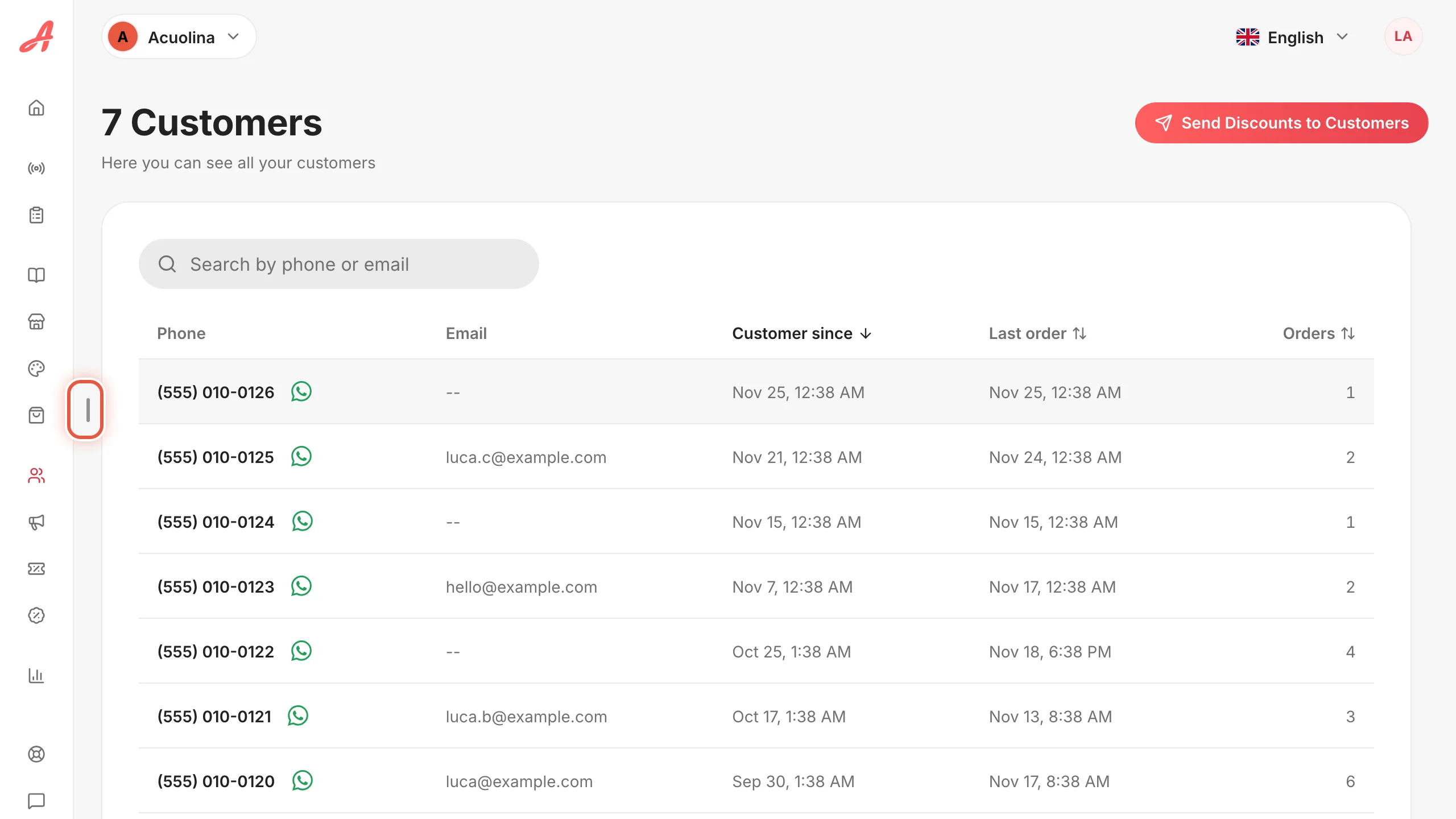
Every page of the dashboard now opens with a large title, a short line on what the page is for, and its actions at the end. On a computer, the sidebar has a small handle on its edge: click it to fold the sidebar into a rail of icons and give the page more room, and click again to bring the labels back. While it's folded, each icon names itself when you point at it, and the dashboard remembers your choice next time. On phones nothing changes.
Item trends in Reports
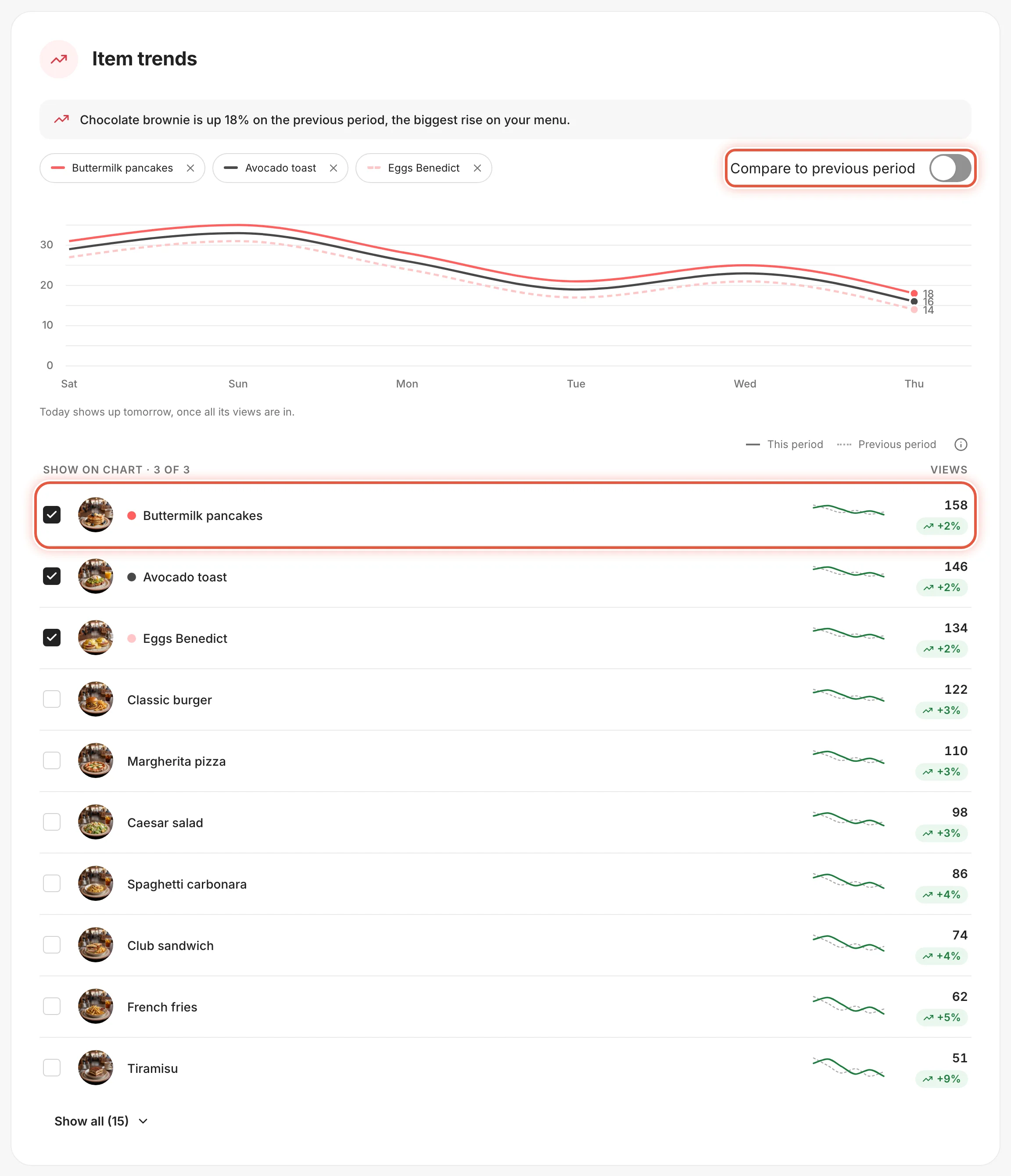
In Report › Views, every item now has a small sparkline of its views over the days you picked, with its change against the same number of days just before, in green or red. Tick up to 3 items to see their lines together on one chart, and turn on Compare to previous period to draw the earlier days beside them. A line above the chart names the item that rose the most, so you can see at a glance what guests are looking at. More on reports.
Sparklines on Home
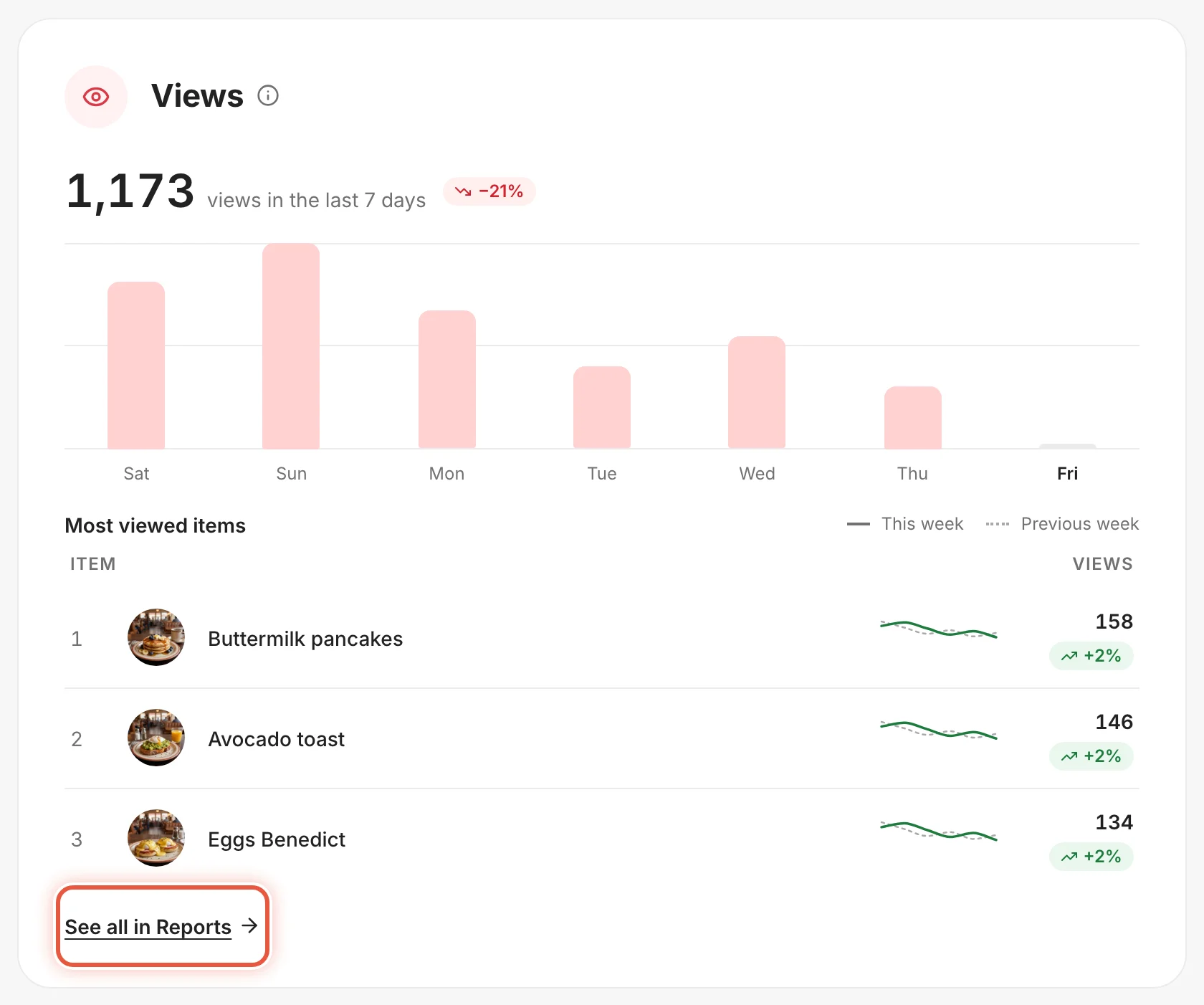
The Most viewed items list on Home now shows each item's sparkline for this week over the previous week, and how much its views went up or down. See all in Reports opens the full list with the trends above.
A heads-up before the monthly order limit
The Free plan includes 50 orders a month. When your store receives its 40th order of the month, we email you to say how many are left; at the 50th, we email again to say the limit is reached and on which day guests can order again. Your menu stays online the whole time. The emails go to every owner and to the store's email, in your language, once each a month, with an Upgrade to Chef button in case you'd rather not have a limit. Stores on Chef or on a trial don't get them.
Your first direct order, tonight.
Create your menu in minutes and get every Chef feature free for 14 days. Then stay on Basic for free, or upgrade.