
Here's how to change the dashboard language. The languages available are English, Italiano, العربية, Français, Español and Português.
Change the dashboard language
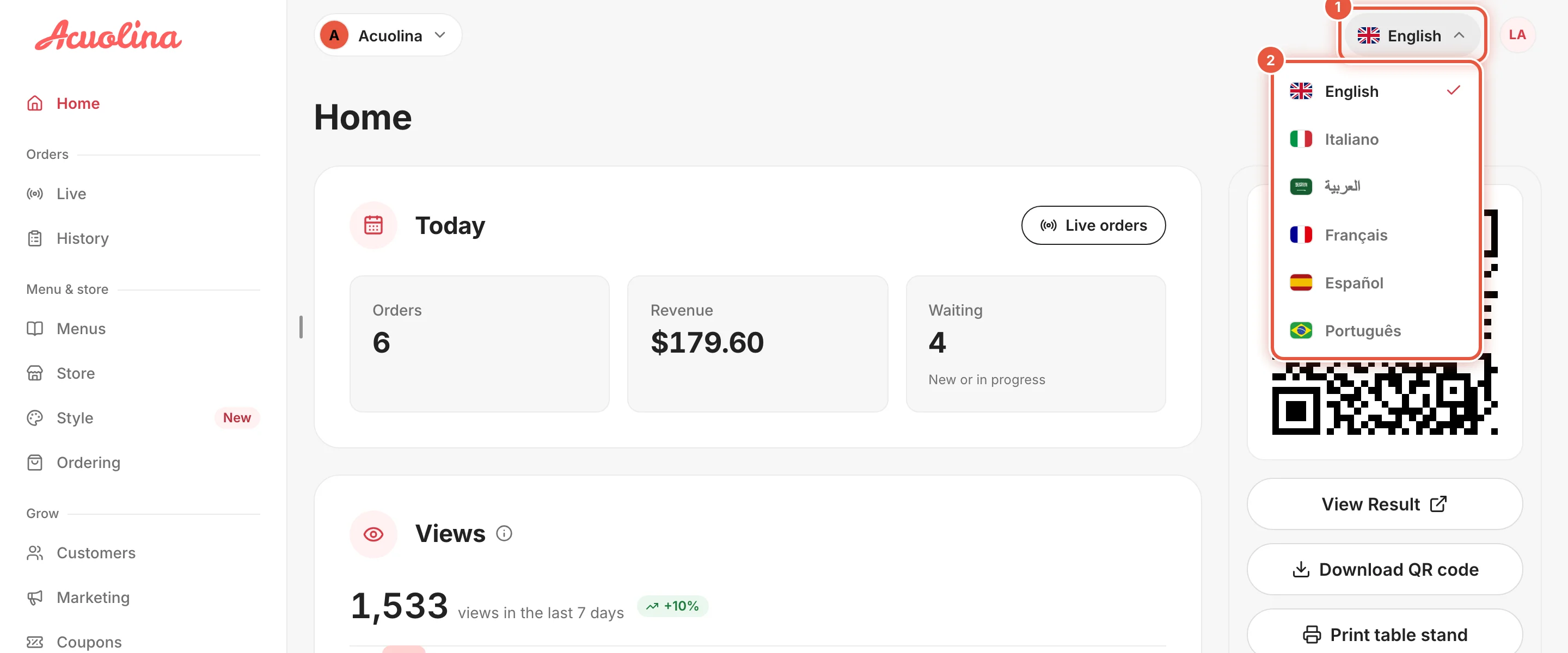
- Select the language button in the dashboard's header, beside your initials. On a phone, it's under More.
- Pick your language. The dashboard switches at once, and the emails we send you follow it.
Your menu language
The menu language guests see follows the link:
- Your menu's link and QR code open in the dashboard's language when you copy or download them, so switch first, then share.
- Guests see the menu's buttons and labels in that language. Item names and descriptions stay as you wrote them.
Serving guests in two languages? Share a QR code menu link in each: download the code, switch language, and download it again.