How to Add Your Menu to Instagram (2026 Guide)
Put your restaurant menu on Instagram: a menu link in your bio, a link sticker, a Menu highlight, and why the Order food button only takes delivery apps.
In this article
- How do you put your menu on Instagram, in short?
- What are the advantages of having your menu on Instagram?
- What are the ways to show a menu on Instagram?
- How do you add your menu link to your Instagram bio, step by step?
- Why not just post the menu as photos or a PDF?
- How do you add your menu to Stories and a highlight?
- Can the Order food button open your own menu?
- Should you add a WhatsApp button too?
- What does Acuolina add?
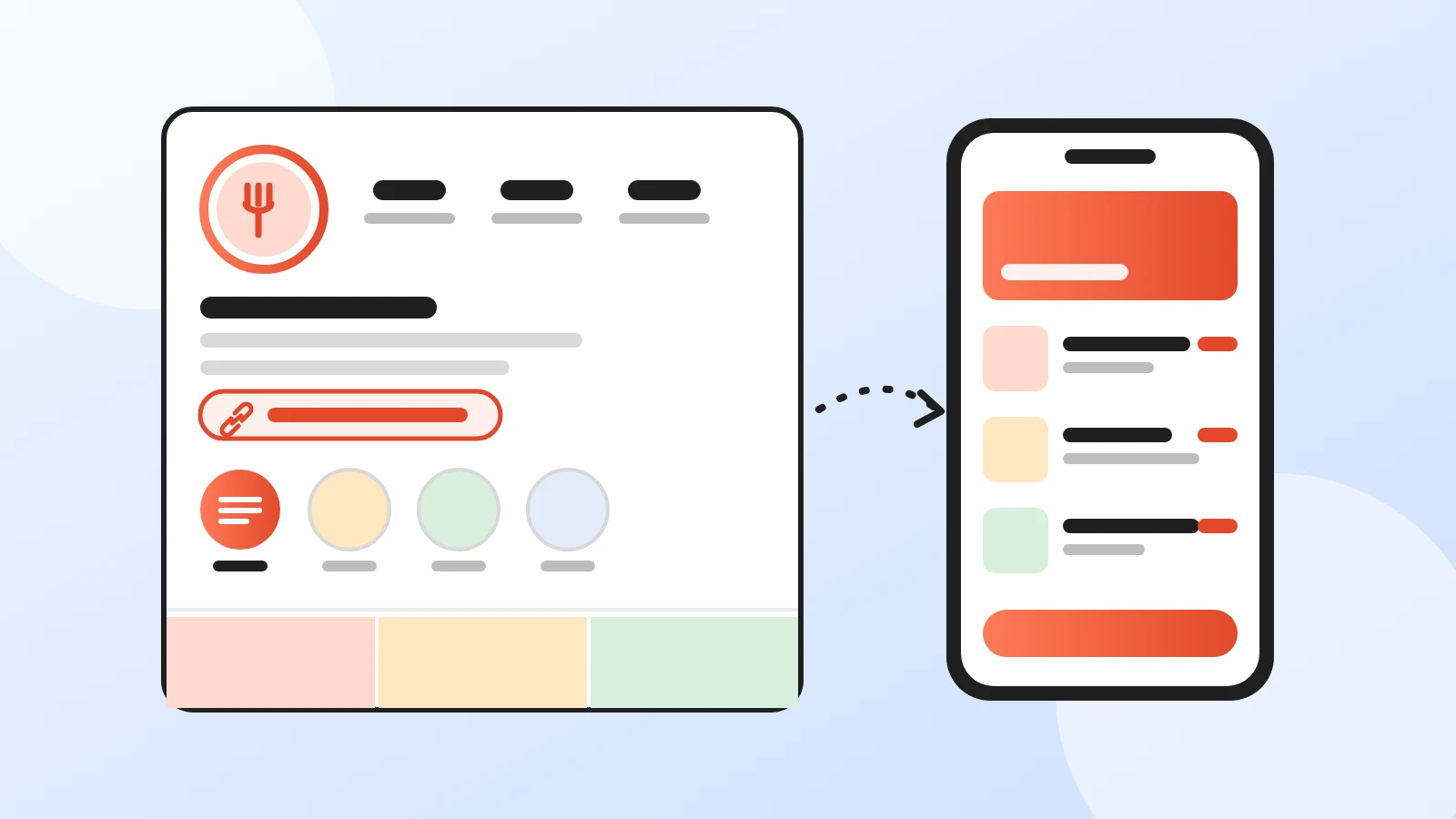
To add your menu to Instagram, put a link to your online menu in your bio: go to Profile > Edit profile > Links > Add external link, paste the link and tap Done. Then share the same link in a story with the Link sticker and save that story to a highlight called "Menu", so it stays on your profile. Instagram has no menu field for restaurants, so the link is your menu, and it's the only version you never have to repost when a price changes.
Every step below comes from Instagram's and WhatsApp's help pages, checked on 26 October 2026. Labels can differ a little between iPhone and Android, so if a button has another name on your screen, look for the same words nearby.
How do you put your menu on Instagram, in short?
- Use a link, not just photos. One link that opens your real menu page, first in your bio links.
- Say what the link is. Your bio has 150 characters. Use a few of them for "Menu and orders below".
- Repeat it in stories. Add the Link sticker to a story, then keep that story in a "Menu" highlight.
- Pin your best menu post. You can pin up to 3 posts to the top of your profile.
- Don't count on the Order food button for your own link. It connects to partner services, mostly delivery apps.
- Keep one price everywhere. Instagram, Google and the table should all open the same menu.
What are the advantages of having your menu on Instagram?
Someone sees your reel or a friend's story, opens your profile, and looks for two things: what you serve and how to order. A menu one tap away answers both before they scroll off.
- Fewer "can you send the menu?" messages. The answer is already on your profile, for anyone, at any hour.
- A shorter path from post to order. A guest goes from a story to your menu to the cart, instead of from a DM to a phone call.
- One update, everywhere. The same link sits in your bio, your stories, your Google profile and your QR code on the table. Change a price once and every one of them shows it.
- No commission on your own link. Orders that come through your menu page aren't delivery app orders, so no one takes a cut.
- Your posts can reach Google. Instagram says search engines like Google and Bing may show photos and videos from public professional accounts whose owner is 18 or older. A good dish photo can bring someone to your profile, and the profile sends them to the menu.
The advantage only works if the menu behind the link is easy to use on a phone. A blurry photo of a printed menu turns a ready-to-order guest into a DM you have to answer by hand.
What are the ways to show a menu on Instagram?
Instagram offers several places for a menu, and they work best together.
| Option | What the guest sees | Good for | Watch out for |
|---|---|---|---|
| Link in bio | Your menu link under your bio, up to 5 links | The main way in, always there | Up to 5 links, so put the menu first |
| Story with Link sticker | A tappable sticker on a story | Today's specials, new dishes | A story disappears after 24 hours unless you highlight it |
| "Menu" highlight | A circle under your bio that opens saved stories | A permanent menu shortcut | Images of a menu go out of date with every price change |
| Pinned post or carousel | Menu photos at the top of your grid, up to 20 images in a carousel | Showing your dishes | Guests can't order from a photo |
| Order food button | A button on your profile | Restaurants already on a partner delivery app | Partners only, one button at a time, rolling out gradually |
| WhatsApp contact | A way to message your WhatsApp Business number | Questions and bookings | Orders arrive as free text you have to read and retype |
Sources: Add a website to your profile, Story highlights, Pin a post, Carousel posts and Action buttons, Instagram Help Center, checked 26 October 2026.
How do you add your menu link to your Instagram bio, step by step?
- Copy your menu link. On Acuolina, it's under the QR code on your dashboard home, with a Copy link button next to it.
- Open your profile. Tap Profile or your profile picture in the bottom right.
- Add the link. Tap Edit profile, then Links, then Add external link. Paste the link, give it a title such as "Menu and orders" if you're asked, and tap Done.
- Put it first. If you have more than one link, go to Edit profile > Links, tap Options, then Reorder links, and drag the menu to the top.
- Point to it in your bio. Tap Edit profile and write a short line in Bio, for example your opening hours and "Order from the menu below". The bio limit is 150 characters.
- Test it like a guest. Open your profile from a friend's phone or a browser where you aren't logged in, tap the link and place a test order.
Instagram lets you add up to 5 links. If you pay for a Meta One subscription, Meta's link page can hold up to 20, but a restaurant rarely needs more than the menu, reservations and maybe a delivery app.
One more Acuolina detail: add your Instagram handle in your restaurant profile on Acuolina, and your menu shows it in the footer. Guests who found you on the table QR code can follow you from there, and the loop closes both ways.
Why not just post the menu as photos or a PDF?
Many restaurants post a photo of the printed menu and stop there. It's a reasonable start, but it has costs:
- Every change means a new post. The old photo stays in your grid and your highlight, so someone will find last month's prices.
- There's no PDF post. Instagram posts are photos and videos, so a PDF menu becomes a set of screenshots with small text that guests have to zoom into.
- Guests can't order from a picture. They message you, you answer, they ask about the sauce, you type the order into your system by hand.
- Google won't take it as your menu. Google's business links policy doesn't allow social media links as a menu link, so you need a real menu page for Google anyway. Our guide on adding your menu to Google covers that side.
Photos still have a job: show your best dishes and send people to the link. Use them as the shop window, and let the link be the counter.
How do you add your menu to Stories and a highlight?
The link sticker is how you put a tappable link in a story:
- Take or upload a photo or video for your story, for example a dish you're proud of.
- Tap the sticker icon at the top and choose Link.
- Paste your menu link and tap Done.
- Place the sticker where it's easy to see and tap it to change its color.
- Share the story.
Instagram says new accounts and accounts that repeatedly break its community guidelines don't get the link sticker. Its stickers page also says that not all stickers are available to everyone, and to update the app if you can't find one.
A story lasts 24 hours. To keep it on your profile, save it to a highlight:
- Go to your profile and tap New. If you don't see New, tap Story highlight.
- Select the menu story or stories and tap Next.
- Tap Edit cover, choose a cover and name the highlight "Menu". Tap Add.
Highlights stay visible until you remove them, even after the original story has gone. The sticker points to your menu link, not to a picture of your prices, so you only update the highlight when you want a new image, not every time a price changes: the link opens today's menu.
For posts, pin one menu post: tap the post, tap Options and choose Pin to main grid. A carousel of your best dishes with "Full menu at the link in our bio" in the caption works well.
Can the Order food button open your own menu?
This is where many guides go quiet. Instagram business accounts can show one action button at a time: Book now, Reserve or Order food. To add one, you go to Edit profile, tap Action buttons under Public business information, pick the button and connect it to a partner service, then tap Done. Instagram says the feature is being gradually introduced and may not be available to you yet, and that you need an existing account with the partner.
The partners are the catch. Instagram's food ordering partner list is made of delivery apps and ordering platforms:
| Country | Food ordering partners listed by Instagram |
|---|---|
| United States | Allset, Caviar, ChowNow, delivery.com, DoorDash, Grubhub, LoyLap, Postmates, Ritual, Seamless, Slice, SpeedETab, Toast, Uber Eats |
| United Kingdom | Chatfood, Deliveroo, Flipdish, JustEat, LoyLap, Ritual, Uber Eats |
| Brazil | aiqfome, Goomer Go, iFood, Rappi, Uber Eats |
| Italy and France | Deliveroo, Glovo, JustEat, Uber Eats |
| Spain | Chatfood, CoverManager, Deliveroo, Flipdish, Glovo, JustEat, Uber Eats |
| UAE | Chatfood, Deliveroo, Talabat, Zomato |
| Saudi Arabia | Chatfood, Talabat |
Source: Instagram food order partners, checked 26 October 2026. Instagram says that if your country isn't listed, partners may not be available.
We found no option in Instagram's help pages to connect the Order food button to your own link, and Acuolina isn't on the partner list. The same goes for the Food orders sticker in stories, which also sends guests to a partner. If you already sell on one of those services, the button can make sense. Just check its fees first: on a delivery app, every order through the button pays that app's commission. Our comparison of commission-free ordering vs delivery apps works through what that costs.
For orders without commission, the bio link is the button.
Should you add a WhatsApp button too?
It's worth having, as long as it isn't your only way to order. If you use the WhatsApp Business app, you can link it to Instagram: in WhatsApp Business, open the Tools tab, tap Facebook & Instagram, then Instagram > Continue, and log in. WhatsApp says you need a professional Instagram account and the latest versions of both apps, and that your number is used to let customers message you on WhatsApp from your Instagram profile. Not every Instagram business category is supported; if yours isn't, WhatsApp asks you to change it.
The limit is what arrives. A chat gives you "two margheritas, one without basil, is the delivery free?", and you rebuild the order yourself. A menu link gives you a finished order. On an Acuolina menu, guests pick dishes, choose variants or a half-and-half pizza, and send a complete order to your WhatsApp or by SMS. So use both: the menu link for orders, WhatsApp for questions.
What does Acuolina add?
Acuolina covers the part Instagram doesn't: a free menu page with a cart, orders to your WhatsApp or by SMS, and no commission on any plan. If you're starting from scratch, the digital menu guide covers what to put on the menu, and free QR code menu options compares the free tools. Taking orders at the table too? See how QR code table ordering works. You'll find more in our restaurant marketing guides and QR menu guides, the plans are on the pricing page, and you can create your free menu whenever you're ready.
Frequently asked questions
How many links can I add to my Instagram bio?
Up to 5. Instagram's help page says you can add up to five websites to your profile, and anyone on or off Instagram can see them. With a paid Meta One subscription, Meta's link page can hold up to 20 links.
Do I need a business account to put a menu link in my bio?
No. Instagram's steps for adding a website to your profile don't ask for a professional account. You need a business account for the action buttons, such as Order food, and a professional account to show a WhatsApp Business contact on your profile.
Can I connect the Order food button to my own menu?
Not according to Instagram's help pages. The button connects to an online service from Instagram's partner list, and you need an existing account with that partner. The partners are delivery apps and ordering platforms, and we found no option to paste your own link.
Why don't I see the Order food button on Instagram?
Instagram says action buttons are being gradually introduced and may not be available to you yet. They are for business accounts, and food ordering partners are listed country by country. If your country isn't listed, there may be no partner to connect.
Can I upload a PDF menu to Instagram?
Instagram posts are photos and videos, so a PDF has to become screenshots, and a carousel holds up to 20. That works for a look at your dishes, but every price change means new images. A link to a menu page stays current.
Does everyone get the link sticker in Stories?
Instagram opened link stickers to everyone in October 2021, but new accounts and accounts that repeatedly break its guidelines don't get them. Its stickers page also says that not all stickers are available to everyone, so update the app if you can't find it.
Will my Instagram menu show up on Google?
Partly. Instagram says Google and Bing may show photos and videos from public professional accounts whose owner is 18 or older. But Google won't accept a social media link as the menu link on your Business Profile, so Google still needs a real menu page.
Keep reading
Restaurant marketing
Add Your Menu to Google Business Profile (2026)
How to put your menu link, dishes and ordering links on your Google Business Profile, step by step, with what Google allows and what it removes.
QR menus
QR Code Menu: How to Make One in 6 Steps (2026)
How to make a QR code menu in 6 steps: what to put on it, where to place the code, the mistakes that send guests back to paper, and how to take orders.
Online ordering
Commission-Free Online Ordering vs Delivery Apps
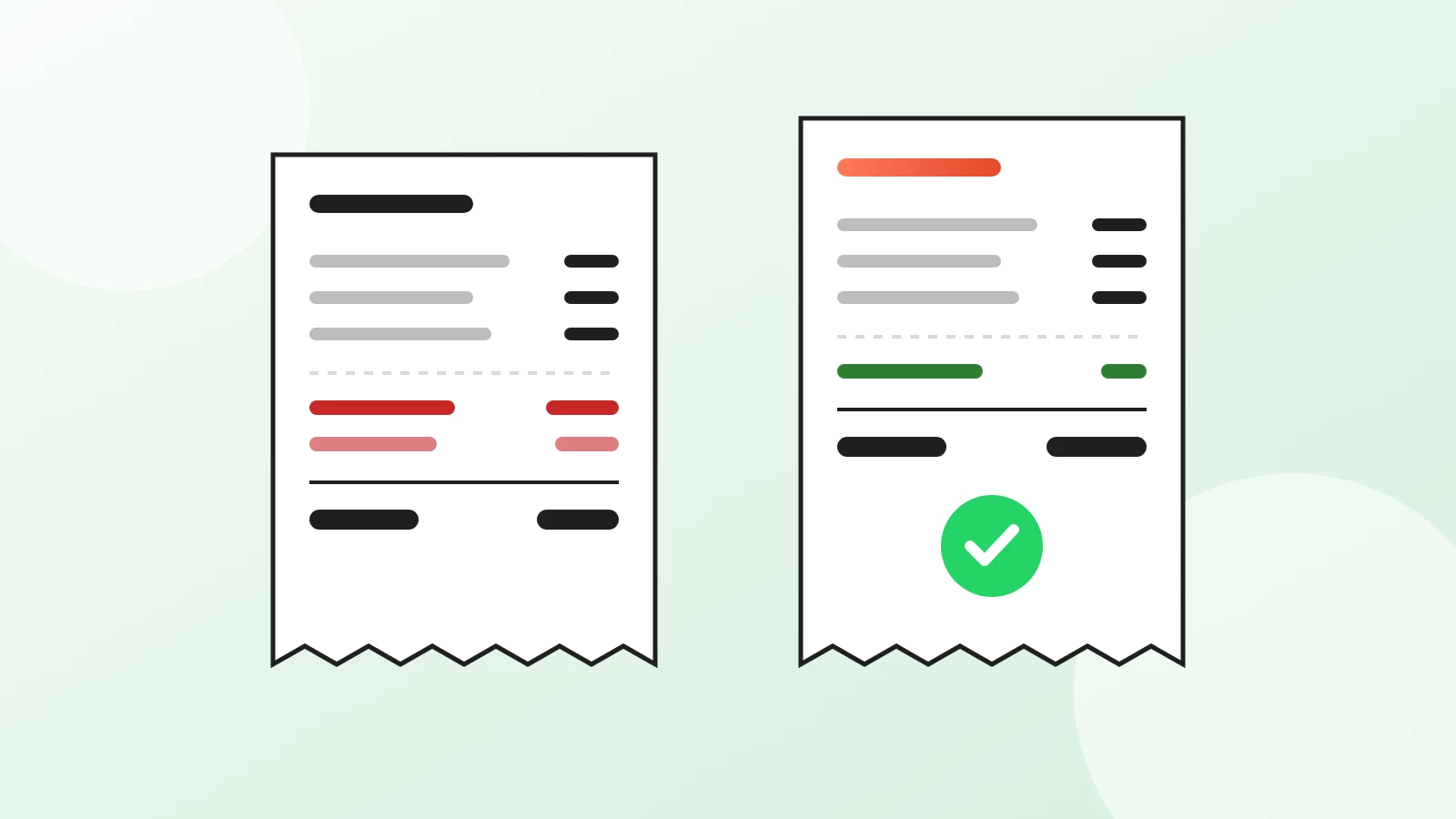
DoorDash charges restaurants 15% to 30% on delivery orders. See the math on a real order and when commission-free online ordering pays off.
Your first direct order, tonight.
Create your menu in minutes and get every Chef feature free for 14 days. Then stay on Basic for free, or upgrade.