Add Your Menu to Google Business Profile (2026)
How to put your menu link, dishes and ordering links on your Google Business Profile, step by step, with what Google allows and what it removes.
In this article
- How do you get your menu on Google, in short?
- What are the ways to put a menu on Google?
- How do you add a menu link, step by step?
- Why can't your menu link be a WhatsApp link?
- Should you also fill in Google's menu editor?
- How do you add an order link so a delivery app isn't the first button?
- What won't Google let you do?
- What does Acuolina add?
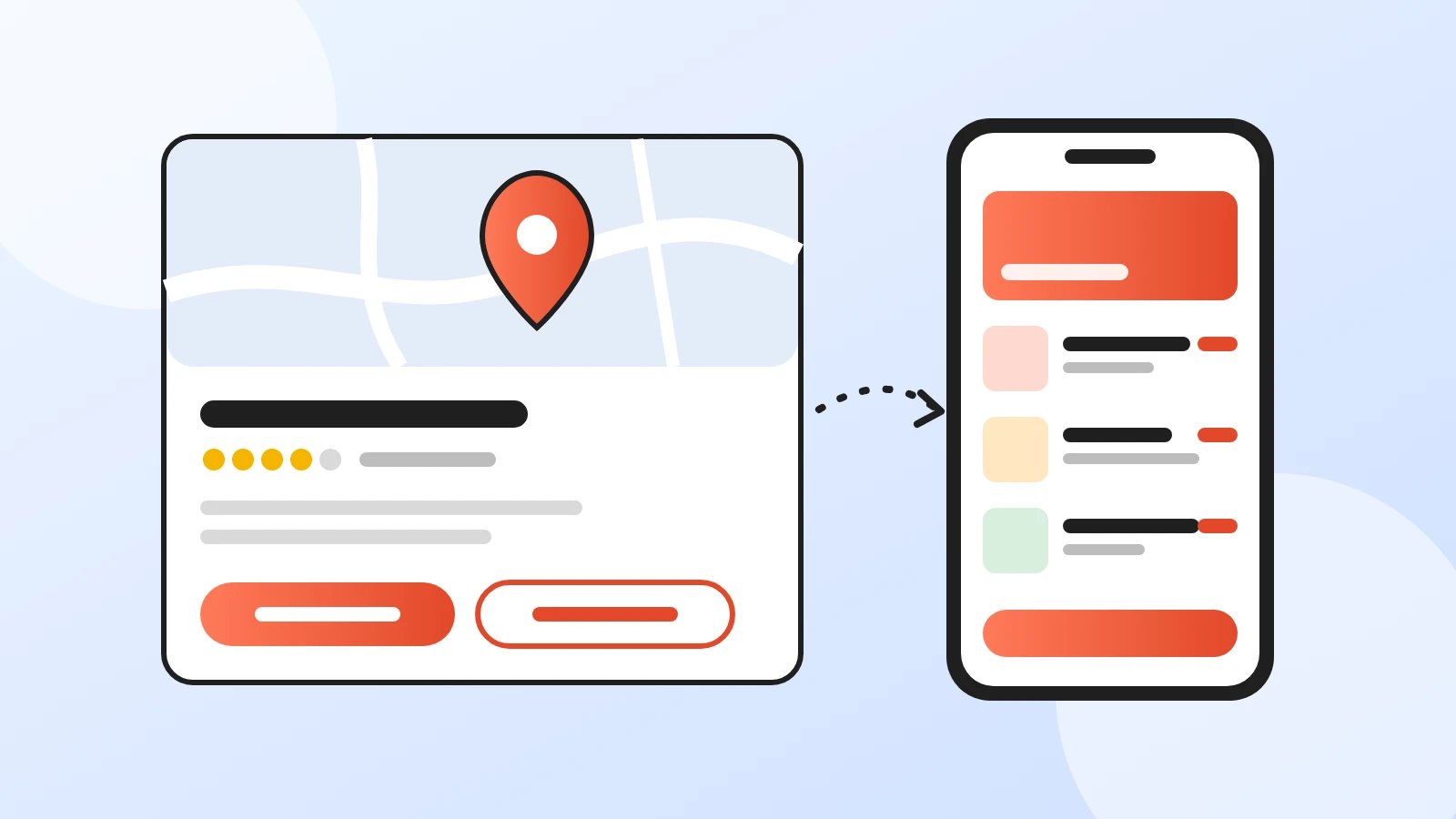
To add your menu to Google, verify your Business Profile, then go to Edit profile > Business information > Contact > Menu link, paste the link to your online menu and save. You can also type your dishes into Google's menu editor or upload photos of your menu. A link is the easiest to keep current: you change a price once, on your own menu, and Google keeps pointing to the latest version.
Every step below comes from Google's Business Profile help pages, checked on 26 October 2026. Google renames buttons now and then, so if a label looks different on your screen, look for the same words nearby.
How do you get your menu on Google, in short?
- Verify first. Google only lets verified businesses add links to a profile.
- Use one menu link that opens a real menu page. Not a WhatsApp chat, not an Instagram profile, not a shortened link.
- Make sure it opens for anyone. No login, no password, no CAPTCHA. Google checks the link and can remove it.
- Choose which menu Google shows first if you have a link, photos and an editor menu.
- Take orders on your own link and mark it as preferred, so a delivery app isn't the first button guests see.
- Keep prices the same everywhere. A guest who sees one price on Google and another on the table will remember it.
What are the ways to put a menu on Google?
Google offers five places for menu and ordering information on a restaurant profile. You can use more than one, and most restaurants should.
| Option | What the guest sees | Good for | Watch out for |
|---|---|---|---|
| Menu link | A Menu link that opens your own menu page | Menus that change often, taking orders | Must open without a login; Google checks it |
| Menu editor | Sections, dishes, descriptions and prices inside Google | Showing dishes right on Search and Maps | A second copy to keep updated; edits can take 24 to 48 hours |
| Menu built from a photo | Google turns a photo or PDF of your menu into an editor menu | A fast first version | Experimental; the whole menu must fit on one page in one photo |
| Menu photos | Pictures of your printed menu | A quick look at the real thing | Guests can add photos too, and theirs may be out of date |
| Food ordering links | An order button or link | Pickup and delivery orders | Delivery apps can be listed automatically |
Sources: About the menu editor, Manage local business links and Manage online ordering options, Google Business Profile Help, checked 26 October 2026.
How do you add a menu link, step by step?
- Find your profile. Sign in with the Google Account that manages your restaurant, then search for your restaurant's name and city, or just "my business". If the restaurant isn't on Google yet, Google asks you to add it.
- Verify it. Google decides which verification methods you get, such as a phone call, a text or a video, based on your business type and region.
- Open the menu link field. Go to Edit profile > Business information > Contact > Menu link. On Google Search on a computer, it's Edit profile > Contact > Menu link.
- Paste your link and save. Use the full address of your menu page.
- Test it like a guest. Open the link on your phone in a private window. It should load your menu straight away, without asking anyone to sign in.
On Acuolina, your menu link is under the QR code on your dashboard home, with a Copy link button next to it. It opens the same menu your guests see when they scan the QR code on the table, so when you change a dish or a price, Google's link shows the change at once. If you don't have a menu page yet, our QR code menu guide walks through building one in six steps.
Why can't your menu link be a WhatsApp link?
Plenty of restaurants take orders on WhatsApp, so a wa.me link feels like the obvious choice. Google says no. Its business links policy says a link must go to a page for that location where the customer can complete the action, and it lists messaging links, social media sites, app store links and link shorteners as not allowed.
The policy also explains how Google checks: a crawler called Google-BusinessLinkVerification visits your links up to once a day, and links that sit behind a login, a CAPTCHA, an IP block or a rate limit can be removed.
The fix keeps WhatsApp in the picture. Link Google to a menu page, and let the order finish on WhatsApp. On an Acuolina menu, guests open the page, pick dishes, choose variants or a half-and-half pizza, build a cart and send the finished order to your WhatsApp or by SMS. You pay no commission on those orders, and the menu page itself is public, so anyone can open it.
Should you also fill in Google's menu editor?
It helps, as long as you keep it up to date. The menu editor shows sections, dishes, descriptions and prices right inside Google, so a guest can scan your dishes without leaving Maps. The cost is a second copy of your menu. Every price change now has to happen twice.
A few details from Google's help pages are worth knowing:
- Google may copy your menu by itself. It can transcribe menu data from your website, and you can opt out.
- Your dish names win. In Google Maps, both you and your guests can add dish photos and names, but dish names you add take precedence over the ones guests add.
- You choose the main source. With more than one menu source, open Edit menu, go to the Full menu tab and pick the one Google should show.
- Guest photos age. Guests can upload menu photos, and you can flag one that is out of date.
Our advice: let the menu link be the version you trust, and use the editor for a short list of your best-known dishes with today's prices. When you change a price, change both the same day.
How do you add an order link so a delivery app isn't the first button?
Delivery apps often appear on restaurant profiles without the owner doing anything. Google lists third-party providers that state they have an authorized relationship with your business. Your own link can sit next to them, and you can make it the preferred one:
- On your profile, select Food ordering. On Google Search, you may see Pickup and delivery instead.
- Select Add a link, paste the address of your ordering page and save.
- Select your link, choose Set as preferred and turn on Preferred for pickup, Preferred for delivery or both.
- To drop a provider you no longer work with, select it and choose Remove link. Google says providers must remove their link within 5 business days of your request.
Two cautions. If you turn off Accept orders on your profile, Google hides every ordering link, yours included. And Google reviews each link and doesn't offer every link type in every country, so it decides whether a page counts as an ordering link. The Menu link field is the reliable place for your menu either way.
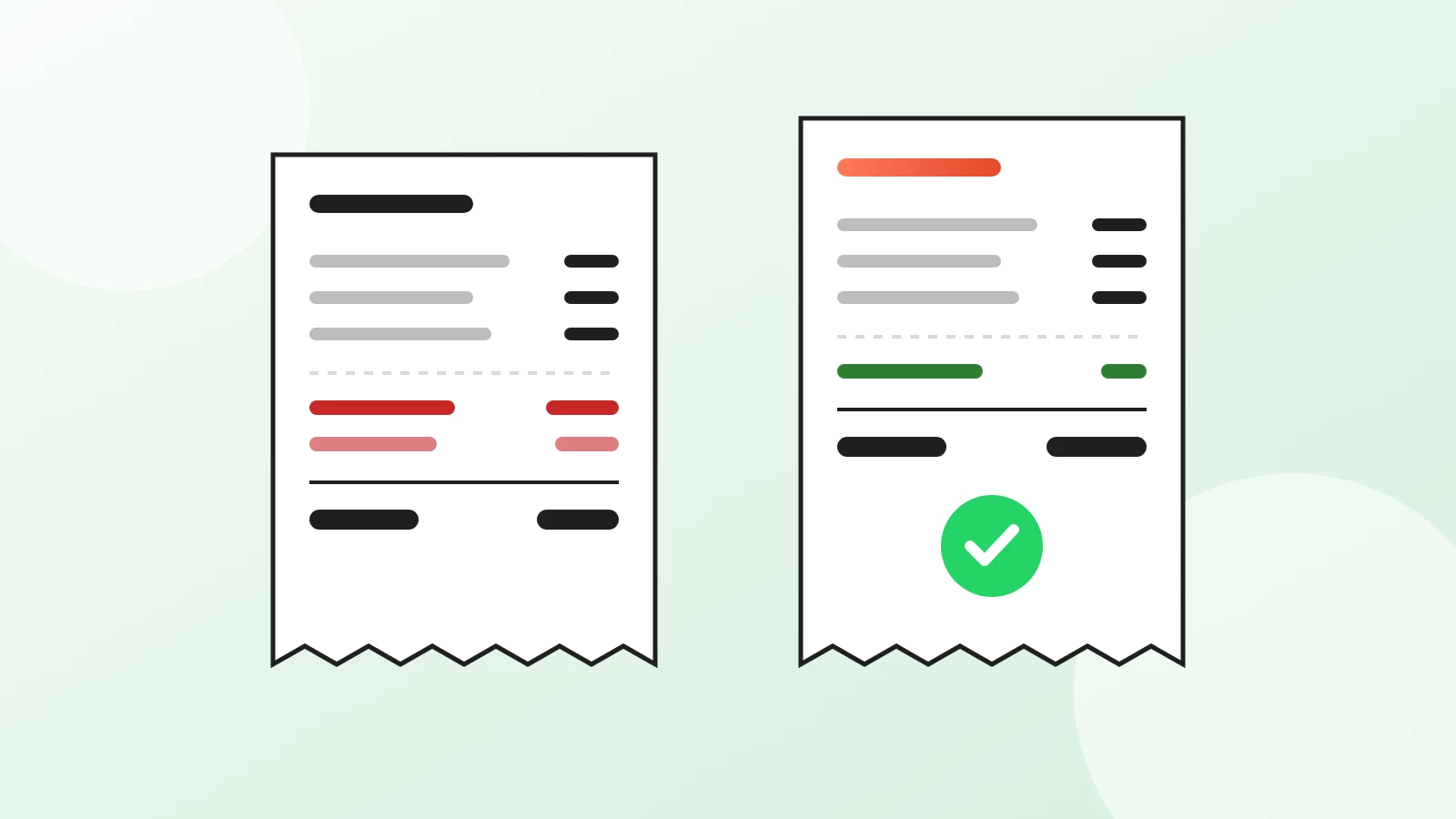
Why bother? On a delivery app, every order pays a commission. On your own link, it doesn't. Our comparison of commission-free ordering vs delivery apps works through the numbers.
What won't Google let you do?
- Bulk-upload links. Google says local business links can't be added through its API or a spreadsheet upload, so a group with several locations adds them profile by profile.
- Add the same domain twice. The policy allows one link per domain for each type of link, and duplicate links are rejected.
- Use a link that dead-ends. The page has to load for Google's crawler as it does for a guest.
What does Acuolina add?
Acuolina covers the part Google doesn't: a free menu page with a cart, orders to your WhatsApp or by SMS, and no commission on any plan. If you're starting from scratch, the digital menu guide covers what to put on the menu, and free QR code menu options compares the free tools. Taking orders at the table too? See how QR code table ordering works. You'll find more in our QR menu guides, the plans are on the pricing page, and you can create your free menu whenever you're ready.
Frequently asked questions
Is a Google Business Profile free for a restaurant?
Yes. Google says creating a Business Profile and listing your business on Search and Maps is free. Adding a menu link, menu items, photos and ordering links costs nothing either.
Can I add a menu to Google without verifying my business?
Not as a link. Google's business links policy says the business must be verified before you can add a link. Verify the profile first; Google chooses which verification methods you get, such as a phone call, a text or a video.
Can I use a WhatsApp link as my menu link?
No. Google's business links policy does not allow messaging links, social media sites, app store links or link shorteners. Link to a menu page instead, and let guests send their order to your WhatsApp from that page.
How long does it take for my menu to show on Google?
Google says changes made in the menu editor can take 24 to 48 hours to appear. After adding a menu link, check your profile again the next day and open the link once to make sure it works.
Can I upload a PDF menu to Google?
Google has an experimental tool that builds an editor menu from a photo or a PDF of your menu, as long as the whole menu fits on one page in one photo. You have to accept Google's Generative AI terms and check every dish and price before you publish.
Why does a delivery app show up on my Google profile?
Google lists third-party ordering providers that state they have an authorized relationship with your business. You can add your own ordering link, set it as preferred for pickup or delivery, or remove a provider. Google says providers must remove their link within 5 business days of your request.
Which menu does Google show if I have a link, photos and an editor menu?
If your profile has more than one menu source, you can choose which one Google shows first. Open Edit menu, go to the Full menu tab and pick the source you prefer.
Keep reading
QR menus
QR Code Menu: How to Make One in 6 Steps (2026)
How to make a QR code menu in 6 steps: what to put on it, where to place the code, the mistakes that send guests back to paper, and how to take orders.
QR menus
Digital Menu for Restaurants: The 2026 Guide
What a digital menu is, what it costs, how it differs from menu screens, and how to set one up with QR codes and commission-free ordering.
Online ordering
Commission-Free Online Ordering vs Delivery Apps
DoorDash charges restaurants 15% to 30% on delivery orders. See the math on a real order and when commission-free online ordering pays off.
Your first direct order, tonight.
Create your menu in minutes and get every Chef feature free for 14 days. Then stay on Basic for free, or upgrade.