
Here's how to change your card, billing period or cancel your Chef subscription. It all happens on Stripe's secure billing page, which you open from your dashboard.
Open your billing page
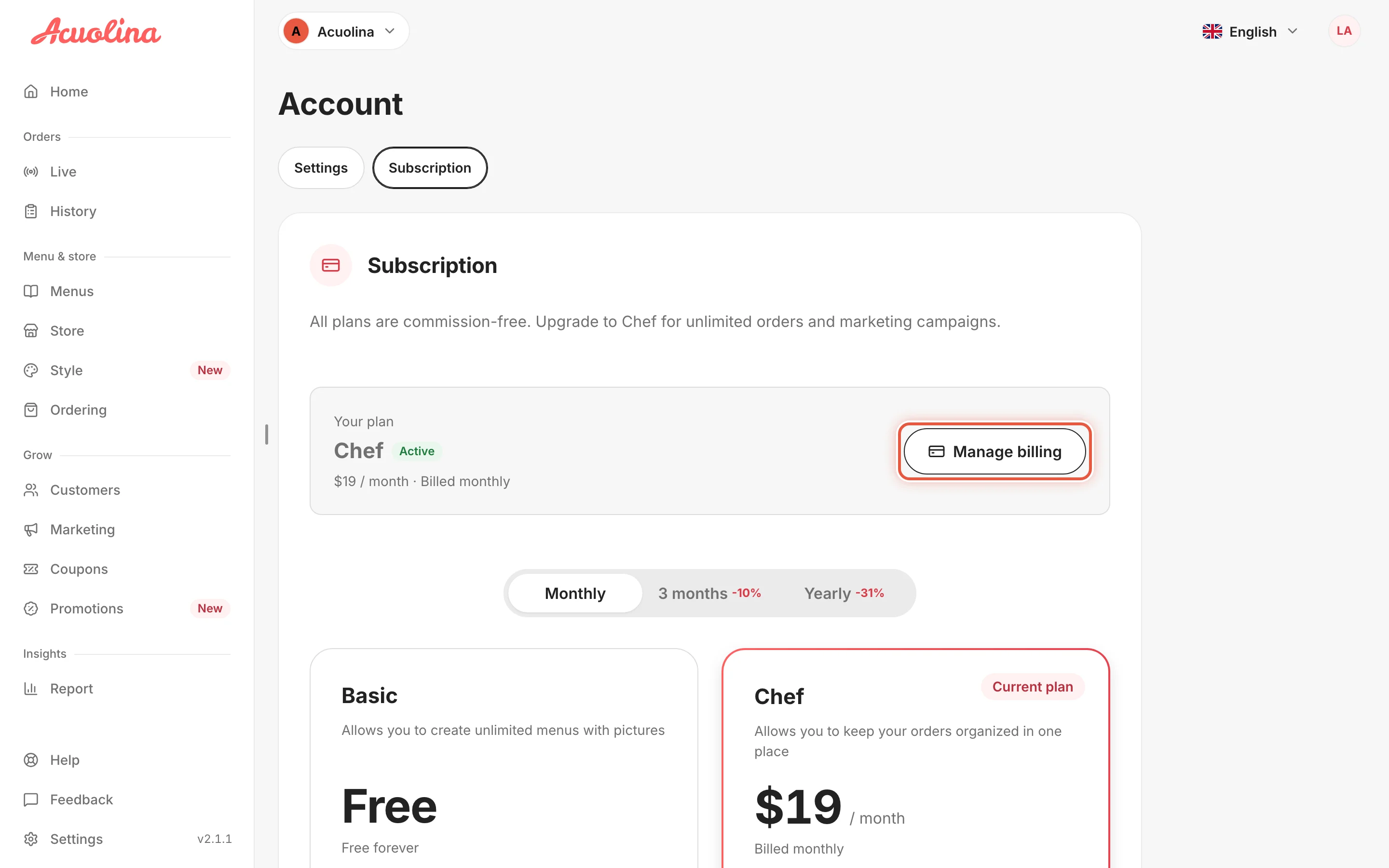
- Select your picture at the top right, then Account and the Subscription tab.
- Under Your plan, select Manage billing.
Change your card or period
On Stripe's billing page:
- Update the card you pay with.
- See and download your invoices.
- Switch between monthly, every 3 months and yearly. Picking another period on the Chef card and selecting Switch to opens the same page.
Cancel your subscription
- On Stripe's billing page, choose to cancel the subscription. Downgrade to Basic on the Basic card opens the same page.
- Chef keeps running until the end of the period you paid for.
- Then the store moves to Basic, the free plan. Your menus, items and orders stay, with up to 50 orders a month and ads on your menu. Your menu theme comes back if you subscribe again.
Every plan stays commission-free.