
On Free, called Basic in the dashboard, your store takes up to 50 orders a month. Here's how to track them, what happens at the monthly order limit and when it resets.
Track your orders
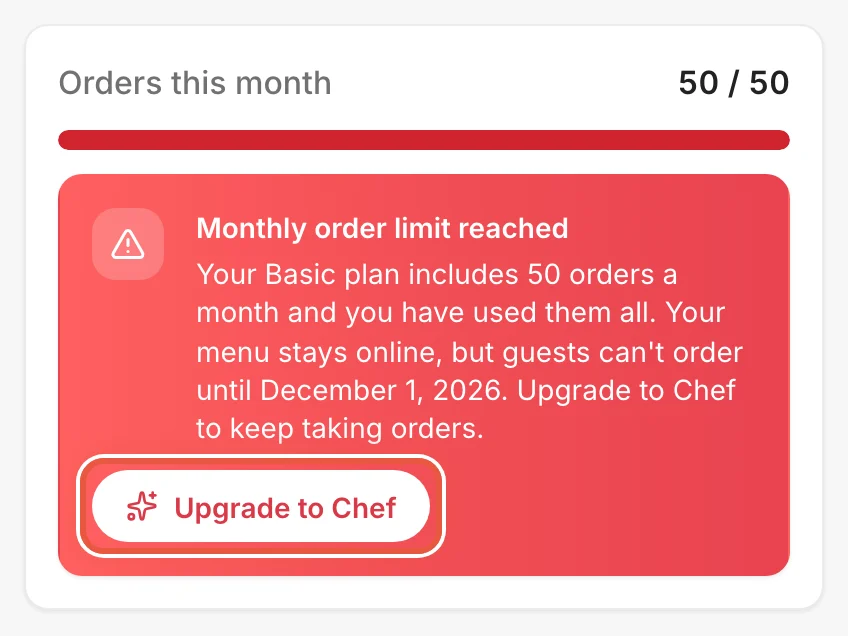
- Open Home. Orders this month shows how many you've had out of 50.
- At 40 the bar turns amber, and you get an email. At 50 you get another one.
Every order counts: the ones guests send from your online ordering menu, on WhatsApp or by text message, and the ones you add yourself.
What happens at the limit
- Your menu stays online and guests can still browse it, but they can't send orders.
- Orders you add in the dashboard are refused too, until the limit resets.
When the order limit resets
- The count goes back to 0 on the 1st of every month, at midnight UTC. The message shows the date.
- To keep taking orders now, select Upgrade to Chef. Chef has unlimited orders, and guests can order again as soon as it starts.