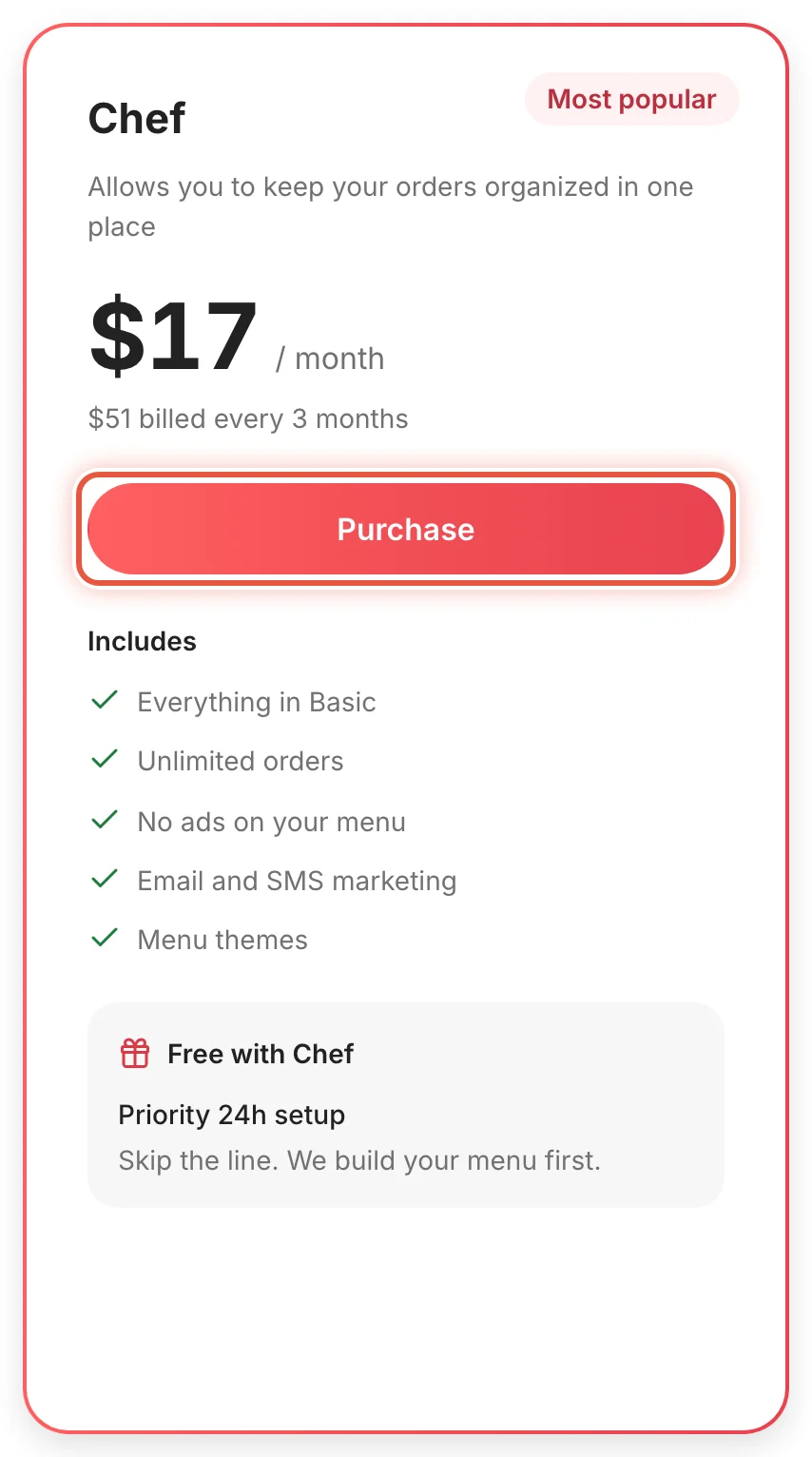
Menus on Free, called Basic in the dashboard, show Google ads to your guests. Here's how to remove ads from your menu by moving to Chef.
Ads on free menus
- Your QR code menu shows one ad between two sections and a bar at the bottom of the screen. Your dashboard never has ads.
- Open your menu while signed in: next to the ads, Go ad-free: 50% off your subscription shows, only to you.
- Chef and the free trial have a menu without ads.
Get a menu without ads
- Select that link on your menu, or Upgrade at the top of the dashboard.
- On the Chef card, select Purchase and pay on Stripe's secure page. The link from your menu adds the CHEF50 discount: half off your first payment, if you've never paid for Acuolina.
- The ads leave your menu as soon as Chef starts.