
Every plan includes a number of AI imports and AI photos per store each month. Here's how many, where to see what's left and what happens at the limit.
What your plan includes
- Free, called Basic in the dashboard: 3 menu imports and 5 AI photos a month.
- Free trial: 15 imports and 20 AI photos.
- Chef: 15 imports and 50 AI photos.
See what's left this month
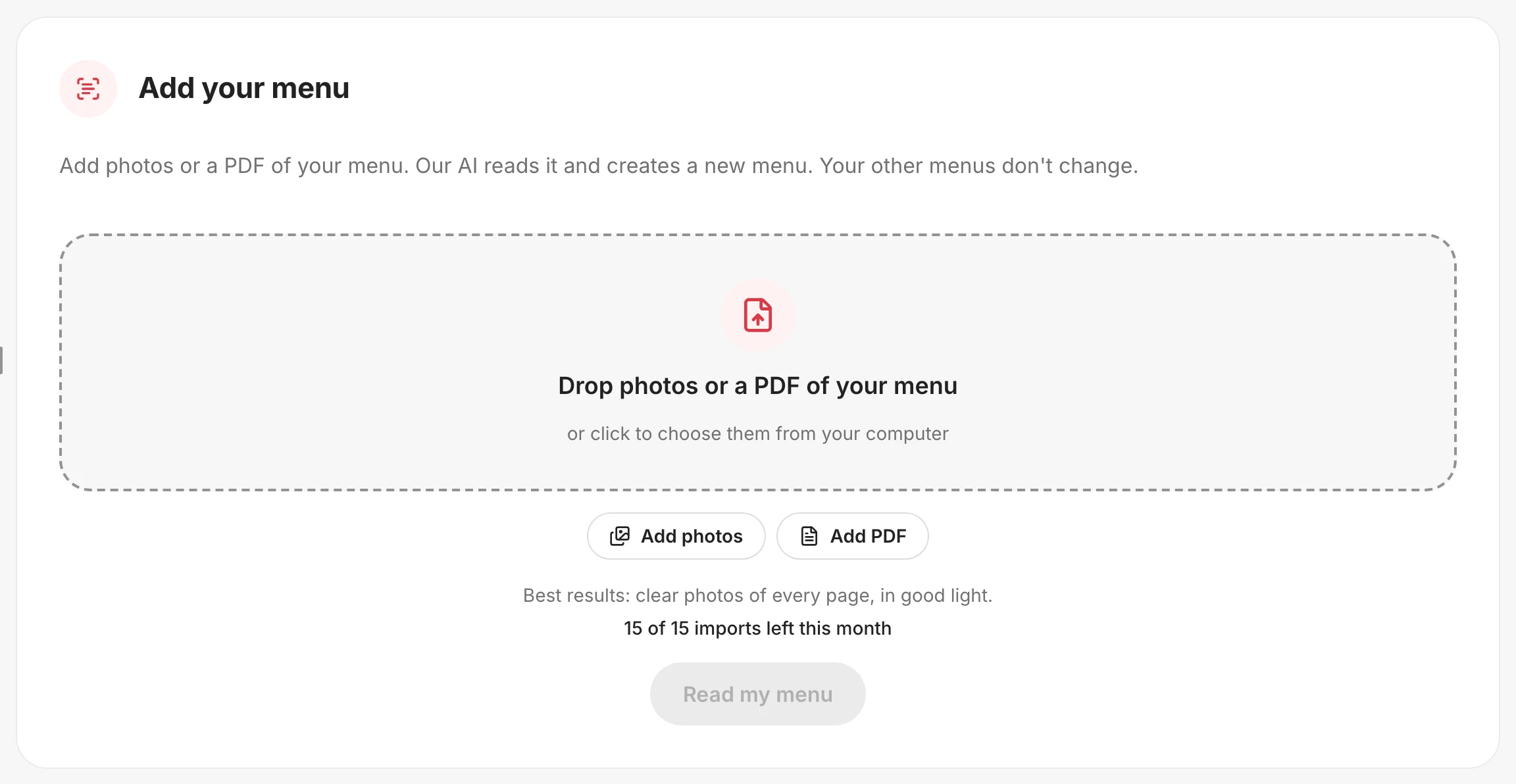
- Imports: in Menus, select Create new menu, choose Import from photos or PDF with AI and select Continue. The count shows under the drop area.
- Photos: in an item, select Add photo, then Create with AI or Improve with AI. The window shows the photos left.
When you reach the limit
- The import page or the photo window tells you the date you get more: counts restart on the 1st of every month, UTC.
- A photo counts only once it's made. An import you cancel before it's read, or one that stops on our side, doesn't count.
- For more, upgrade to Chef. Imported menus go online as your QR code menu.