
Here's how to set your store location and currency on the Store page.
Set your store location and currency
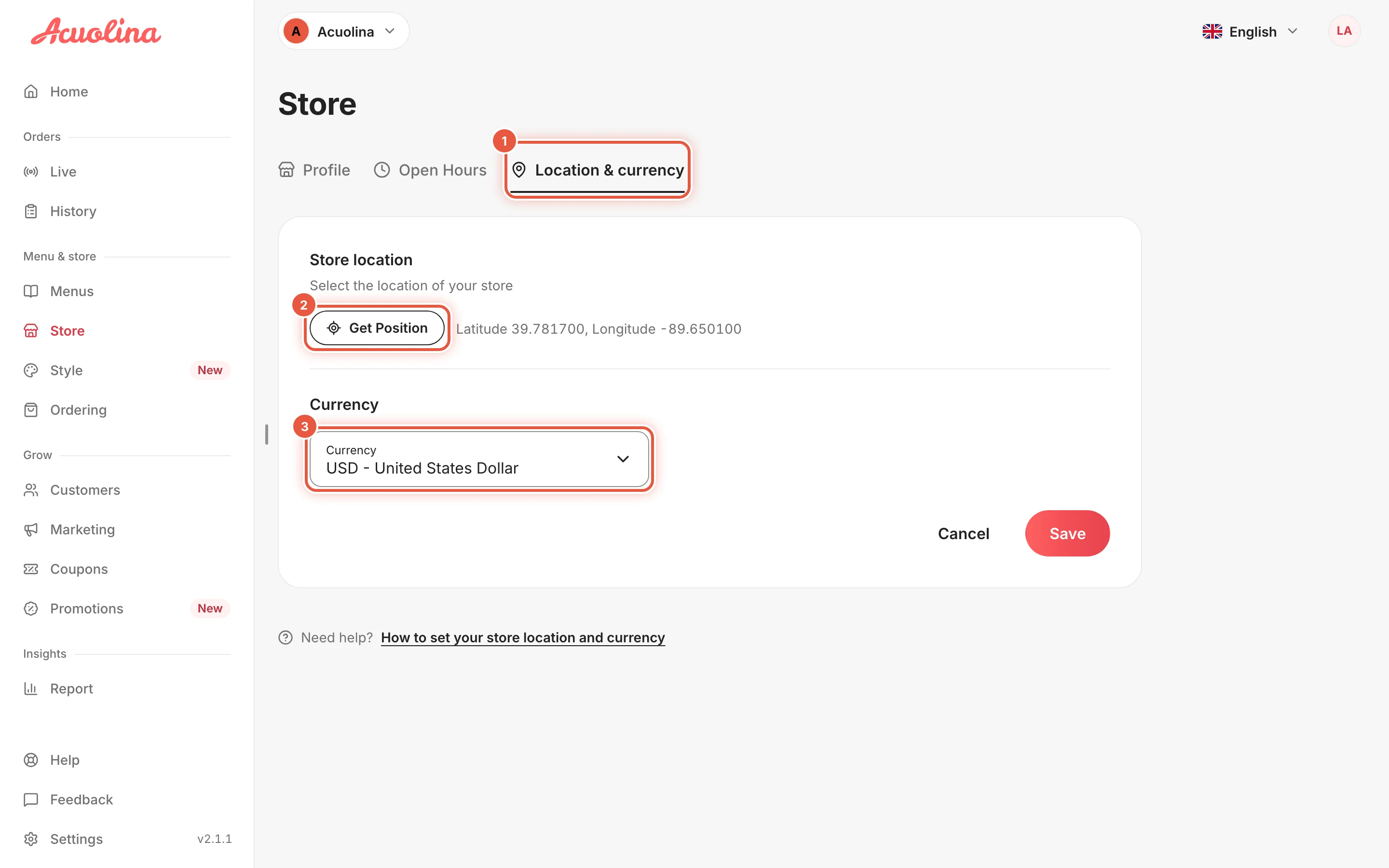
- Open Store, then the Location & currency tab.
- Under Store location, move the map until the pin sits on your door, or select Get Position while you're at the store.
- Choose your Currency, then select Save.
What they change
- Store location: your address on the map is where delivery distances are measured from, for fees by distance and the farthest you deliver.
- Currency: your store's currency. Each item's price keeps the currency set on the item, so change currency there too when you edit an item.
Delivery fees and areas are set under Ordering, where you turn on online orders.