
Here's how to set your opening hours, so your menu shows when you're open and takes orders only then.
Set your opening hours
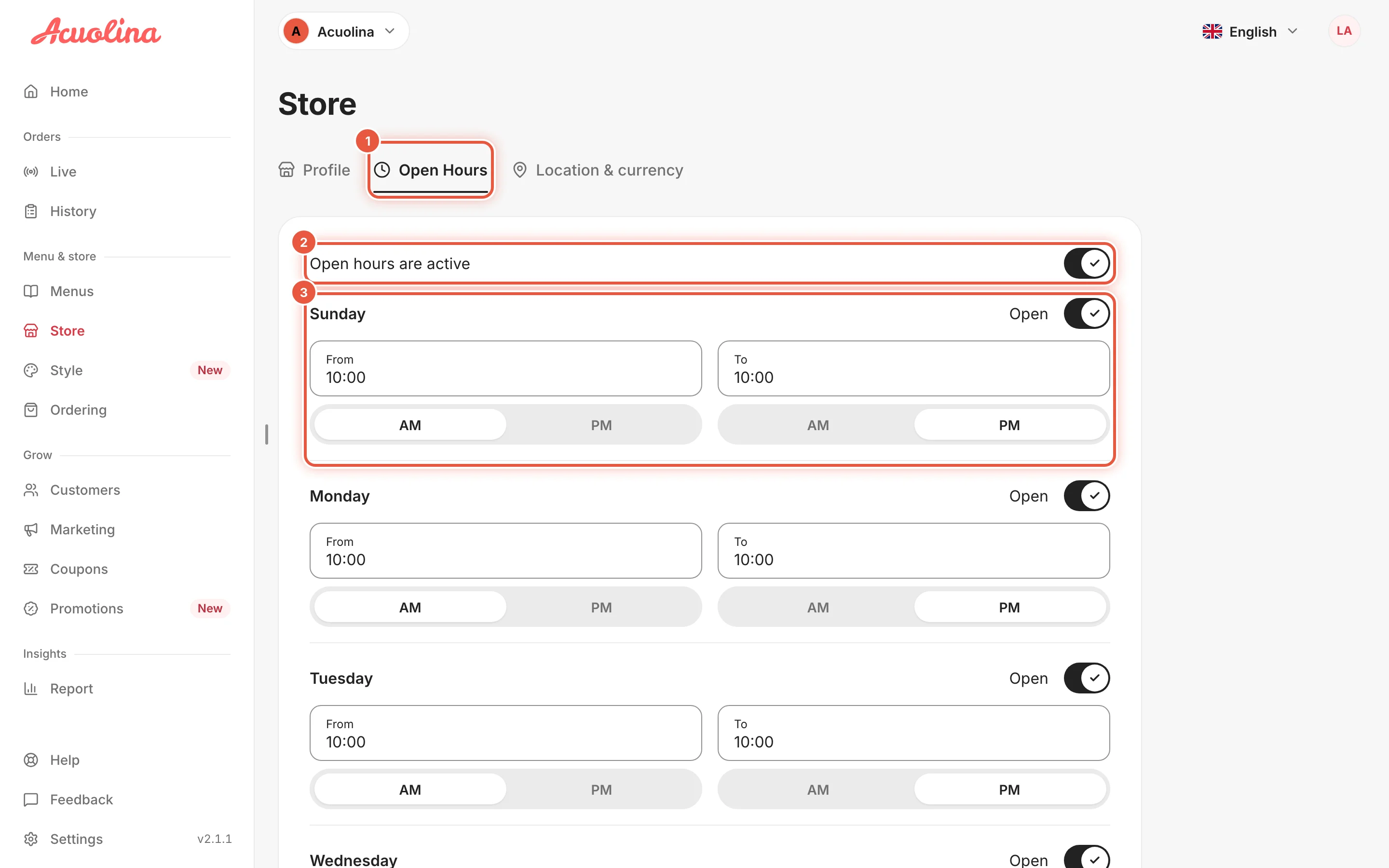
- Open Store, then the Open Hours tab.
- Turn on Open hours are active. While it's off, your store shows as Always Open.
- For each day, type the From and To times, then select Save.
Closed days, late nights and 24 hours
- For closed days, switch the day from Open to Closed.
- Open past midnight? Set To earlier than From (6:00 PM to 2:00 AM).
- Open 24 hours? Set From and To to the same time.
Your menu shows whether you're open now, and guests can send online orders only during your opening hours.