
Menu import failed? The message on the import page says why. Find it below, then try again.
Menu import failed: what the message means
- "One of the files couldn't be read. Try another one." or "We couldn't open one of the files. Use photos (JPEG, PNG, WEBP) or a PDF.": send a photo or PDF that opens on your computer.
- "These files are too large. Keep photos under 5 MB and PDFs under 10 MB.": the file is too large.
- "Too many files or pages. Send up to 8 files and 20 PDF pages."
- "This doesn't look like a menu. Try clear photos of the menu pages."
- "We couldn't read this menu. Try sharper photos in good light."
- "You've used all of this month's menu imports.": Free has 3 a month, Chef and the trial 15.
Try again
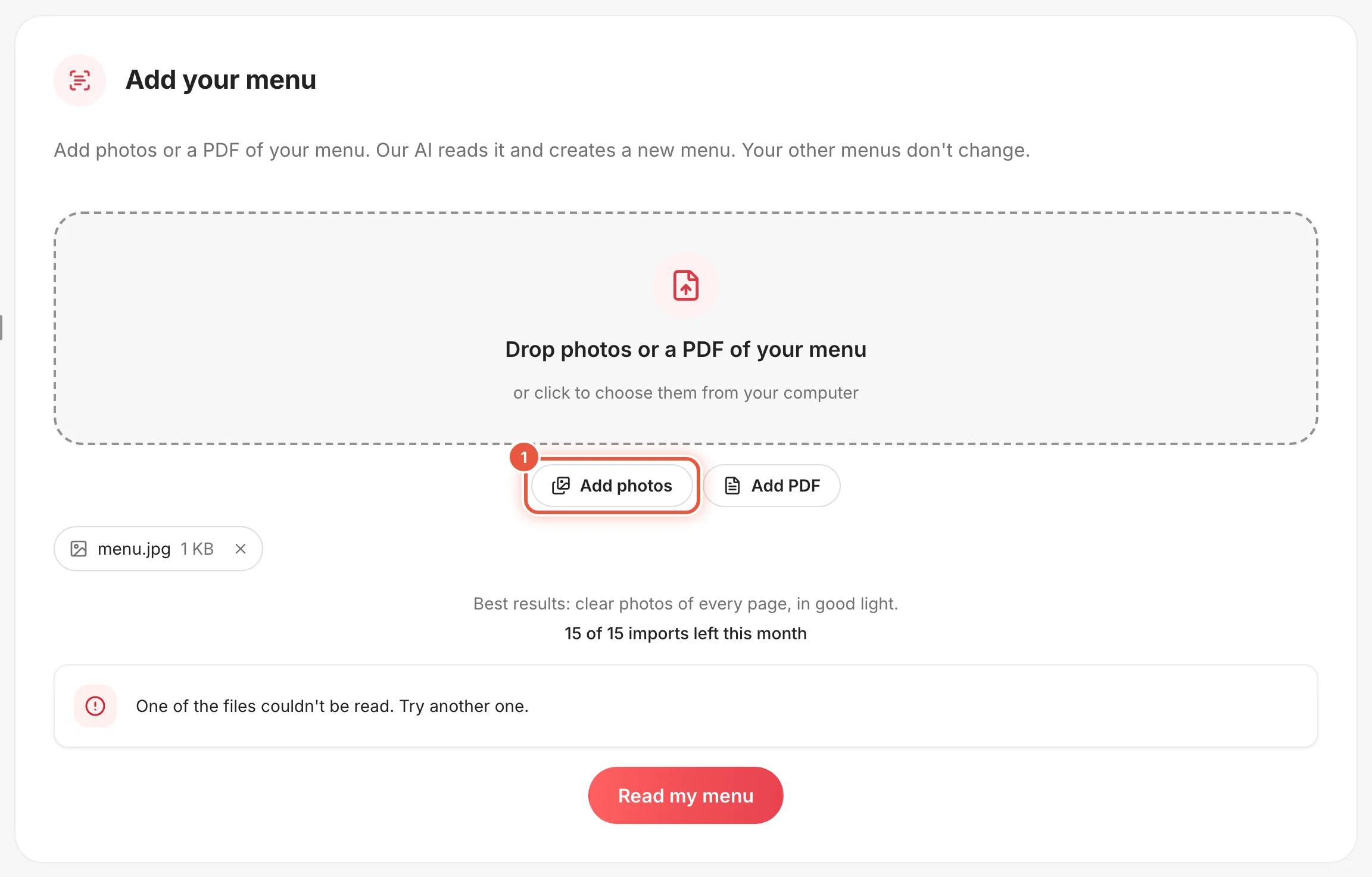
- Remove the file, then select Add photos or Add PDF: one clear photo per page, in good light.
- Select Read my menu.
Still stuck? Select Build it manually, or see how to import your menu from a PDF or photo. Then share your QR code menu.