
Digital Catalog for Shops: WhatsApp Orders with Acuolina
Build a shop catalog with photos, prices and a QR code. Bakery, florist and deli ideas, a US-dollar bundle example, and commission-free WhatsApp orders.
In this article
What you'll get
- A way to use Acuolina as a shop catalog, even if you do not run a restaurant.
- Examples for bakeries, florists and neighborhood food shops.
- A worked bundle price in US dollars.
- A short plan for turning your counter QR and social links into an ordering channel.
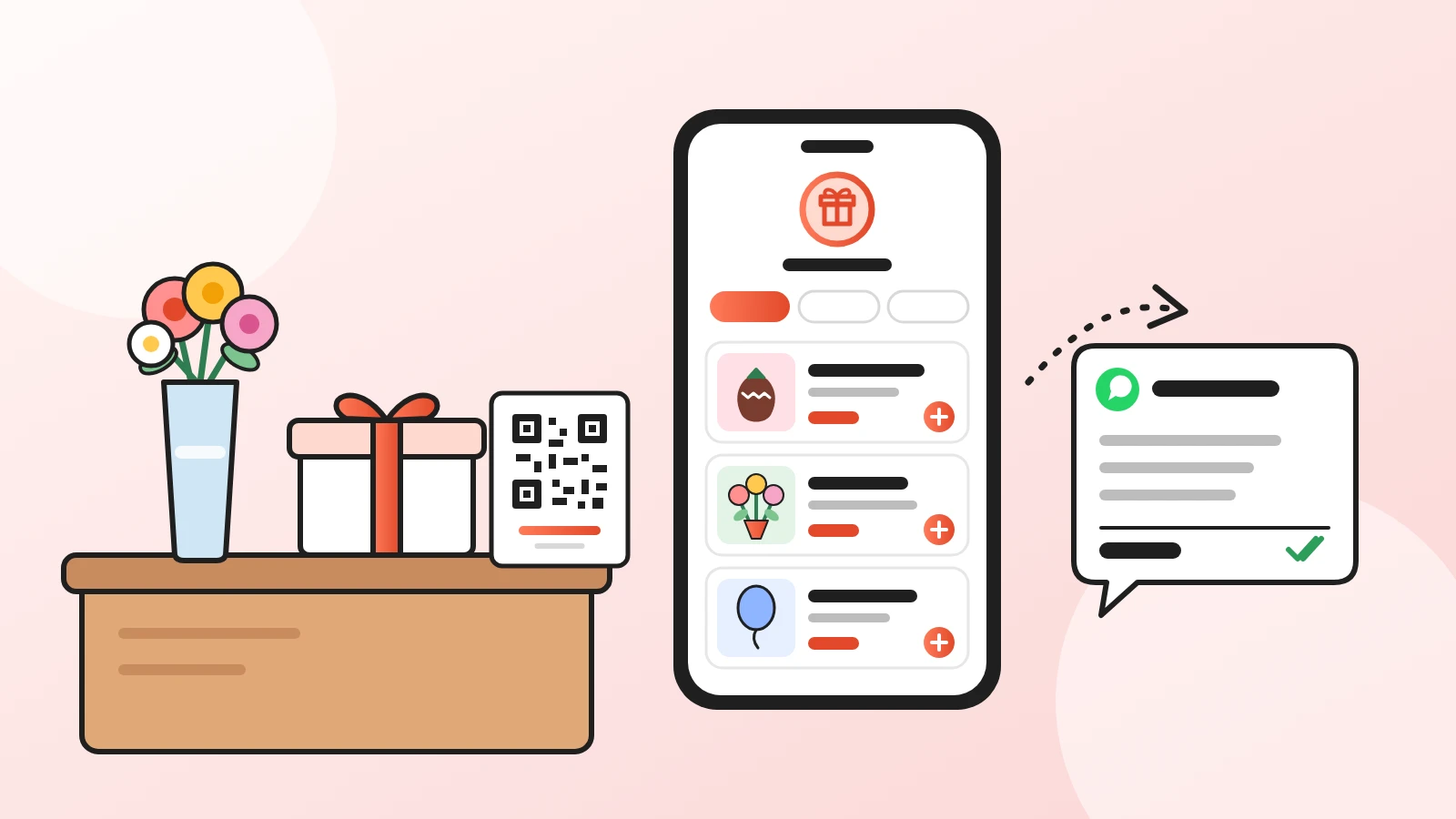
A digital catalog for shops is a mobile page with product photos, descriptions and prices. Customers open it through a link or QR code, choose their items and place an order. Acuolina lets you use its menu sections as a shop catalog, with orders through WhatsApp or SMS and no Acuolina commission.
You do not need dining tables. A bakery can list pastry boxes, a florist can offer bouquet sizes, and a deli can put together ready-to-carry food bundles. Start with products people already ask you about.
Create your free Acuolina catalog and give those customers one place to browse.
Which shops can use a QR code catalog?
Shops selling items customers can choose from a photo, a quantity and a clear price are a good fit. Individual products, boxes and fixed-weight packs make useful starting points.
| Shop | First catalog sections | A choice to show clearly |
|---|---|---|
| Bakery | Bread, pastries, sharing boxes | Box of 6 or 12 |
| Florist | Bouquets, plants, pots | Bouquet size |
| Gift shop | Chocolate strawberries, flowers, balloons | Box color or bundle contents |
| Deli or cheese shop | Cheese packs, preserves, bundles | 8 oz or 16 oz pack |
| Hotel snack shop | Snacks, drinks, travel packs | Pack size and contents |
These are suggested uses, not customer case studies. Choose the products you can keep ready and describe accurately.
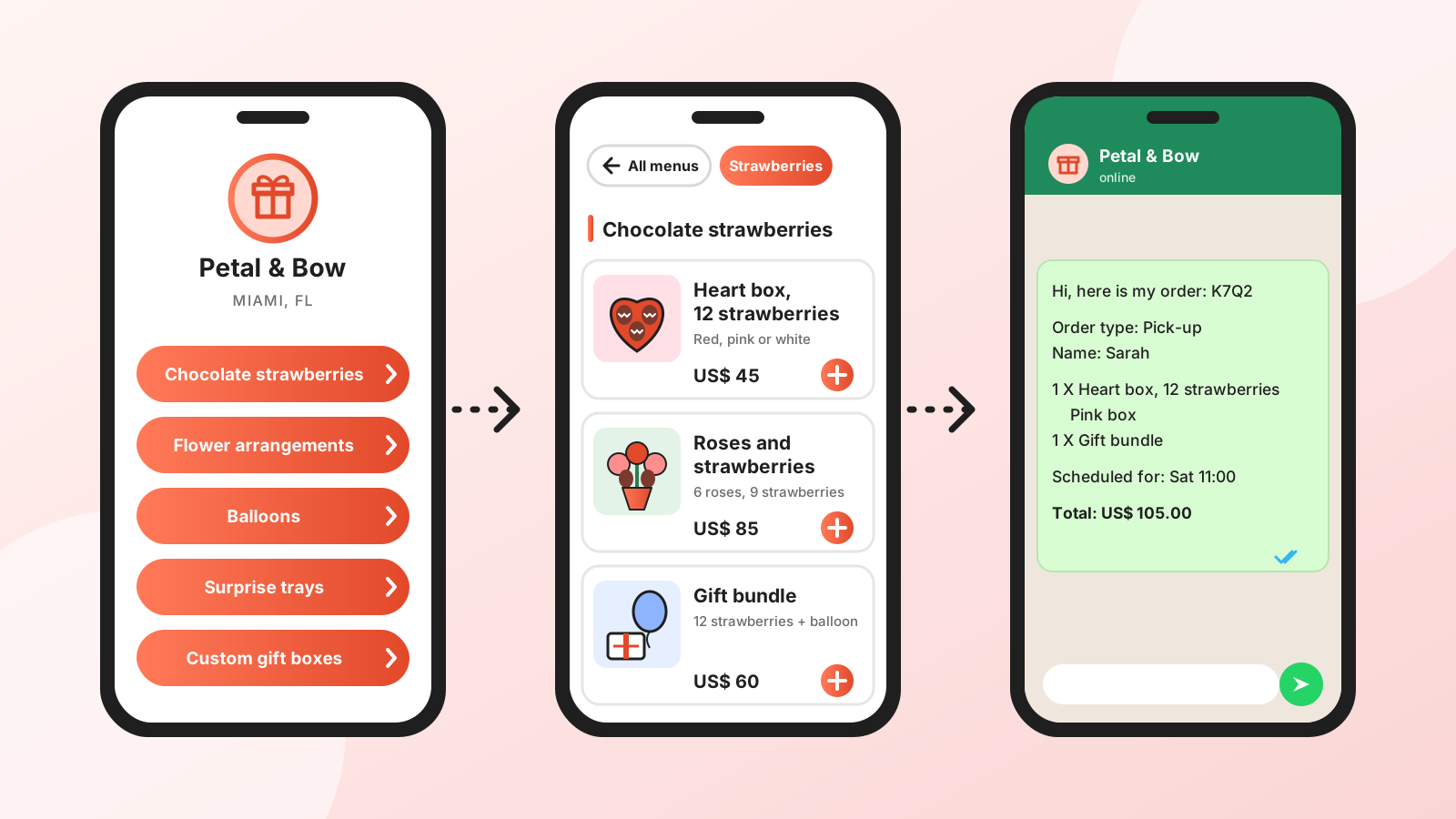
Fictional product and price examples, not screenshots of real shops.
How do you build a shop catalog in Acuolina?
Add your products as menu items, group them into sections, then add photos, prices and choices. Keep the first version small enough to check in one sitting.
- Choose your starting range. Use the items customers ask for most often, rather than every item in the shop.
- Name sections plainly. “Bread,” “Pastry boxes” and “Take-home bundles” are easier to browse than “Our collection.”
- Describe the sale unit. “Six chocolate cookies, 2 oz each” tells someone what their money buys.
- Show the actual product. Photograph the whole box if the price is for a box. Include packaging when it matters to the purchase.
- Set up choices with prices. Item options can cover sizes and extras, so customers can choose before ordering.
- Check it on a phone. Read every item and agree who on your team will respond to incoming orders.
The setup follows the same structure as our digital menu guide. If you also sell coffee at the counter, see the bar and cafe menu guide.
What should go at the top of your catalog?
Lead with popular products that leave enough money after their direct costs. Think about preparation and packing time, not just how good an item looks in a photo.
For a bakery, that might mean sharing boxes first, followed by bread and individual pastries. For a florist, start with today's available bouquets, then plants and pots.
Make a fixed bundle a separate item with its own photo, full contents and price. That gives the customer a clear purchase, without having to assemble several separate items or work out a discount.
Worked example: a US$ 24 bakery bundle
Suppose you sell six dinner rolls and a jar of jam as a take-home bundle. All prices and costs below are made up to show the calculation. They are not market averages or recommended prices.
| Contents | Sold separately | Shop's direct cost |
|---|---|---|
| 6 dinner rolls | US$ 16 | US$ 5 |
| 1 jar of jam | US$ 12 | US$ 4 |
| Bundle packaging | Included | US$ 1 |
| Total | US$ 28 | US$ 10 |
At a bundle price of US$ 24, the customer pays US$ 4 less than the separate prices. You have US$ 24 − US$ 10 = US$ 14 left to contribute toward wages, rent, taxes and other expenses. That is not net profit.
List it as “Take-home bundle: 6 rolls + jam,” with the size of the jam jar in the description. Redo the calculation using your actual costs, including extra packing and transport if you deliver.
Where should you put the QR code and catalog link?
Use a QR code where customers can scan it in person. Use a link when they are already browsing on their phones.
- At the counter: “Browse our products and order” explains what the code does.
- In the window: test it from outside, including at an angle where glass might reflect light.
- Inside bags and boxes: add a card or label so the customer can find you next time.
- On Instagram: put the link in your bio and show a product with its price in Stories. Our Instagram menu guide covers the link setup.
- In WhatsApp Status: show an available product and share the catalog link with a short description.
Acuolina includes printable QR stands. If you design your own label, use the code that opens the catalog page. The link stays the same when you update your range or prices. See our QR code guide for printing and scanning checks.
How do pickup, delivery and payment work?
Tell customers how your shop fulfills orders, then confirm availability, timing and any delivery charge with them. For made-to-order items, agree the lead time before committing to a date.
Customers pay your shop directly, using the arrangements you already offer. Acuolina does not handle the sale proceeds. Zero Acuolina commission does not remove your usual payment-provider, packaging or delivery costs.
The free Basic plan includes up to 50 orders a month and shows ads on your catalog page; the Chef plan removes them. Our commission-free ordering guide explains the direct-order approach.
Your next step
Gather photos, prices and sizes for five products. Create your free Acuolina catalog, check it on your phone and put your first QR at the counter.
Keep reading: free digital menus and our online ordering guides.
Frequently asked questions
Can a non-restaurant shop use Acuolina?
Yes. You can use menu items and sections to show products from a bakery, florist, deli or similar shop, with photos and prices.
How do I make a free WhatsApp catalog for my shop?
Create an Acuolina account, add products with photos and prices, configure order receiving and share the link or QR code.
Do customers need to install an app?
They do not need an Acuolina app to browse. The link or QR code opens the catalog in their phone's browser.
Can I offer different sizes and bundles?
Yes. Use item options for sizes and extras with their prices. For a fixed bundle, add a separate item that states exactly what is included.
Is this the catalog inside WhatsApp Business?
No. An Acuolina catalog is a web page opened from a link or QR code. WhatsApp is one channel for receiving orders, alongside SMS.
What should I do when a product sells out?
Hide the item in your dashboard and show it again when it is available. Check availability before sharing your daily selection.
Keep reading
Online ordering
Commission-Free Online Ordering vs Delivery Apps
DoorDash charges restaurants 15% to 30% on delivery orders. See the math on a real order and when commission-free online ordering pays off.
QR menus
QR Code Menu: How to Make One in 6 Steps (2026)
How to make a QR code menu in 6 steps: what to put on it, where to place the code, the mistakes that send guests back to paper, and how to take orders.
Restaurant marketing
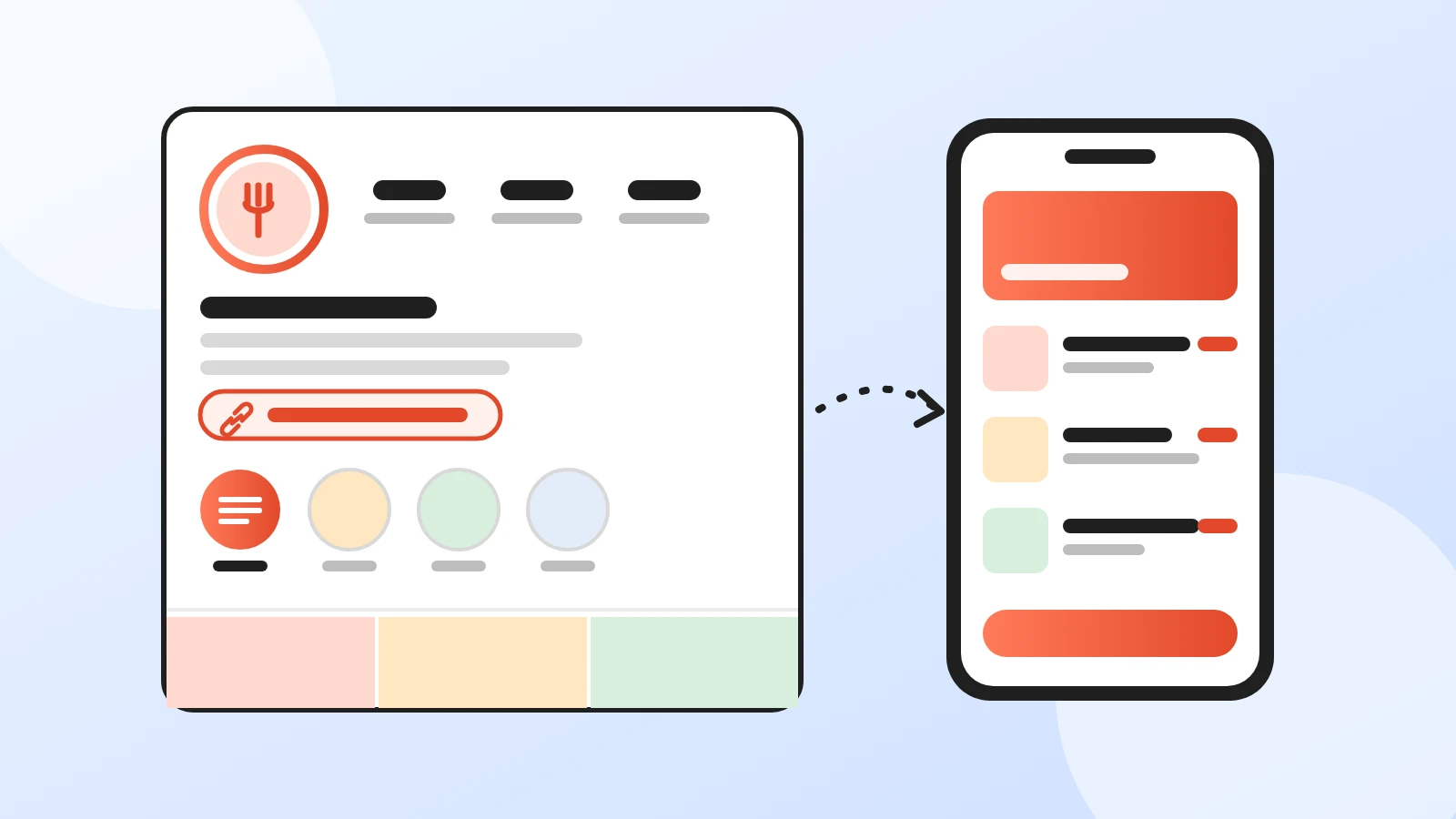
How to Add Your Menu to Instagram (2026 Guide)
Put your restaurant menu on Instagram: a menu link in your bio, a link sticker, a Menu highlight, and why the Order food button only takes delivery apps.
Your first direct order, tonight.
Create your menu in minutes and get every Chef feature free for 14 days. Then stay on Basic for free, or upgrade.