Bar and Coffee Shop Menu with a QR Code: Layout and Pricing Tips
How to lay out a bar or coffee shop menu with a QR code: drink sections, sizes and add-ons, happy hour, pour cost and a second round from the table.
In this article
- What makes a bar or coffee shop menu different?
- How should you organize the sections?
- How do you price sizes and add-ons?
- Worked example: is your margarita making money?
- How do you run happy hour and sold-out drinks?
- Can guests order a second round from the table?
- Where should you put the QR code?
- What mistakes should you avoid?
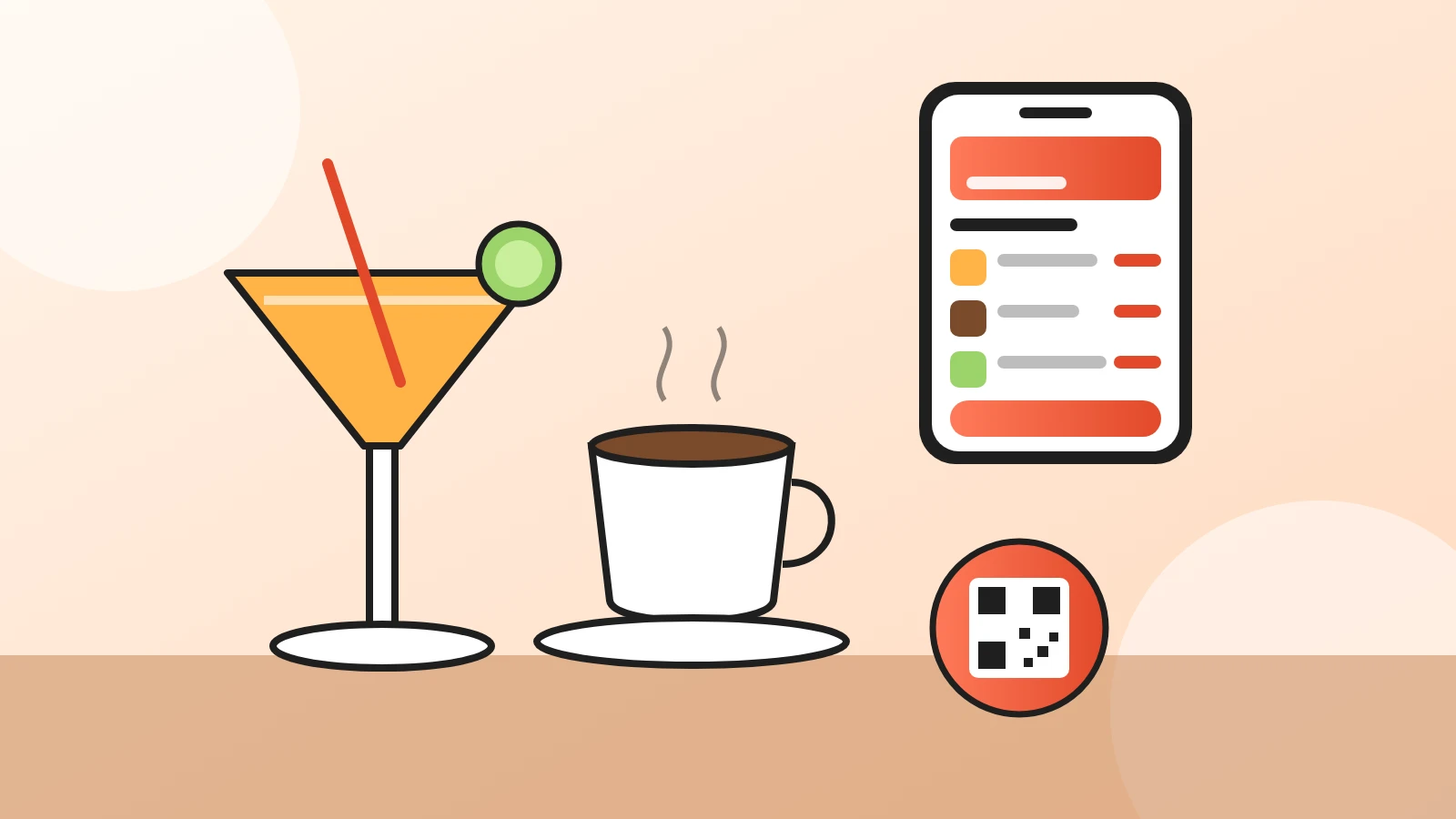
A bar menu with a QR code is a drinks menu that opens on the guest's phone when they scan a code on the table or the counter. Done well, it helps people choose faster, makes upgrades easy to say yes to and lets them order the next round without waving at anyone.
This guide covers what is different about drinks: how to organize sections, how to price sizes and add-ons, how to run happy hour and how to check that each drink makes you money. It works the same for a cocktail bar, a pub or a coffee shop.
What you'll get
- A section order for bar and coffee shop menus that guides guests to your best drinks.
- A simple way to price sizes and add-ons so upgrades add up.
- A worked pour cost example in dollars you can redo with your own numbers.
- How to run happy hour and sold-out drinks on a QR menu.
- Where to put the QR code so guests actually scan it.
What makes a bar or coffee shop menu different?
Drinks are ordered more often and faster than food, and most of them come with a choice. Size, milk, an extra shot, a premium spirit: each of those is a small decision and a chance to earn a bit more.
A good bar or cafe menu makes those choices visible, with a price on each one. Guests should never need to ask "how much is it with oat milk?".
How should you organize the sections?
Lead with what you want to sell, then follow the way people order. A simple order that works for most places:
| Bar | Coffee shop |
|---|---|
| Signature cocktails | Espresso drinks |
| Classic cocktails | Filter and cold coffee |
| Beer on tap and bottles | Tea and other drinks |
| Wine by the glass and bottle | Pastries and breakfast |
| Non-alcoholic drinks | Lunch or snacks |
| Food to share | Coffee to take home |
A few habits help your best drinks sell more:
- Put the drinks you're proudest of first, with a photo. The top of the first section is the first thing guests see.
- Keep sections short. Five to eight drinks per section is easy to scan on a phone.
- Give non-alcoholic drinks real names and the same care as cocktails, so drivers and non-drinkers order something better than water.
- Write one line of description that says how it tastes, like "smoky, bitter, orange peel".
How do you price sizes and add-ons?
Show sizes and extras as options on the drink, each with its own "+ price". In Acuolina these options are called Modifiers: you can make one required, like size, or optional, like extras.
| The guest picks | Example options | Tip |
|---|---|---|
| Size | Small, medium, large | Show the price of each size, not only the smallest. |
| Milk | Whole, skim, oat (+$0.75) | Charge for the milk that costs you more. |
| Extra shot or syrup | Extra shot (+$1), vanilla (+$0.75) | Let guests tick more than one. |
| Spirit upgrade | House or premium (+$3) | Name the premium brand so it feels worth it. |
| Beer size | Half pint, pint | Put the size you want to sell in the middle. |
Add pairings in the description too. A line like "Great with our loaded fries" under a beer gives guests an easy second item.
Worked example: is your margarita making money?
The number to watch is pour cost: what goes into one drink divided by its menu price. Here is an example with made-up prices. Use your own supplier prices.
| Ingredient | Amount | Cost |
|---|---|---|
| Tequila ($25 for 750 ml, about 25 oz) | 1.5 oz | $1.50 |
| Orange liqueur ($20 for 750 ml) | 0.75 oz | $0.60 |
| Fresh lime juice | 1 oz | $0.30 |
| Salt, ice and garnish | $0.20 | |
| Total cost | $2.60 |
At a menu price of $12, the pour cost is 2.60 ÷ 12 × 100 = about 22%. You keep about $9.40 to cover staff, rent and everything else.
Now the upgrade. A premium tequila at $45 a bottle costs $2.70 for the same pour, $1.20 more than the house one. If the menu says "Premium tequila +$3", every upgrade earns you $1.80 extra for no extra work.
Coffee works the same way. With made-up prices, a latte made with 18 g of beans from a $16 pound bag ($0.63), 8 oz of milk from a $4 gallon ($0.25) and a cup and lid ($0.20) costs $1.08. At $5, that's a cost of about 22%. Oat milk at $5 for 64 oz costs $0.38 more per latte, so "+$0.75" covers it with room to spare.
Pick a target cost for your place and check every drink against it. Drinks well above the target need a new price or a smaller pour.
How do you run happy hour and sold-out drinks?
Make happy hour its own section at the top of the menu, with the hours in its name, like "Happy hour 5 to 7 pm". Put the discounted drinks in it at their happy hour price.
When happy hour ends, hide the section. Hidden items stay saved in your menu but disappear from the public menu, so next day you just show it again. Do the same when a keg runs out or you're out of a syrup: hide the drink, and guests see the change the next time they open the menu.
Set your opening hours too. Outside them, guests can still read the menu, but orders only come in while you're open.
Can guests order a second round from the table?
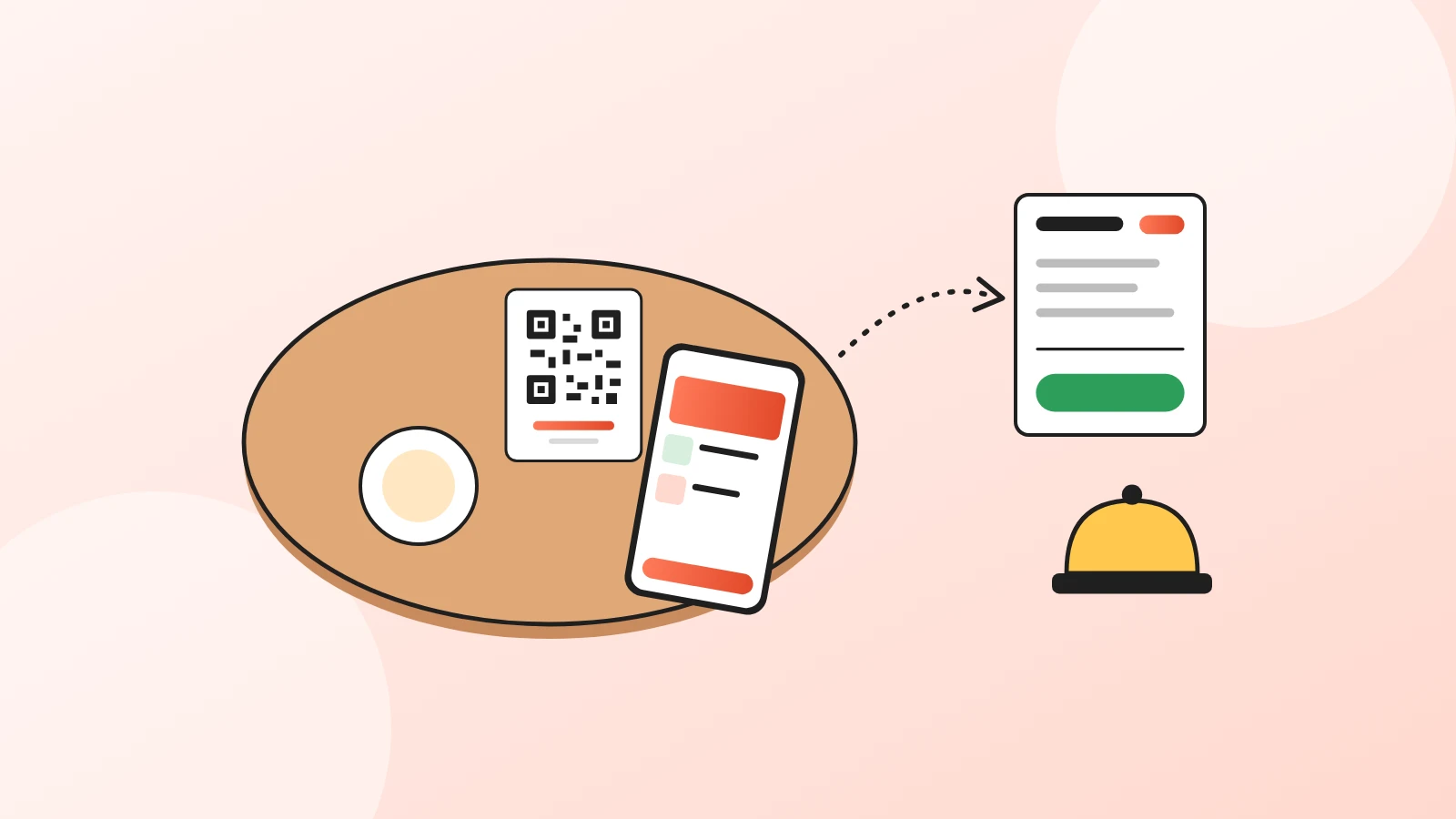
Yes, and this is where a QR menu earns its keep in a busy bar. Guests scan the code, add drinks and send the order to your WhatsApp or by text message. Every dine-in order comes with the table number, and it shows up in your dashboard too.
When they want another round, they send a new order from the same menu, without waiting to catch someone's eye. For the full setup, read our guide to QR code table ordering.
Where should you put the QR code?
Put it where guests stand or sit, at eye level, with a short line like "Scan to see the menu and order".
- Tables: on your dashboard, Print table stand gives you a tent card that shows the code on both sides.
- Bar counter and window: the same tool prints round or square stickers, four per sheet, to stick on the counter, the window or a menu board.
- Coffee to go: put a code by the register so people in line can choose before they reach the front.
Use one code for everything. The code opens your menu page, so changing a price never means reprinting.
What mistakes should you avoid?
- A drinks list without prices on the extras. Guests skip upgrades they can't price.
- Thirty cocktails. A long list slows the bar and hides your best drinks.
- Forgetting the non-drinkers. A short non-alcoholic section keeps the whole table ordering.
- Prices that don't match. Keep the same prices on the QR menu, on Google and on Instagram.
- A QR code that opens a PDF. Guests have to pinch and zoom. Link it to a real menu page instead.
Next step
- Taking orders at the table? Read QR code table ordering.
- Making the code itself? See the QR code menu guide.
- Starting from scratch? Read our digital menu for restaurants guide.
Ready? Create your free Acuolina menu and print the QR code for your tables and counter. More guides are in QR menus.
Frequently asked questions
How do I make a QR code for my bar menu?
Create your drinks menu in a free tool like Acuolina, then download the QR code from your dashboard or print a table stand. The code opens your menu page, so you can change prices and drinks later without printing a new code.
How should a bar menu be organized?
Put your signature drinks first, then classics, beer, wine, non-alcoholic drinks and food to share. Keep each section short and show sizes and add-ons as options on the drink itself, each with its own price.
How do I work out the price of a cocktail?
Add up what goes into one glass, from spirits and mixers to ice and garnish. Divide that cost by the menu price and multiply by 100 to get the pour cost. A drink that costs $2.60 to make and sells for $12 has a pour cost of about 22%.
Can guests order a second round from the table?
Yes. Guests scan the QR code on the table and send a new order whenever they want, without waiting to catch a server. Every dine-in order comes with the table number.
How do I show happy hour on a QR menu?
Add a "Happy hour" section at the top with the hours in its name, like "Happy hour 5 to 7 pm", and put the deals in it. When happy hour ends, hide the section and show it again the next day.
Is a QR menu for a bar free?
With Acuolina, yes. The free plan has unlimited menus, a QR code and up to 50 orders a month with no commission. The Chef plan, at $19 a month, adds unlimited orders and discounts sent to your customers, and every new place gets 14 days of Chef free, no card needed.
Keep reading
QR menus
QR Code Table Ordering: How It Works and Costs
How QR code ordering at the table works, from scan to kitchen, what it costs compared with waiters and kiosks, and how to roll it out without losing guests.
QR menus
QR Code Menu: How to Make One in 6 Steps (2026)
How to make a QR code menu in 6 steps: what to put on it, where to place the code, the mistakes that send guests back to paper, and how to take orders.
QR menus
Digital Menu for Restaurants: The 2026 Guide
What a digital menu is, what it costs, how it differs from menu screens, and how to set one up with QR codes and commission-free ordering.
Your first direct order, tonight.
Create your menu in minutes and get every Chef feature free for 14 days. Then stay on Basic for free, or upgrade.