
Here's how to add a Google review button to your menu, and your Instagram link on the menu, so guests find you and leave reviews.
Add the Google review button
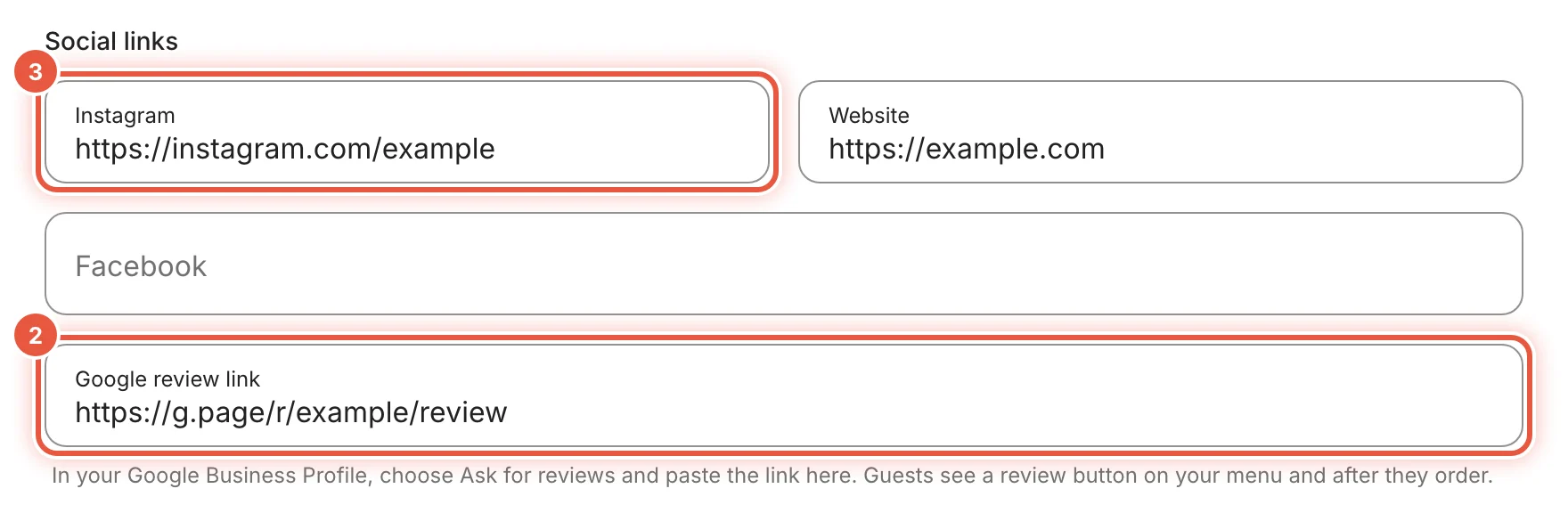
- In your Google Business Profile, choose Ask for reviews and copy the link.
- In the dashboard, open Store, then paste it in Google review link under Social links.
- Paste your Instagram, Website and Facebook links too, then select Save.
Where guests see it

The Google review button shows at the bottom of your QR code menu and again after a guest sends an order, when they're happiest: an easy way to get more reviews. Your social links sit beside it.