
Here's how to contact a customer about an order straight from Live, when an item is sold out, an address is unclear or an order runs late.
Contact a customer about an order
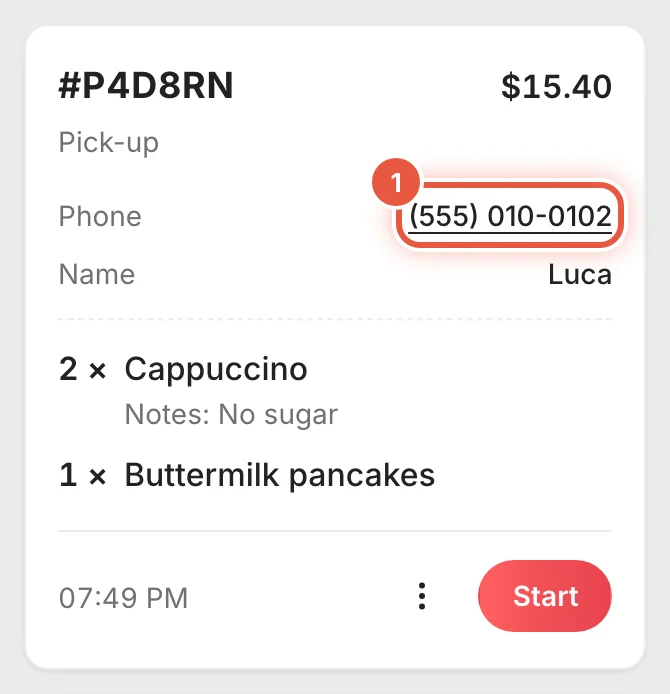
- On Live, find the order and select the guest's phone number, or their email.
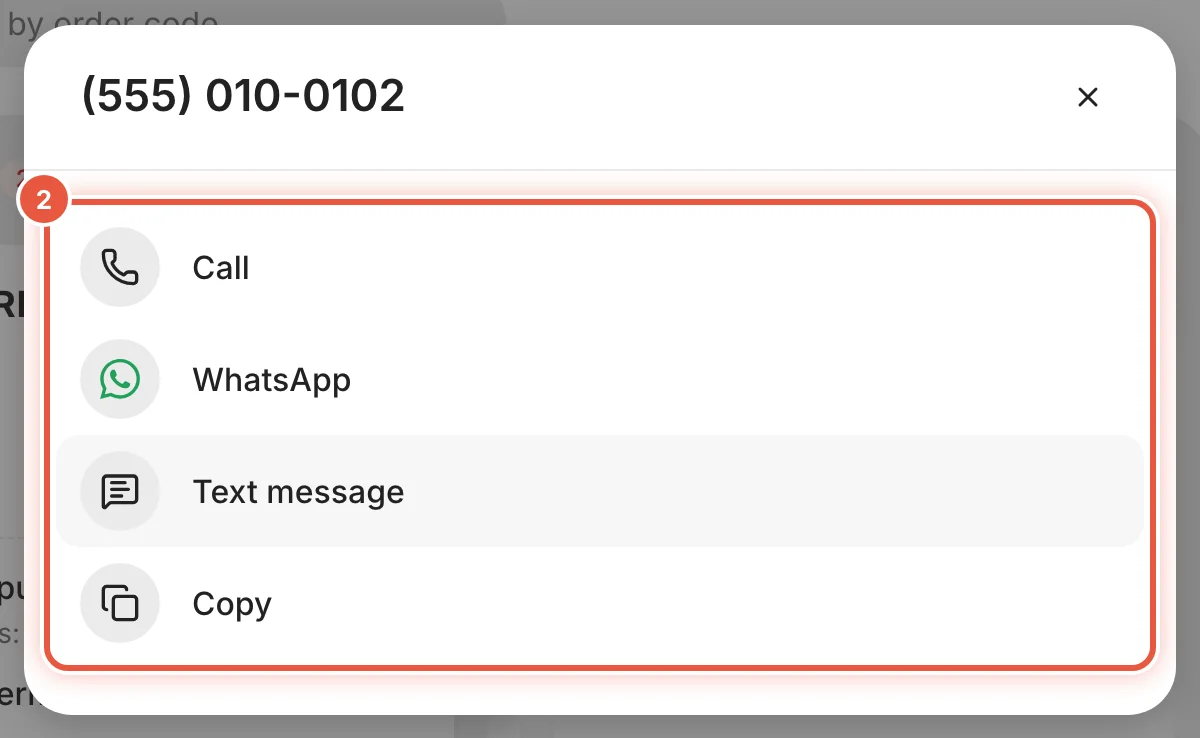
- Choose how to reach them:
- Call rings them from your phone.
- WhatsApp opens a chat with them.
- Text message opens a new text to them.
- Copy copies the number to paste elsewhere.
For an email, Write email opens a new message to them.
Good to know
- Orders sent by WhatsApp put WhatsApp first.
- A number saved without its country code can be called or texted, but not opened in WhatsApp.
Guests' details come from the fields of your WhatsApp ordering checkout. To change an order after talking to them, edit it.