
Here's how to edit, print again or delete an order: every action is in the ⋮ menu of its card on Live.
Edit, print again or delete an order
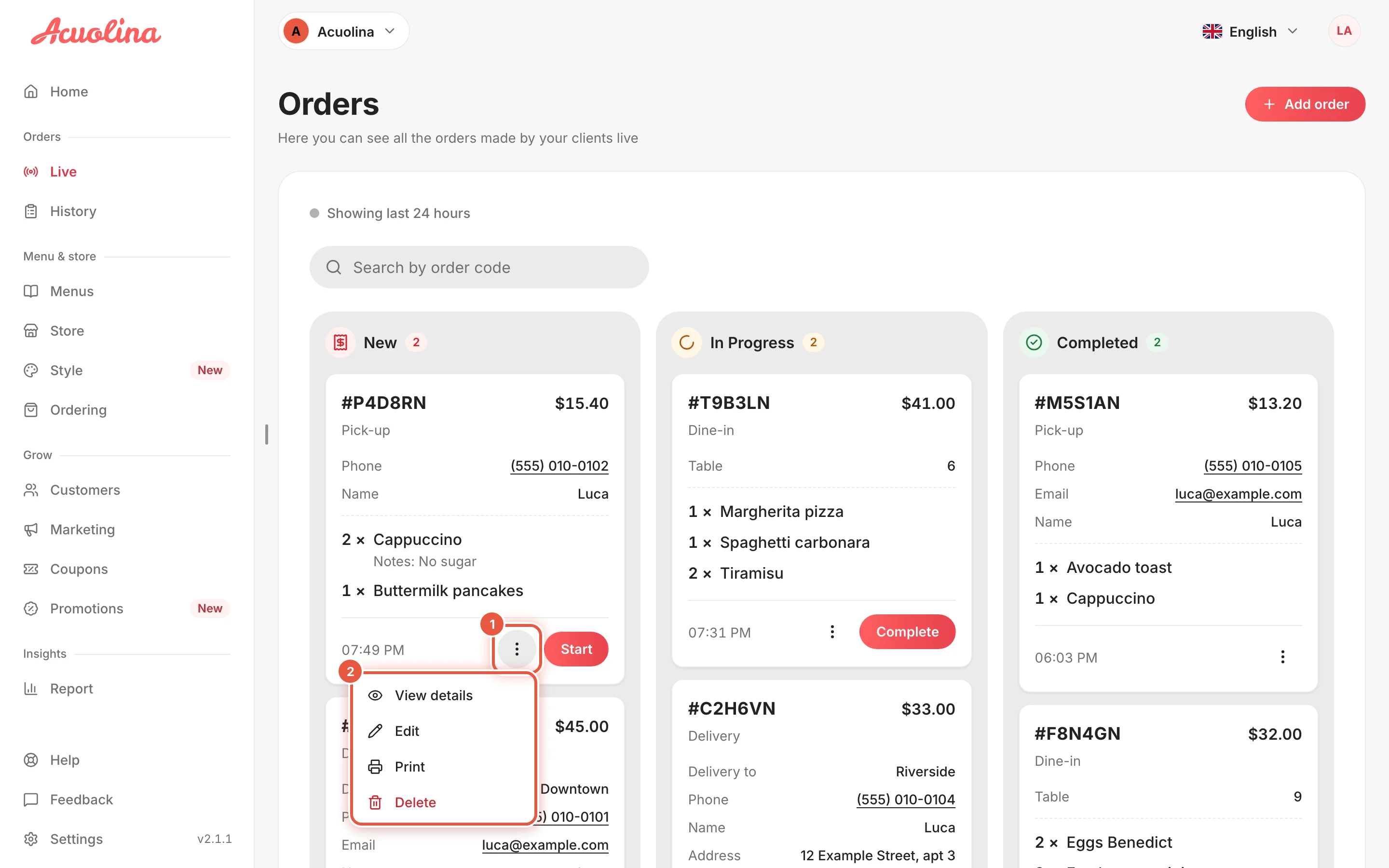
- On Live, open ⋮ on the order's card.
- Choose what to do:
- Edit opens the order's items: change an order's items, select Review order, then Save. Completed orders can't be edited.
- Print sends it again to every printer that's on.
- Delete removes it.
Delete an order
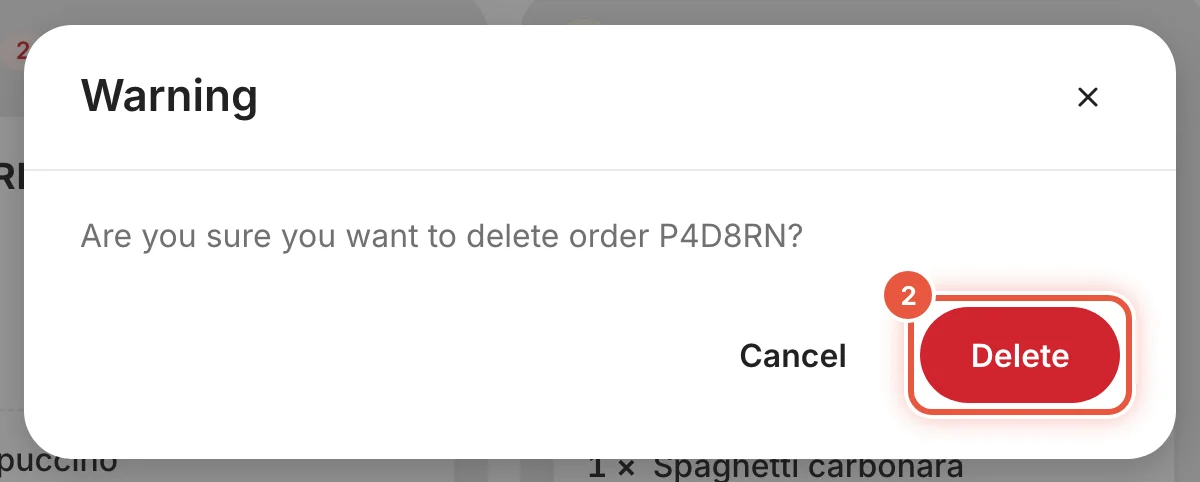
To cancel an order, select Delete, then Delete again in the window that asks you to confirm. A deleted order can't be brought back.
Older orders are in History: select one to Print or Delete it.
Reprints go through kitchen order printing; see how to print orders automatically.