
New order alerts reach you on every page of the dashboard: a sound, a message and a red count on Live for unseen orders.
Turn on new order alerts
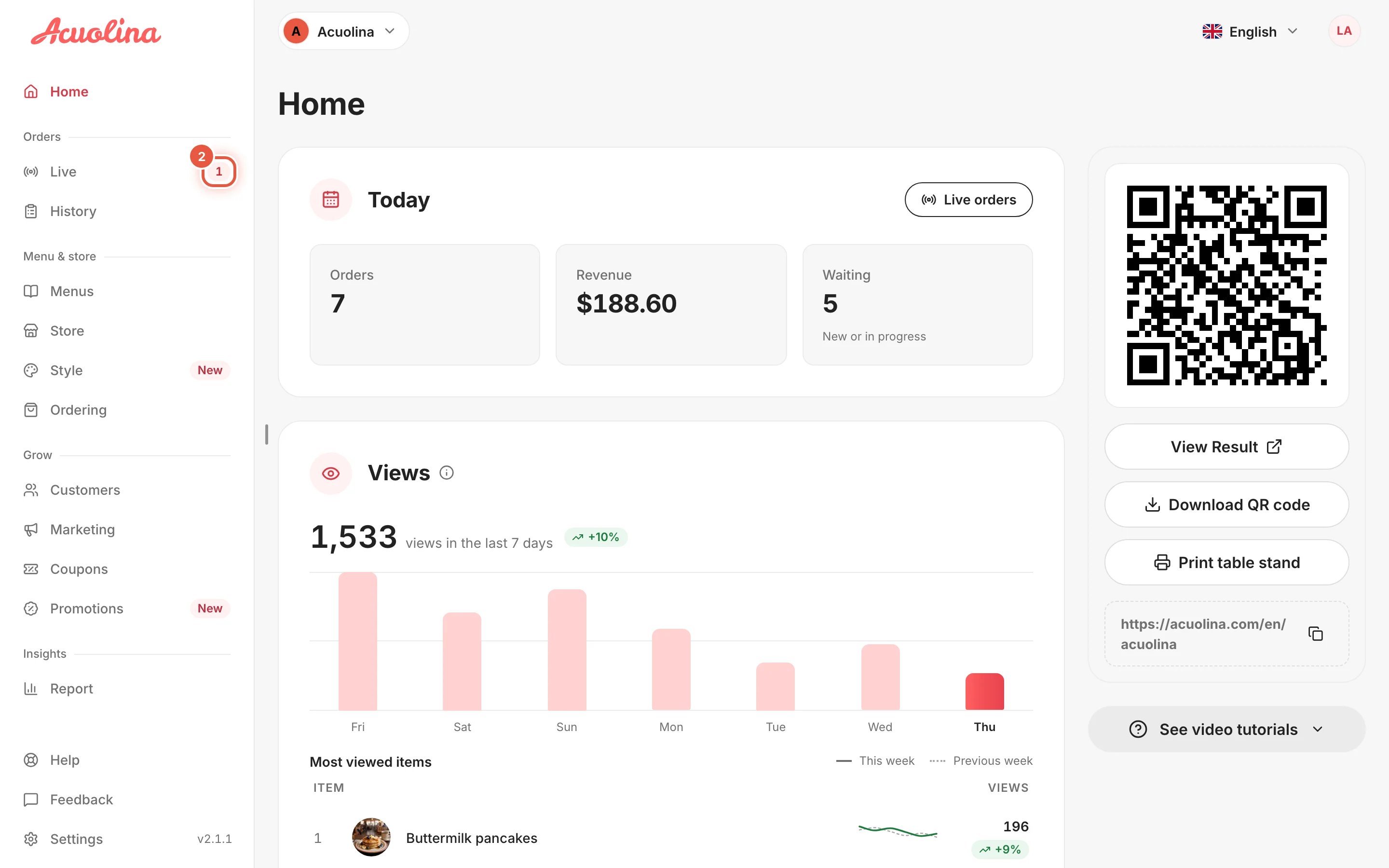
- Keep the dashboard open in your browser, on any page, and click anywhere on it once. Browsers only play the order notification sound after you've used the page.
- When an order comes in, the sound plays and Live shows the number of orders you haven't seen. Open Live: the new ones are highlighted and the count goes back to zero.
Never miss an order
- The alerts need the dashboard open. On a phone or tablet, keep its screen on.
- Leave the sound of your computer or tablet on.
- Orders sent by WhatsApp also arrive on your WhatsApp.
- To get every order on paper as well, print orders automatically.
Alerts work for every channel of your online ordering. If nothing arrives at all, see not receiving orders.