
Set item prices and taxes in the item editor: the price guests see, a tax rate per item and the currency shown with it.
Change a price
Open the item: in Menus, select Edit on the menu, then the item's name.
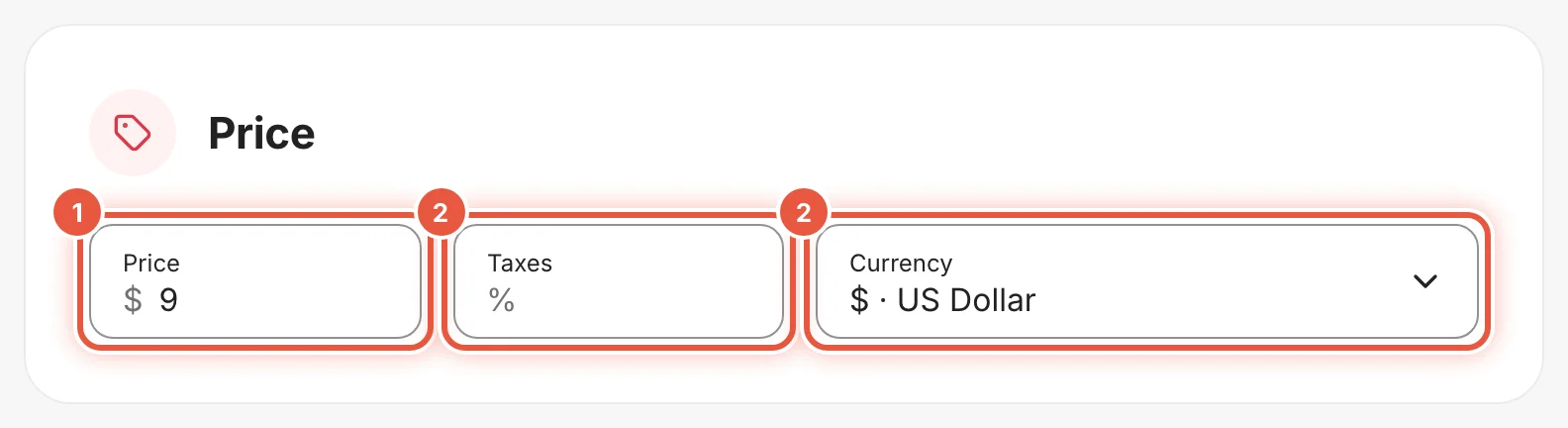
- Under Price, type the new Price.
- To charge tax on top, type the rate in Taxes, as a percentage. Currency sets the currency shown with the price.
- Select Save.
How taxes work
Guests see the price on the menu. When they order, each item's tax is worked out on its own and added to the order total. If your prices already include tax, leave Taxes at 0.
Options with an extra price are set under Modifiers: see options, extras and sizes. To sell an item for less for a while, use Add discount under Promotions.
Orders reach you with these prices through commission-free online ordering.