
Reorder sections and items to change the order of the menu guests see, and reorder your menus when you have more than one.
Reorder your menus
- In Menus, select Reorder. It shows when you have two or more menus.
- Drag a menu by its handle, or use the arrows.
- Select Done. Each move saves on its own.
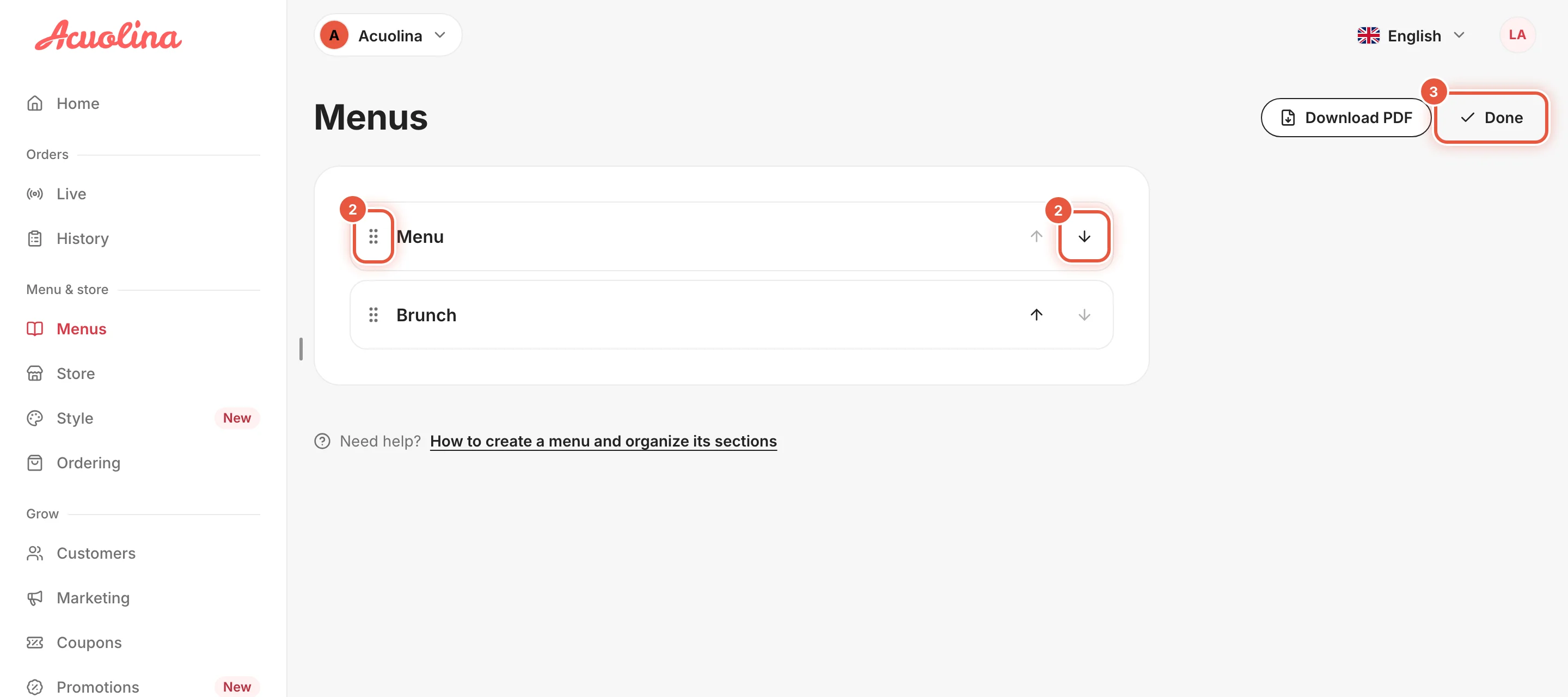
A menu's ⋮ options also have Move up and Move down.
Reorder sections and items
- In Menus, select Edit on the menu.
- Drag a section by its handle to move it, with all its items.
- Drag an item by its handle to move it within its section.
- Select Save.
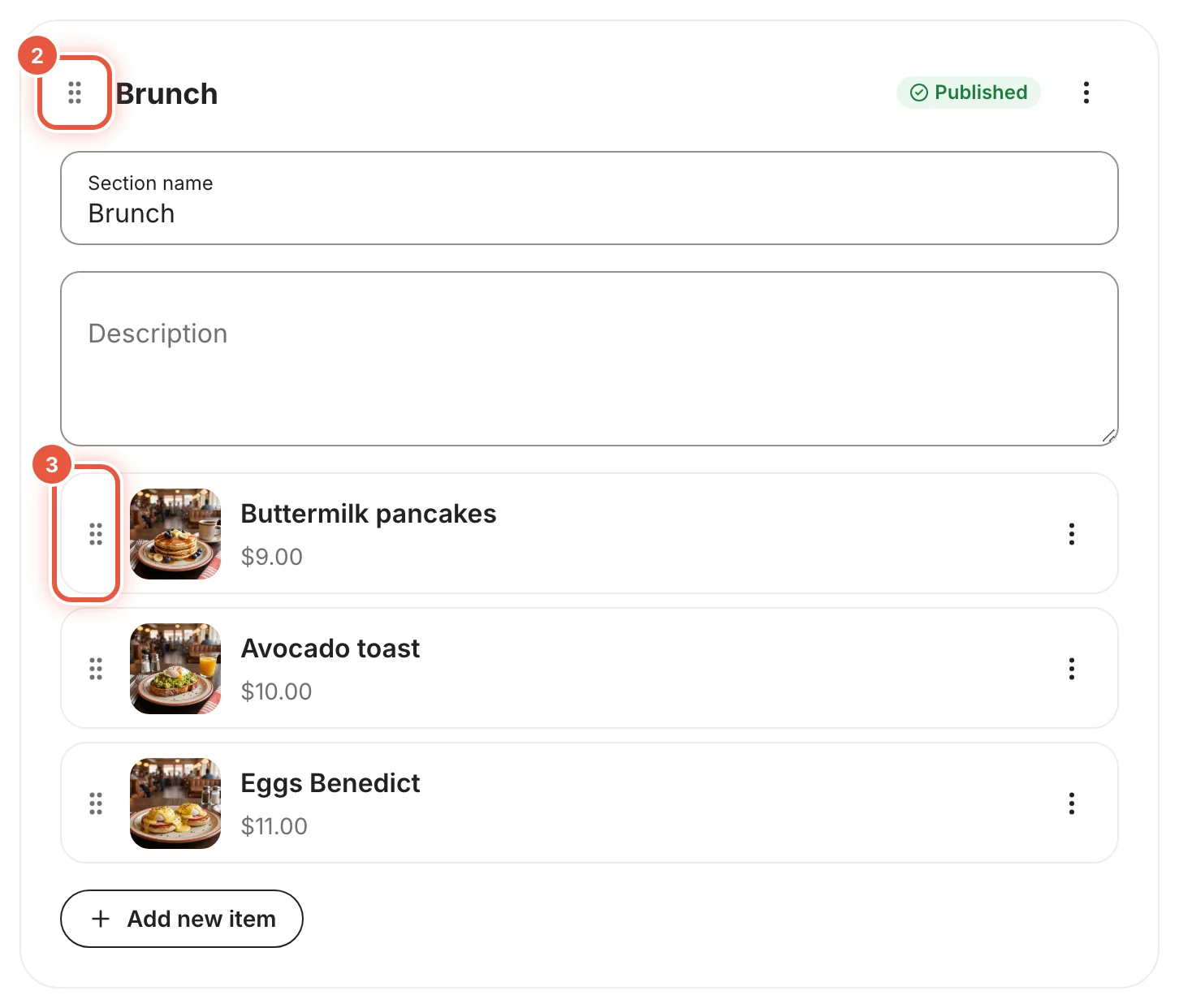
The preview on the right follows each move, and guests see the new order on your QR code menu once you save.