
Show allergens and diet tags on your items so guests know what each one contains: tags like vegan or gluten free, and a Contains: line with its allergens.
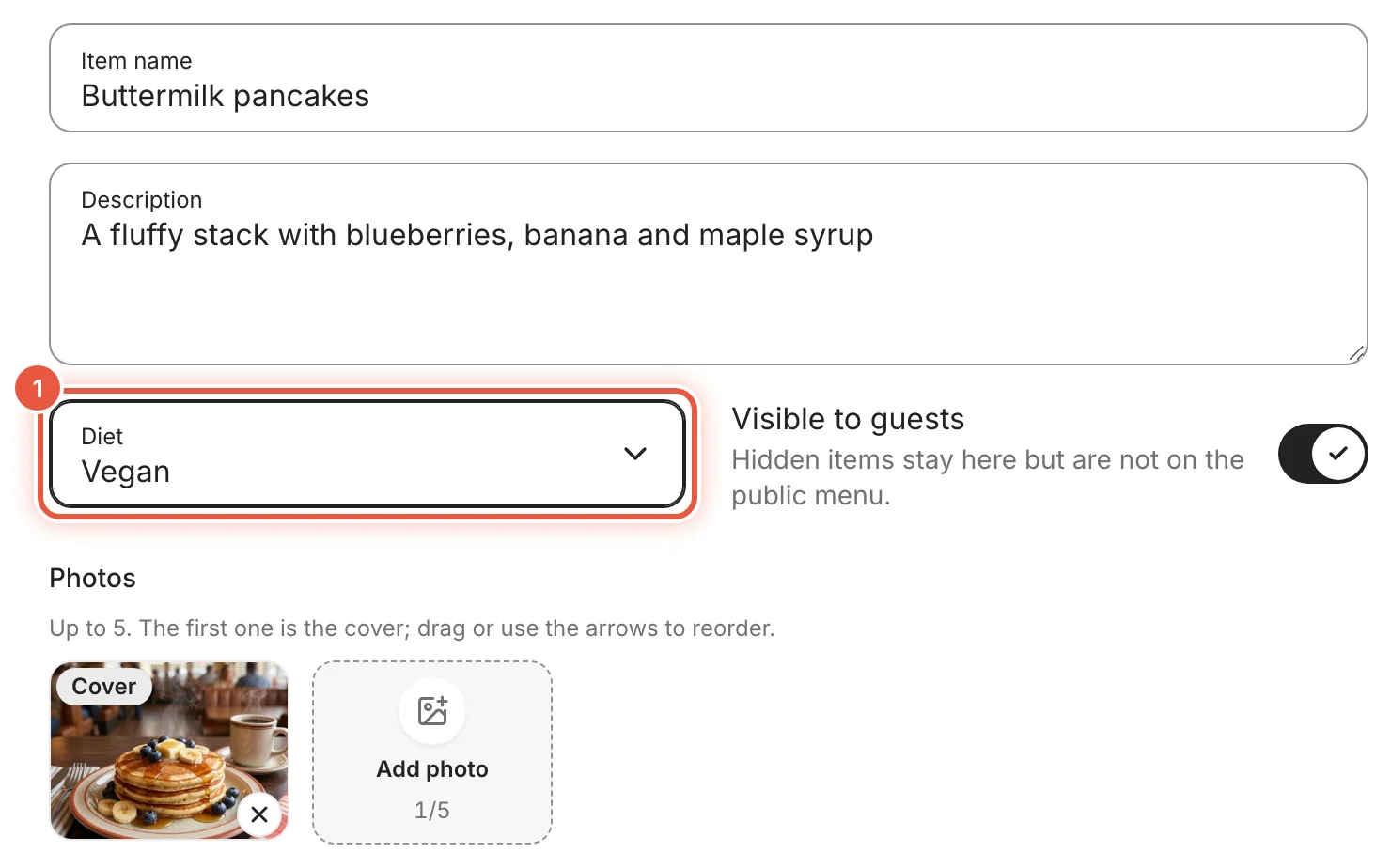
Add diet tags
Open the item: in Menus, select Edit on the menu, then the item's name.
- Under Diet, tick the tags that fit, such as Vegan or Gluten Free.
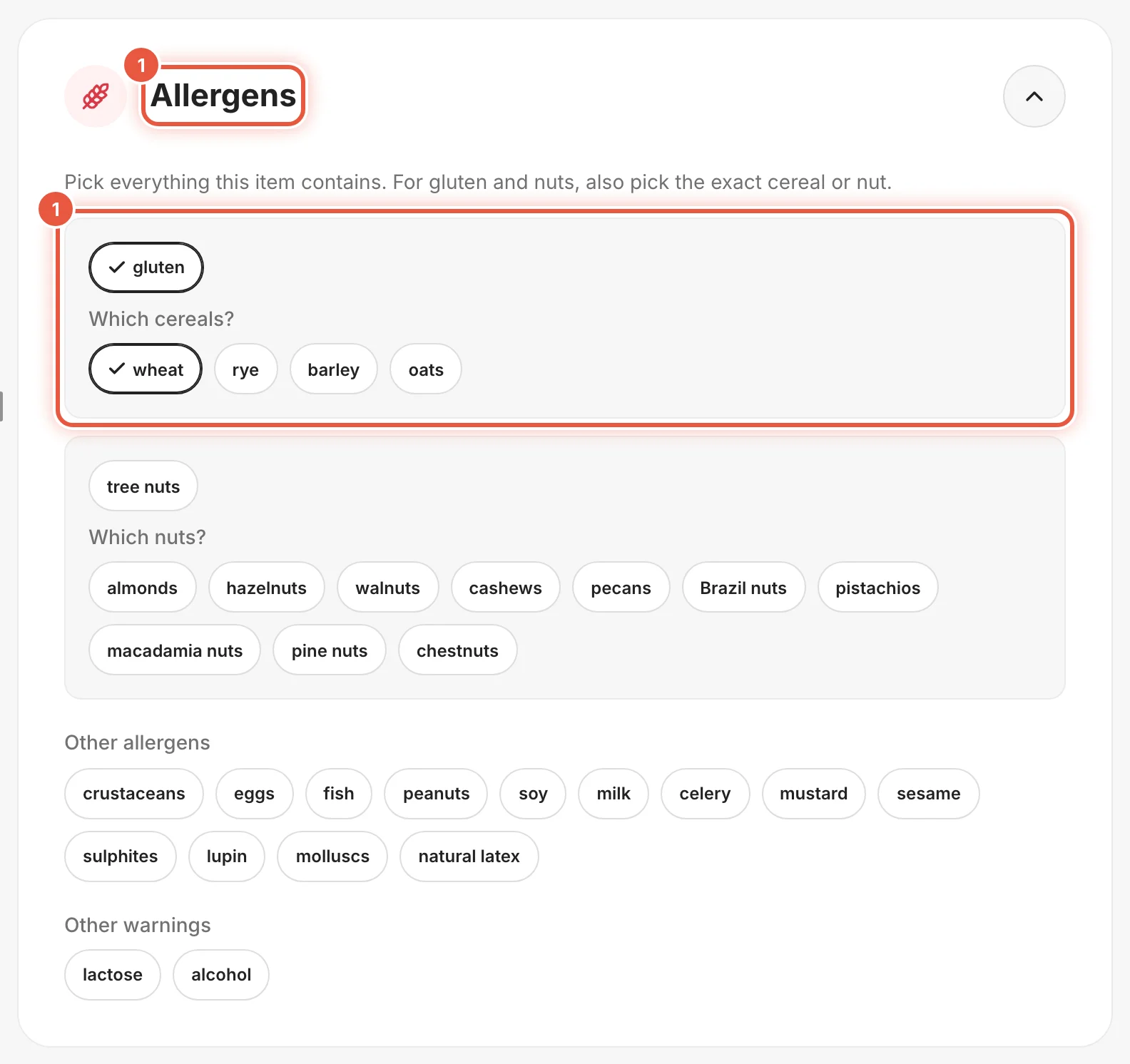
Mark allergens
- Open Allergens and pick everything the item contains. For gluten and nuts, also pick the exact cereal or nut.
- Select Save.
Guests see the tags and the allergens on the item, on the menu and when they open it. An item with no allergens picked shows no line, so it never claims to have none.
Need a printed chart for the counter too? Try the free allergen chart maker.