
Add item photos so guests see what they order. An item can have up to 5, and the first one is the cover photo on your menu.
Add item photos
Open the item: in Menus, select Edit on the menu, then the item's name.
- Under Photos, select Add photos, or drop the files on it. JPG, PNG or HEIC, up to 5 MB each.
- Use the arrows to change the order. The first photo is the Cover.
- Select the cross on a photo to remove it.
- Select Save.
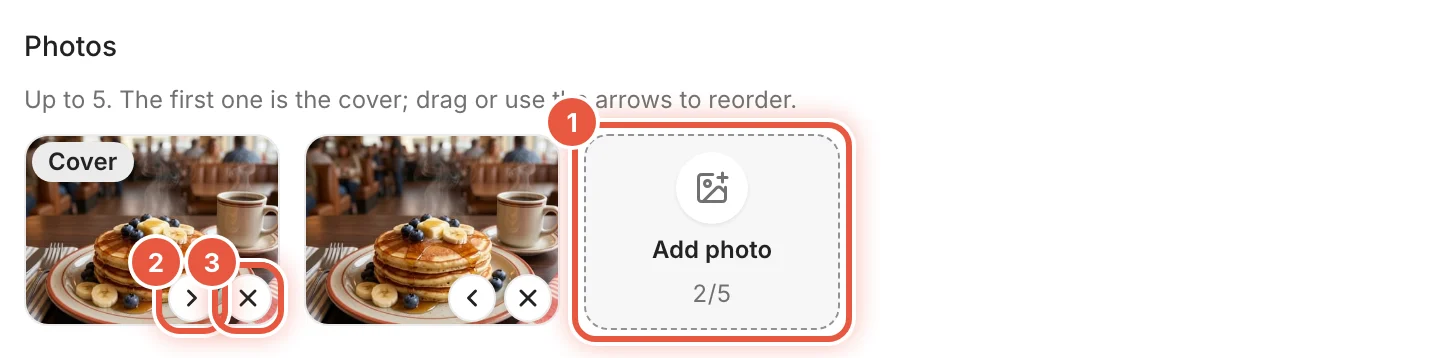
Photo size
Any clear phone photo works: Acuolina resizes it for your menu. Shoot in good light, with the item filling most of the frame, since the cover also shows as a small square in the list.
Photos make your QR code menu easier to order from.