
Here's how to choose where orders arrive for each order type: on WhatsApp, by text message or email, or right in your dashboard.
Choose where orders arrive
- In the sidebar, open Ordering and pick a tab: Dine-in, Pick-up or Delivery.
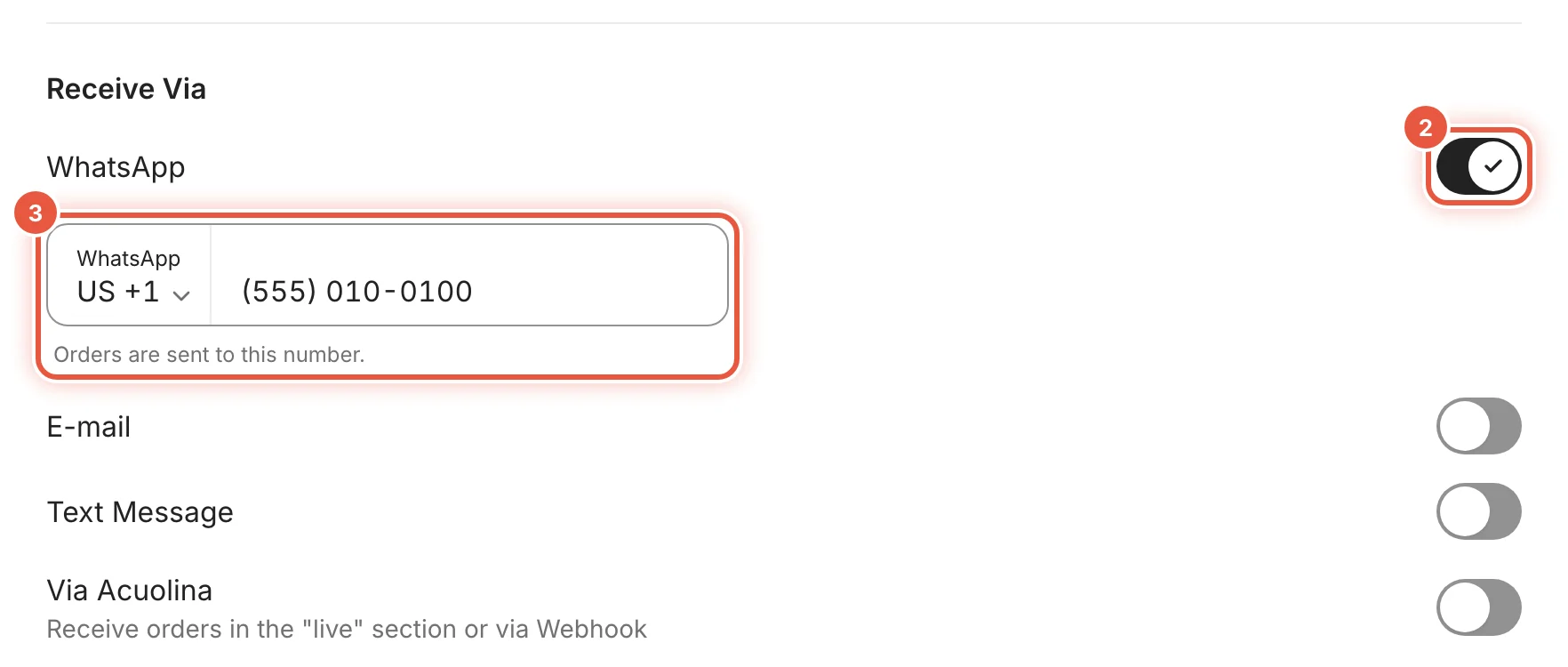
- Under Receive Via, switch on one channel. Turning one on turns the others off.
- For WhatsApp or Text Message, enter the number orders go to.
- Select Save.
Each tab keeps its own choice, so pickup orders can go to WhatsApp while dine-in orders arrive in the dashboard.
What each channel does
- WhatsApp and Text Message: when guests send their order, their phone opens a message with the whole order, addressed to your number.
- E-mail: orders go to the store's address from the Store page, and guests get a copy.
- Via Acuolina: orders in the dashboard, on Live, where new ones show up as they arrive.
- Ask waiter: on Dine-in only. Guests see a button that asks them to call a member of staff, who takes the order.
Find every order on Live
Orders by SMS or email, and on WhatsApp, are saved on Live too, so you can manage incoming orders and print them in one place.
Learn more about WhatsApp ordering and commission-free online ordering.