
Here's how to set delivery areas and delivery fees: a fee for each neighborhood you deliver to, or a delivery fee by distance from your store.
Charge a fee per area
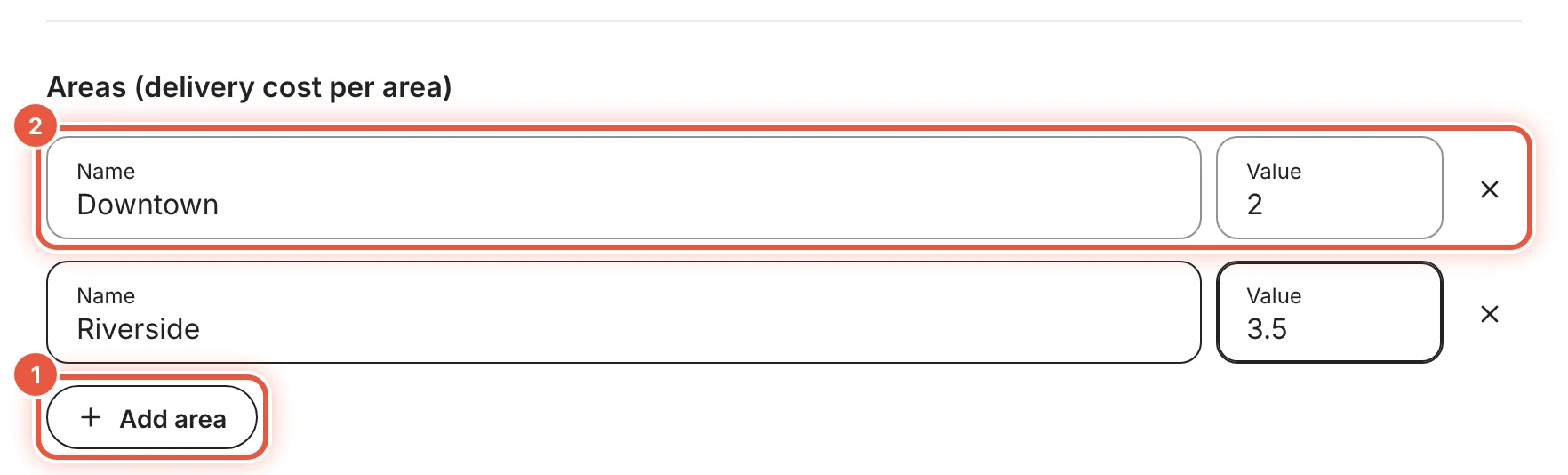
- In Ordering, open the Delivery tab, then under Areas (delivery cost per area) select Add area.
- Type the area's Name and its fee in Value. Repeat for each area.
- Select Save.
Guests pick their area at checkout, and its fee is added to the order.
Set a delivery fee by distance
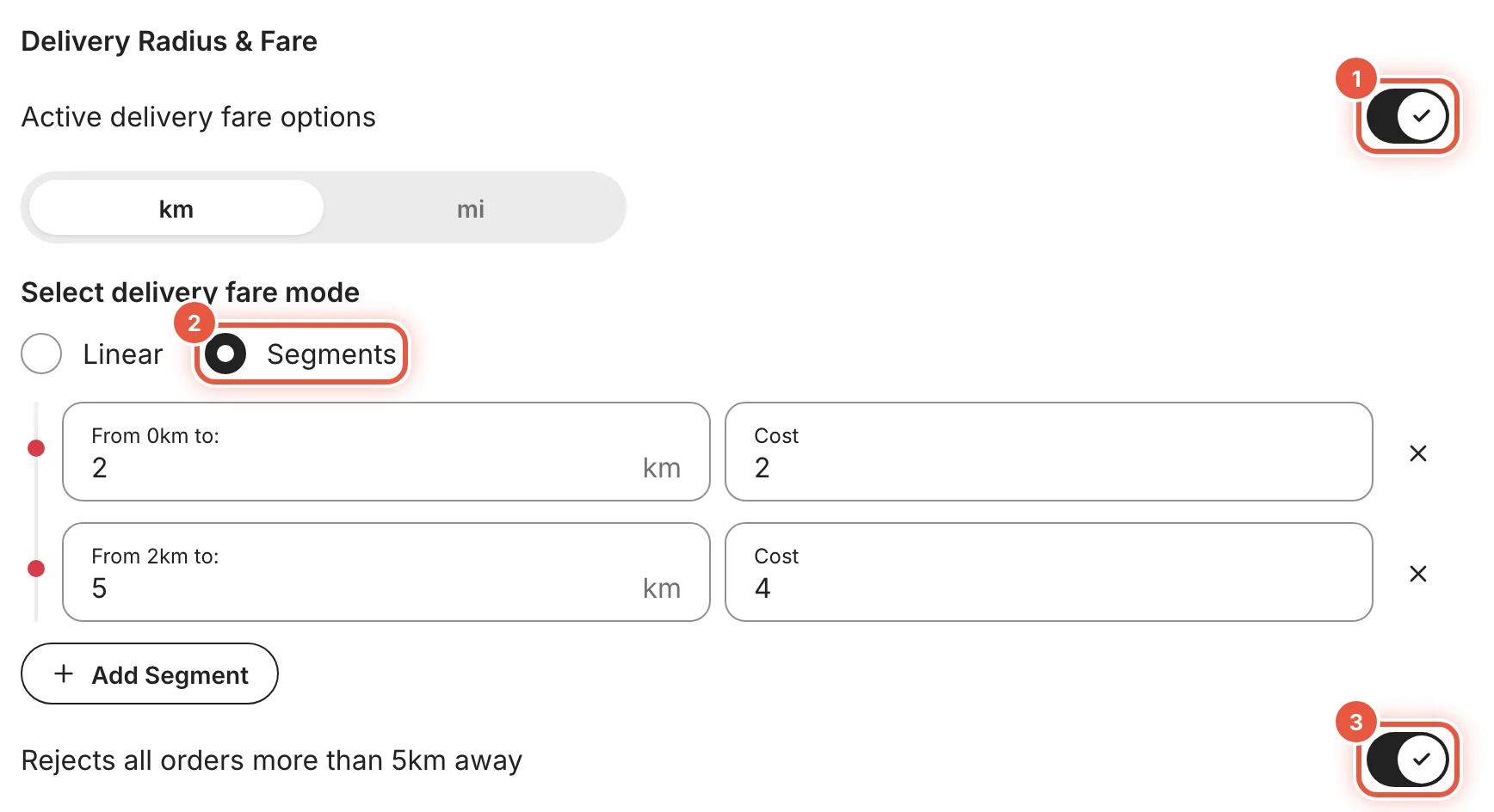
- Under Delivery Radius & Fare, switch on Active delivery fare options.
- Choose Linear for a fare per km or mile, or Segments for bands: select Add Segment for each one and enter how far it reaches and its Cost.
- Select Save.
Distance is measured from your store's position, set on the Store page, and guests point to their address on a map at checkout.
Set a maximum delivery distance
- With Linear, switch on Limit maximum delivery distance and enter the Maximum delivery distance.
- With Segments, switch on the option under the bands: orders further than the last band are refused.
Acuolina doesn't provide drivers: your store delivers with its own staff or courier. Learn more about commission-free online ordering.