Digital Menu for Pizza Shops and Burger Joints
How to set up sizes, half-and-half pizza, crusts, doneness, add-ons and combos on a digital menu that takes orders by WhatsApp or text.
In this article
A digital menu for a pizza shop or burger joint only works if guests can order the way they would at the counter: size, half-and-half, crust, doneness, add-ons and the combo. If those choices don't fit on the menu, the order turns into a back-and-forth chat, which is exactly what you were trying to avoid.
This guide shows how to build each of those choices in Acuolina, how to price half-and-half, and what the order looks like when it lands.
What does a pizza and burger menu need?
The basics of any digital menu for restaurants still apply: good photos, short descriptions, correct prices. What changes is how many choices each item has. The rule of thumb:
- Clear sizes, with inches or slice count, so nobody has to ask.
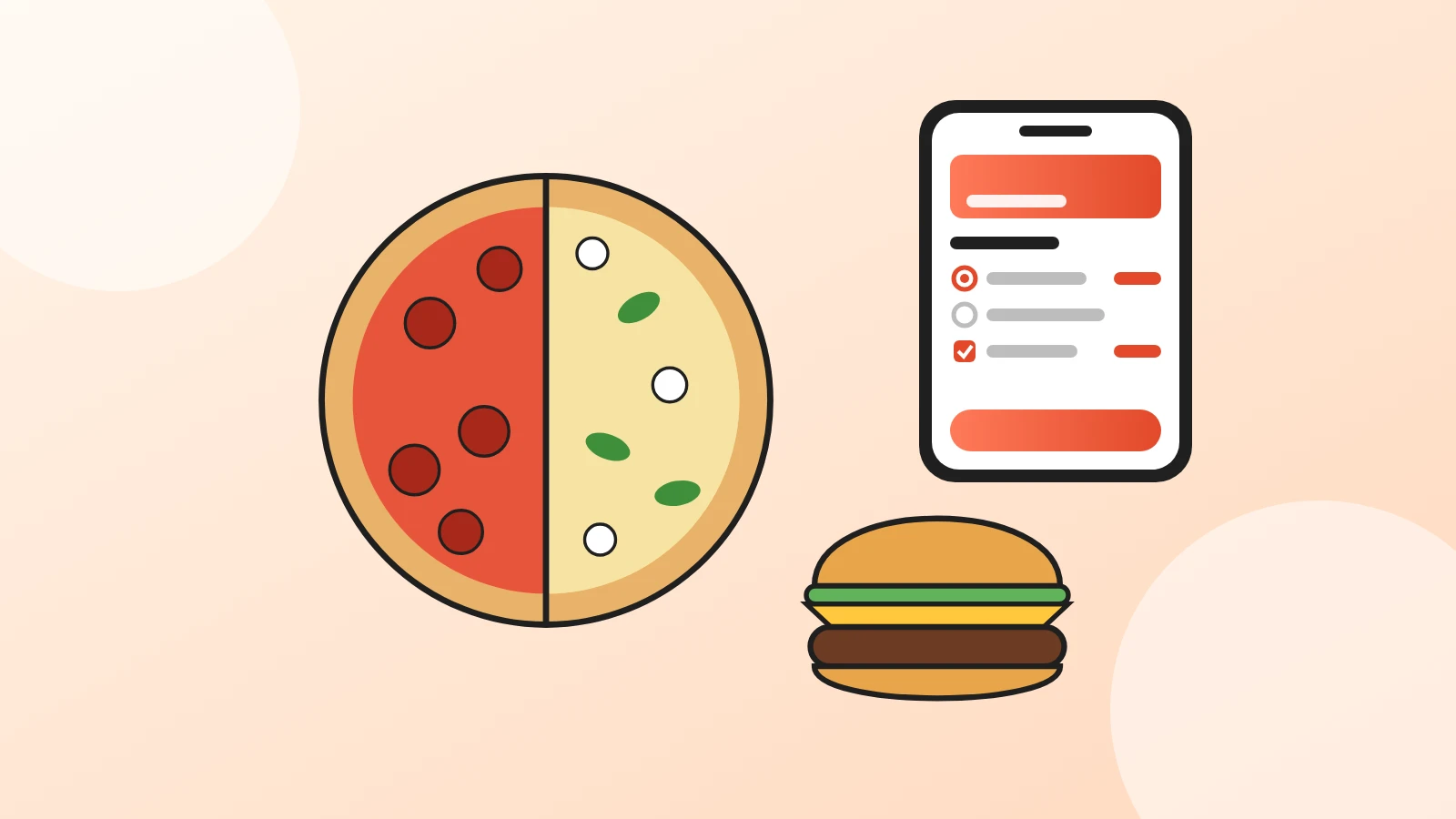
- Half-and-half without mental math: guests pick both halves and see the final price before sending.
- Crusts and toppings with visible prices, never "ask your server".
- Required doneness on burgers, so no order shows up without it.
- Combos as an option on the burger itself, not a separate item guests forget to add.
- A note field for "no onions" and "extra crispy".
- Delivery, pick-up and dine-in on one menu, with a delivery fee per area.
How do you set up sizes, half-and-half and crusts?
In Acuolina every dish can have several modifiers. Each modifier has its own options, each option can carry a "+ price", and you choose whether the modifier is Required and whether it allows Multiple Choice. Those four pieces cover a whole pizza menu:
| The guest picks | How to set it up | Modifier type |
|---|---|---|
| Size of a whole pie | "Size" modifier with 12", 14" and 16", each with its price difference | Required, single choice |
| Half-and-half | One dish per size, with "First half" and "Second half" modifiers | Required, single choice |
| Crust upgrade | "Crust" modifier with thin and stuffed crust, priced where needed | Optional, single choice |
| Toppings | "Extra toppings" modifier with a price on each topping | Optional, multiple choice |
| Well done, light sauce | Item note typed by the guest | Free text |
For single-flavor pies, one dish per specialty with a "Size" modifier is the simplest setup. For half-and-half, create one dish per size, like "Large half-and-half", because a specialty flavor's upcharge changes with the size. A "Build your half-and-half" section with those dishes keeps it easy to find. Each half is its own required pick, so the guest always chooses exactly one flavor per half.
A tip: start option names with "½", like "½ Pepperoni". The ticket that reaches the kitchen reads at a glance. To get guests onto that menu, our QR code menu guide covers where to put the code.
How should you price half-and-half pizza?
Acuolina adds up the pizza and the flavors the guest picks, so with this setup a half-and-half always comes to the middle of the two prices:
- Set the dish price to your classic flavors' price.
- On each specialty flavor, in both halves, set the "+ price" to half the difference from the classic.
An example with made-up prices: a large classic is $16 and a large specialty is $20. Each specialty flavor gets "+ $2". Half cheese and half BBQ chicken comes to $18, the average. Two specialty halves come to $20, the full specialty price.
What about burgers: doneness, add-ons and combos?
Burgers follow the same logic, with fewer sizes and more add-ons:
- Doneness: a required modifier where the guest picks one, no extra charge.
- Add-ons: an optional modifier where guests can tick several, like bacon, an egg or an extra patty, each priced.
- Combo: an optional "Make it a combo" modifier with "Fries + drink" and the upcharge. If guests choose the drink, a second "Combo drink" modifier handles it.
- Notes: the guest types "no pickles" on the item itself.
Each dish can also have several photos and labels like vegan, vegetarian and gluten free, handy for a plant-based patty or a gluten-free bun. You can also tick its allergens, like gluten (wheat), milk or sesame, and guests see them right under the dish name.
What does the order look like when it arrives?
The guest builds the order, picks delivery, pick-up or dine-in, fills in the details you ask for and taps send. Their phone opens your WhatsApp with the message already written (or a text message, if you prefer), and the order also shows up in your dashboard. The message comes out in this format (an illustrative example; the customer details follow the fields you set up):
Hi, here is my order: 4821

Order type: Delivery
Name: Sam

1 X Large half-and-half 16.00
    ½ Cheese, ½ BBQ chicken ($2.00), +Extra cheese ($1.50)
    Notes: well done
1 X Double smash burger 11.00
    Medium, +Bacon ($2.00)

Delivery to Downtown: $3.00
Total: $35.50
Options from required modifiers show by name, optional ones get a "+" in front, and the upcharge sits in brackets when there is one. Nobody has to call back to ask which crust it was.
Can one menu handle delivery, pick-up and dine-in?
Yes. You switch on all three order types on the same menu. For delivery, you create areas with their own fee, and the guest picks theirs. You can add extra fees, like packaging, and let guests schedule a time or order for as soon as possible. At the table, the printed QR code opens the same menu; our guide to QR code table ordering shows how that works. Guests pay you directly, on delivery, at the counter or at the table.
Direct ordering also changes the delivery math. On delivery apps, a commission comes out of every order; with direct ordering you pay for the tool, not a percentage. The full comparison, with the apps' fees, is in commission-free online ordering.
If you're comparing tools, our roundup of free QR code menu options covers the no-cost choices, and if you used GloriaFood, see our GloriaFood alternative guide. To bring guests to the menu, put the link on Instagram and your Google Business Profile. More guides live in QR menus, plans are on the pricing page, and you can create your free menu whenever you're ready.
Frequently asked questions
How do I offer half-and-half pizza on a digital menu?
Create one dish per size, like "Large half-and-half", and add two required modifiers, "First half" and "Second half", each listing your flavors. In each half the guest picks exactly one flavor. Specialty flavors get a "+ price". The order arrives with both flavors spelled out.
How does Acuolina price a half-and-half pizza?
Acuolina adds up the price of the pizza and the flavors the guest picks. With the setup in this guide, a half-and-half comes to the middle of the two prices. Half cheese ($16) and half BBQ chicken ($20) comes to $18, and the guest sees it before sending. Charging the price of the more expensive half isn't built in yet.
How do I set up doneness and add-ons for burgers?
Add a required "Doneness" modifier where the guest picks one of medium rare, medium or well done, at no extra charge. For add-ons like bacon or an extra patty, add an optional modifier with Multiple Choice switched on, so guests can tick as many as they want, each with its own "+ price". Guests can also leave a note on the item, like "no onions".
Can I sell a burger combo with fries and a drink?
Yes. Add an optional "Make it a combo" modifier to the burger with "Fries + drink" and the extra price. If guests pick the drink, add a second modifier listing the drinks.
Do pizza orders arrive on WhatsApp?
Yes. The guest builds the order on the menu, picks delivery, pick-up or dine-in, and sends a ready-made message to your WhatsApp, or by text message. It lists each item with its options and prices, the delivery fee and the total, and the order shows up in your dashboard too.
Is a digital menu for a pizza shop free?
With Acuolina, yes. The free plan has unlimited menus, a QR code and up to 50 orders a month with no commission. The Chef plan, at $19 a month, adds unlimited orders and discounts sent to your customers by email and SMS, and every new restaurant gets 14 days of Chef free, no card needed.
Keep reading
QR menus
Digital Menu for Restaurants: The 2026 Guide
What a digital menu is, what it costs, how it differs from menu screens, and how to set one up with QR codes and commission-free ordering.
QR menus
QR Code Menu: How to Make One in 6 Steps (2026)
How to make a QR code menu in 6 steps: what to put on it, where to place the code, the mistakes that send guests back to paper, and how to take orders.
Online ordering
Commission-Free Online Ordering vs Delivery Apps
DoorDash charges restaurants 15% to 30% on delivery orders. See the math on a real order and when commission-free online ordering pays off.
Your first direct order, tonight.
Create your menu in minutes and get every Chef feature free for 14 days. Then stay on Basic for free, or upgrade.