Restaurant Menu Template: Free and Ready to Copy (2026)
A free restaurant menu template to copy into Word or Google Docs, with a filled-in example, description formulas, print layouts and a spot for your QR code.
In this article
- What should a restaurant menu template include?
- Restaurant menu template (copy and fill in)
- Example: a filled-in menu for a small burger place
- How do you write menu descriptions that sell?
- How do you lay out the menu so the best dishes sell more?
- Which size and layout should you print?
- Why put the same menu online?
- What mistakes should you avoid?
A good restaurant menu template is a fixed structure you fill in: your name and contact at the top, sections in the order people eat, a few dishes per section with a short description and a plain price, and a spot for a QR code. Below is one you can copy into Word, Google Docs or any editor today, with a filled-in example.
It is a structure to copy, not a file to download, so it works in the program you already use. At the end we show how to put the same menu online, so the QR code on your printed copy always opens the current version.
What you'll get
- A restaurant menu template you can copy and fill in today.
- A complete example menu with prices in dollars.
- A simple formula for short descriptions that make dishes sound good.
- Layout tips that help your best dishes sell more.
- Print sizes and where to put the QR code.
What should a restaurant menu template include?
Six parts, from top to bottom. Every menu, from a food truck to a sit-down restaurant, uses some version of them.
| Part | What goes in it | Tip |
|---|---|---|
| Header | Name, one line about your food, address, phone, hours | Keep it short. The food is the star. |
| Sections | Starters, mains, sides, desserts, drinks | Follow the order people eat. |
| Dish lines | Name, short description, price | One line of name, one or two of description. |
| Extras | Paid options like a large size or extra cheese | Write the extra price, like "+2". |
| Notes | Allergens, vegetarian marks, service notes | Say where guests can find allergen details. |
| QR spot | A QR code that opens your menu on the phone | Add a short line like "Scan to order". |
Restaurant menu template (copy and fill in)
Copy the block below into your editor. Replace every part in brackets, delete the sections you don't need and keep the order.
[RESTAURANT NAME]
[One line about your food, e.g. "Smash burgers and fresh salads"]
[Address] | [Phone or WhatsApp] | [Opening hours]

STARTERS
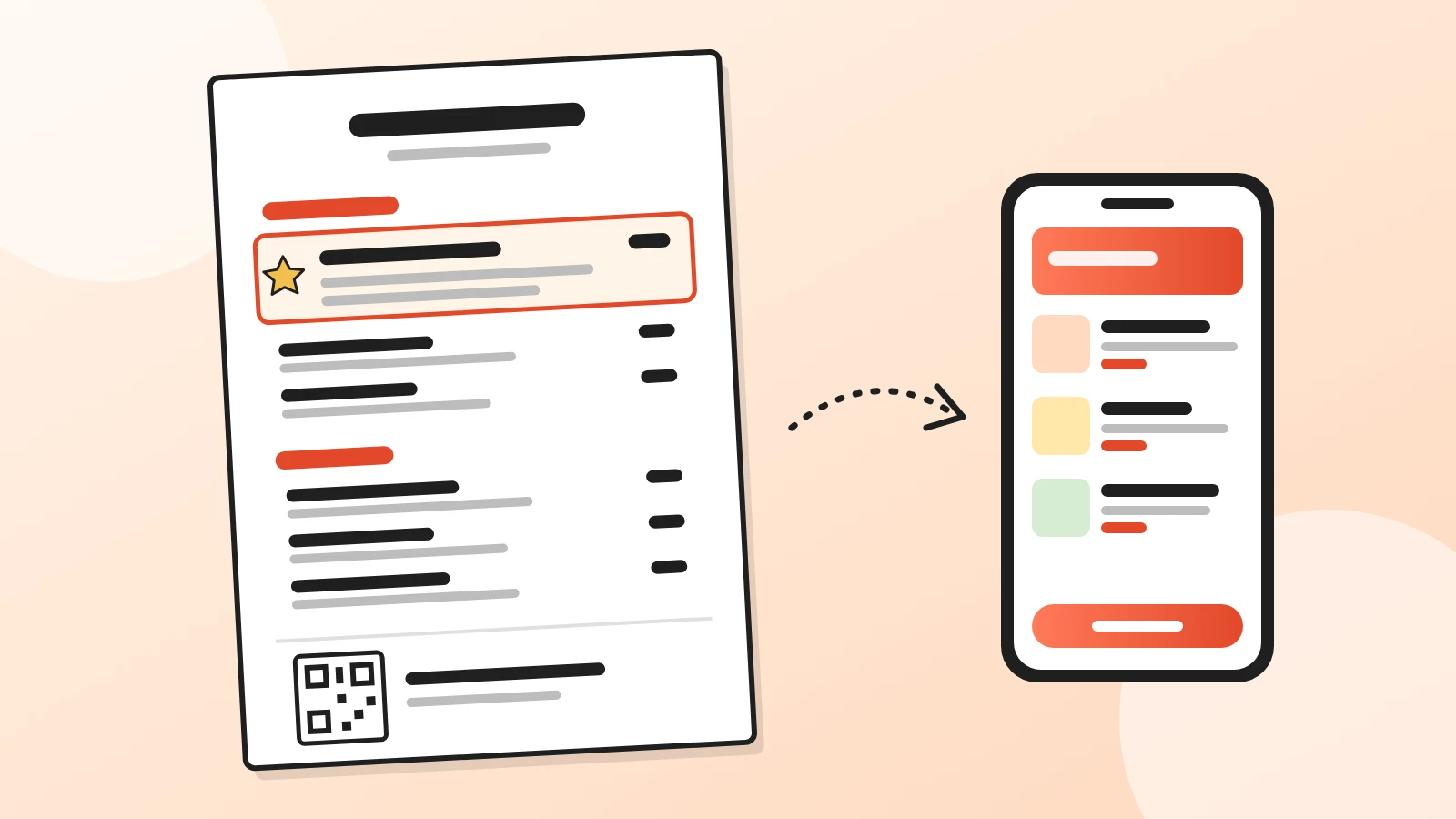
[Star dish name] [price]   <- put a box around this one
[Main ingredient, how it's cooked, one detail]
[Dish name] [price]
[Description]
[Dish name] [price]
[Description]

MAINS
[Star dish name] [price]
[Description]. [Pairing line, e.g. "Great with our lemonade, 4"]
[Dish name] [price]
[Description]
[Dish name] [price]
[Description]
Extras: [extra] +[price] | [extra] +[price]

SIDES
[Dish name] [price] | [Dish name] [price]

DESSERTS
[Dish name] [price]
[Description]

DRINKS
[Drink] [price] | [Drink] [price] | [Drink] [price]

[QR CODE HERE]  Scan to see the menu and order from your phone
[Allergens: ask our staff or see each dish in the online menu]
Each section starts with its star dish. Write the price right after the dish, without a currency sign. The next sections explain why.
Example: a filled-in menu for a small burger place
Here is the same template filled in for a made-up burger and salad place. The prices are only an example, written the way many menus show them, without the dollar sign.
| Section | Dish | Description | Price |
|---|---|---|---|
| Starters | ★ Crispy chicken bites | Buttermilk chicken, crunchy coating, honey hot sauce | 11 |
| Starters | Loaded fries | Skin-on fries, cheddar sauce, crispy onions | 9 |
| Mains | ★ Double smash burger | Two griddled beef patties, American cheese, pickles, house sauce. Great with our lemonade, 4 | 15 |
| Mains | Grilled chicken sandwich | Marinated chicken thigh, lettuce, tomato, garlic mayo | 14 |
| Mains | Harvest salad | Roasted squash, kale, feta, toasted seeds, maple dressing | 13 |
| Mains | Extras | Bacon +2, avocado +2.5, extra patty +4 | |
| Sides | Fries / Side salad / Coleslaw | 5 | |
| Desserts | Warm brownie | Dark chocolate, vanilla ice cream | 7 |
| Drinks | House lemonade / Iced tea / Soda | 4 / 3.5 / 3 |
Notice what the example does. Each section starts with its star dish, marked with ★ and a box on paper. The pairing line on the burger suggests a drink. The extras sit right under the mains, where guests decide.
How do you write menu descriptions that sell?
Use a simple formula: the main ingredient, how it's made and one detail that makes it yours. Keep it to one or two short lines.
| Before | After |
|---|---|
| Chicken sandwich | Marinated chicken thigh, lettuce, tomato, garlic mayo |
| Brownie | Warm dark chocolate brownie, vanilla ice cream |
| Salad | Roasted squash, kale, feta, toasted seeds, maple dressing |
- Use words that describe taste and texture. Crispy, slow-cooked, fresh, toasted, creamy.
- Name where it comes from when it's true. "Local sourdough" or "our own sauce" makes a dish feel special.
- Skip empty words. "Delicious" and "amazing" tell guests nothing.
- Keep allergens out of the description. List them in your allergen table instead. In Acuolina each dish has an Allergens section that guests see on the menu.
How do you lay out the menu so the best dishes sell more?
Put the dishes that leave you the most money where guests look first, and make them easy to spot. Our 2026 digital menu guide shows how to find those dishes with a simple price-minus-ingredients example.
These are common habits of menu designers:
- First spots in each section. Guests often pick from the first dishes they read, so start each section with your best ones.
- Top right on a two-page menu. Many designers put star dishes on the upper right of the open menu.
- One box per section, at most. A box, a ★ or a light background around one dish makes it stand out. If everything is boxed, nothing stands out.
- Short sections. Around five to seven dishes per section is a common rule of thumb. Split long sections.
- Plain prices. Write 14, not $14.00. Put the price right after the description, not in a column on the right that invites guests to compare prices.
- No sorting by price. A list from cheapest to most expensive makes guests shop by price instead of by taste.
- Logical groups. Starters, mains, sides, desserts, drinks. Put specials and combos in their own small section.
- A pairing line. End a popular dish with a suggestion, like "Great with our lemonade, 4".
Why drop the dollar sign? A 2009 Cornell study at a restaurant of the Culinary Institute of America found that lunch guests whose menus showed plain numbers spent more than guests whose menus showed a "$" or prices written in words. The authors note it may apply only to that restaurant, but the change costs nothing.
Which size and layout should you print?
Pick the smallest format that fits your dishes without crowding them. In the US most menus print on Letter paper; elsewhere A4 is the usual sheet, with A5 being exactly half of it under ISO 216.
| Format | Good for | Layout tip |
|---|---|---|
| One page, Letter or A4 (210 × 297 mm) | Most small restaurants and cafés | Two columns. Starters and mains on the left, star dishes top right. |
| Folded sheet, four half pages | Bigger menus with drinks | Cover with name and QR code, food inside, drinks on the back. |
| Half-sheet card, A5 (148 × 210 mm) | Lunch menus, bars, desserts | One column, one section per card. |
Leave white space around each section. A crowded page is harder to read, and guests skip what they can't read quickly.
Where to put the QR code. On a one-page menu, put it at the bottom, with a short line like "Scan to see the menu and order". On a folded menu, put it on the cover. Print it big enough to scan from the table. Our QR code menu guide suggests about 3 × 3 cm (just over an inch) as the practical minimum.
Why put the same menu online?
Because a printed menu is out of date the day a price changes. An online copy updates in seconds, and the QR code on your printed menu always opens the current one.
Here is how it works with Acuolina:
- Copy the same structure. Create your sections and dishes in the same order as your template, with descriptions and prices.
- Add what paper can't hold. A photo for each star dish, sizes and extras with their own prices, and each dish's allergens in its Allergens section.
- Put the QR on paper. On your dashboard, the QR code card has Download QR code. Paste the image into the QR spot of your template, or use Print table stand for the tables.
- Take orders from it. Guests can order from the menu and send it to your WhatsApp or by text message, with no commission. See QR code table ordering for orders from the table.
You keep the printed copy in your own editor, and Acuolina keeps the online one current. The free plan includes unlimited menus and up to 50 orders a month. See all plans on the pricing page.
What mistakes should you avoid?
- Too many dishes. A long menu slows guests down and hides your best dishes.
- Tiny text. If you need to squeeze, cut dishes instead of shrinking the font.
- Prices that don't match. Keep the same prices on paper, online, on Google and on Instagram.
- A QR code that opens a PDF. Guests have to pinch and zoom. Link it to a real menu page instead.
- Reprinting for every change. Print fewer copies and point guests to the online menu for daily specials.
Next step
- Need allergens on the menu? Copy our allergen table.
- Making the QR code? Read the QR code menu guide.
- Comparing free tools? See free QR code menu options.
- Want the online copy to look as good as the printed one? See 5 digital menu designs in light and dark.
Ready? Create your free Acuolina menu and add its QR code to your printed copy. More guides are in menu design.
Frequently asked questions
Is there a free restaurant menu template I can edit in Word or Google Docs?
Yes. The template on this page is plain text, so you can copy it into Word, Google Docs or any editor and replace the brackets with your dishes and prices. It is a structure to copy, not a file to download, which means it works in whatever program you already use.
What should a restaurant menu include?
The name of the place and how to reach you, sections in the order people eat, each dish with a short description and a price, any paid extras, a line about allergens and a QR code that opens the same menu on the phone.
How many dishes should each section have?
Keep each section short enough to read at a glance. A common rule of thumb is around five to seven dishes. If a section grows past that, split it, for example into classic and special pizzas.
Should I put the dollar sign on menu prices?
Many menus leave it out and write 14 instead of $14.00. A 2009 Cornell study at a restaurant of the Culinary Institute of America found lunch guests spent more with prices written as plain numbers, although the authors say the result may apply only to that restaurant.
What size should a printed restaurant menu be?
Letter or A4 works for a one-page menu, a sheet folded in half gives a small four-page menu, and a half-sheet card suits a short lunch, bar or dessert menu. Pick the smallest size that fits your dishes without crowding them.
How do I put my printed menu online too?
Create the same sections and dishes in a digital menu like Acuolina, download its QR code and paste it into the QR spot of your printed menu. Guests who scan it see the current version and can order from their phone.
Keep reading
Operations
Allergen Menu Template: Free 14 Allergens Table and Rules
Copy a free allergen table for your restaurant menu, with the 14 UK and EU allergens, the 9 US ones and the simple rules for showing them to guests.
QR menus
QR Code Menu: How to Make One in 6 Steps (2026)
How to make a QR code menu in 6 steps: what to put on it, where to place the code, the mistakes that send guests back to paper, and how to take orders.
QR menus
Digital Menu for Restaurants: The 2026 Guide
What a digital menu is, what it costs, how it differs from menu screens, and how to set one up with QR codes and commission-free ordering.
Your first direct order, tonight.
Create your menu in minutes and get every Chef feature free for 14 days. Then stay on Basic for free, or upgrade.